Section 6 Request 6-20
2.5.3.10 Refresh Image
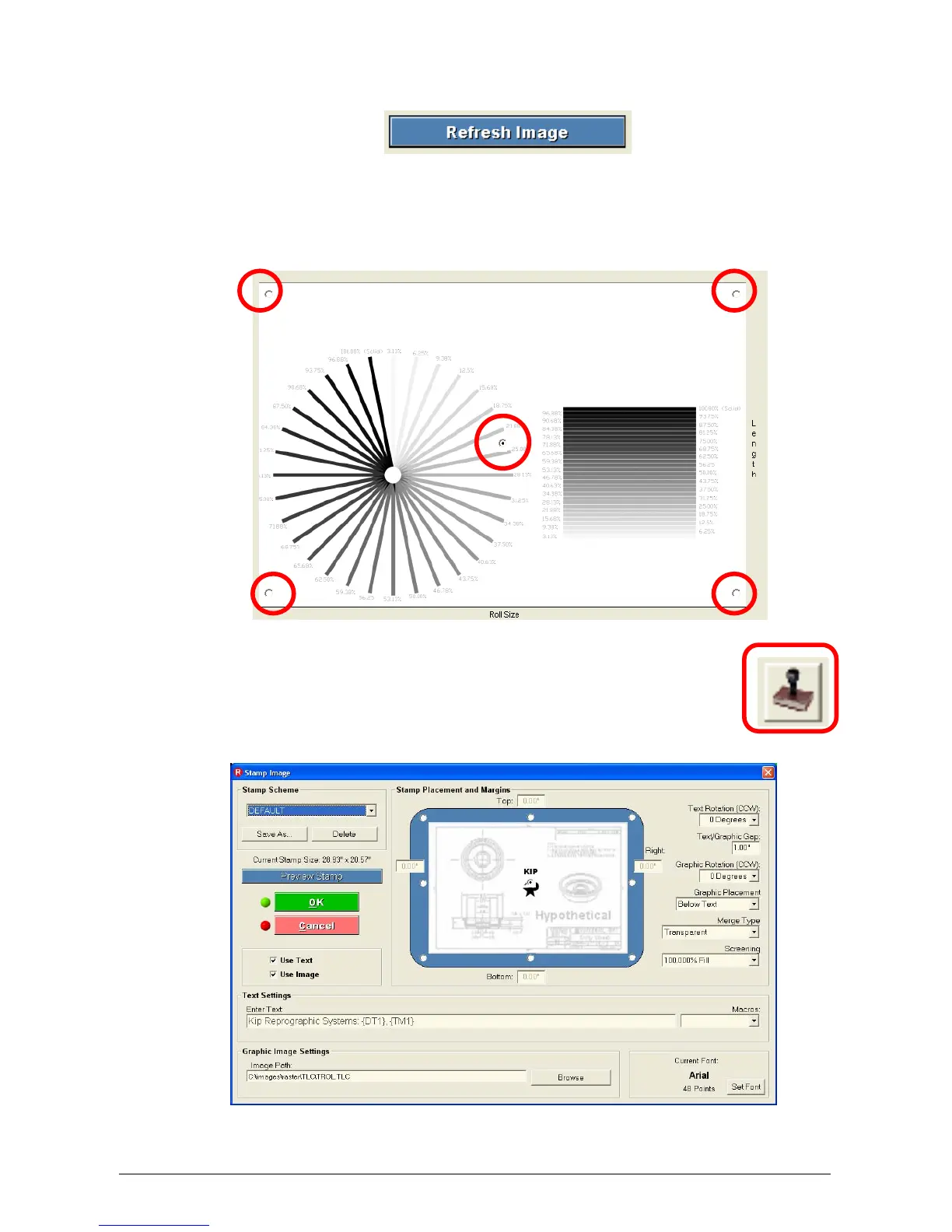
After any settings are applied, press this button to refresh the view box.
2.5.3.11 View Box
The view box displays the image on the page. There are also five buttons which
selects the position of the image on the page as well. These are Center, upper left,
upper right, lower left and lower right.
2.5.4 Stamp
The stamp button allows configuration of watermarks, stamps or overlays of
images. Either or both text and graphics can be utilized.



 To Next Page