Section 1 Basic Printer Functions 1-52
3. 2. 9 User Mode 8: Short Interval Setting Mode
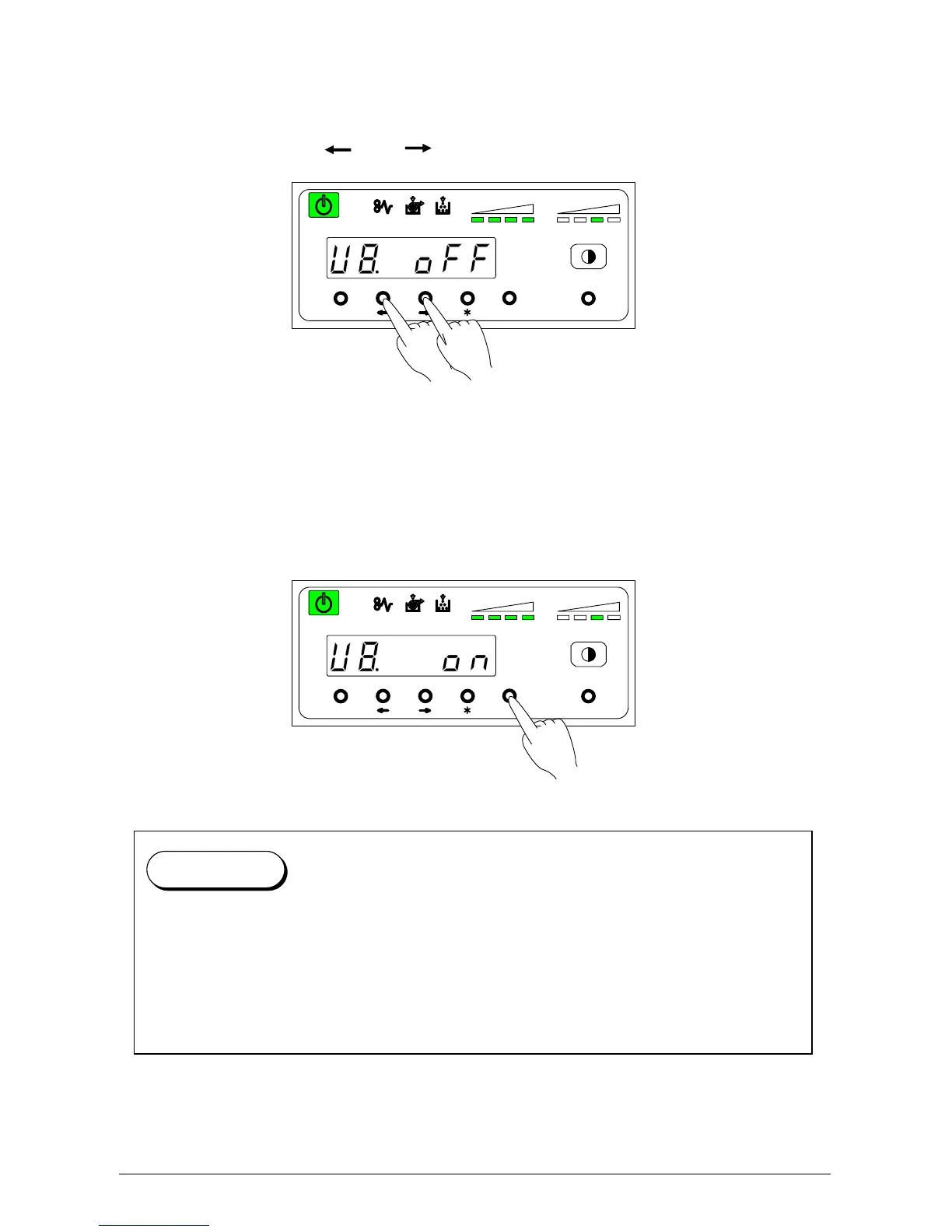
This mode allows you to set the function “Short Interval”.
1) Select “U8.” by pressing [ ] or [ ] key.
U 8. on : Short Interval function is on.
U 8. off: Short Interval function is off (Normal operation)
2) Select either “on” or “Off” according to user preference by pressing [Enter] key.
MENU ENTER TEST
TONER REMAIN IMAGE DENSITY
job
MENU ENTER TEST
TONER REMAIN IMAGE DENSITY
job
When User Mode 8 is on, the interval between prints becomes shorter than usual.
As the result, the print productivity is increased.
However, if User Mode 0 (Image Area Expanded Mode) is on at the same time, a dirty
image may occur.
Even if User Mode 0 (Image Area Expanded Mode) is off, a dirty image might occur due to
im
ro
er ad
ustment of trailin
ed
e mar
in.
Reference



 To Next Page