Section 6 Request 6-7
2. 0 Function / Feature Details
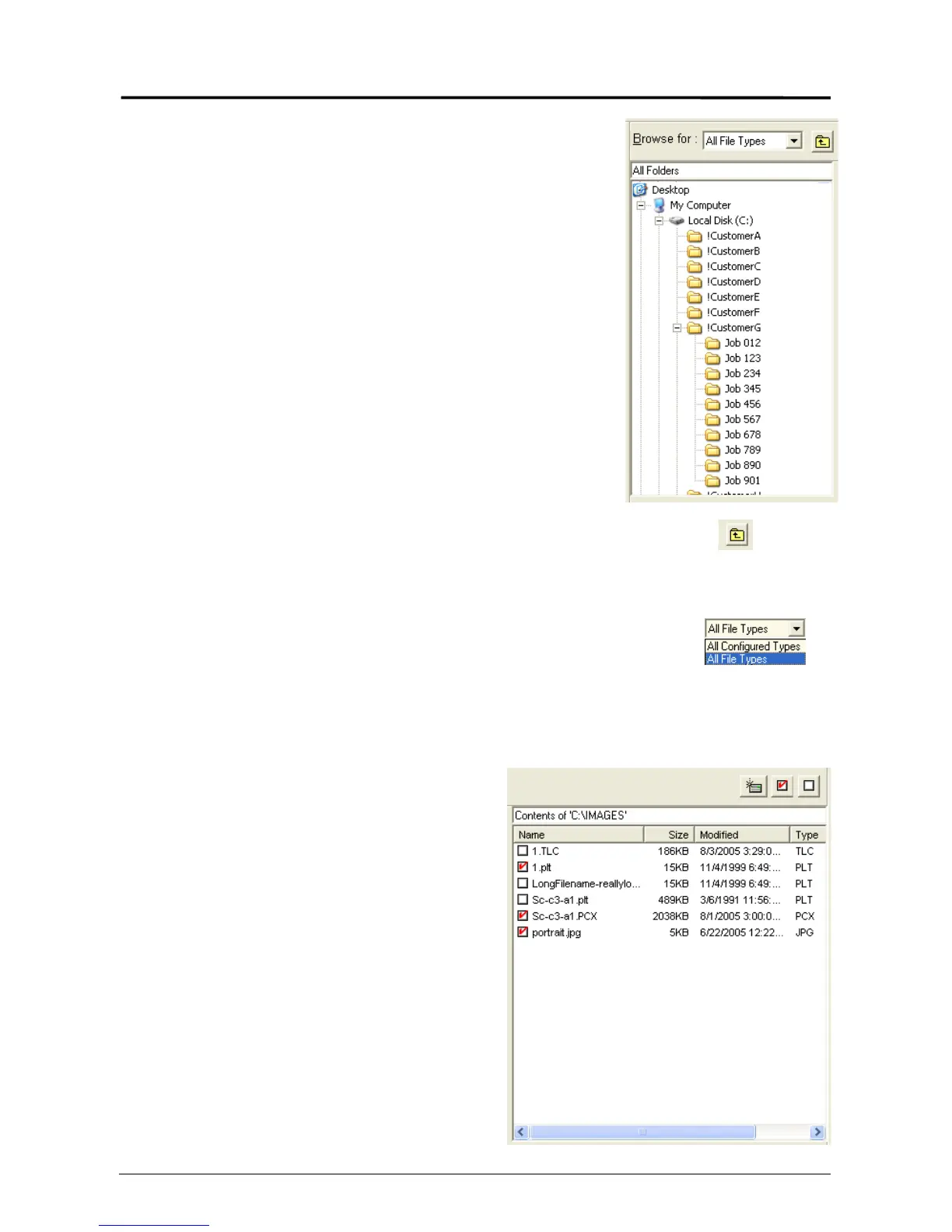
2.1 Folder Select
2.1.1 Select a folder
a) Using the mouse to select a drive letter,
computer or other location on the PC or
network where the files to be printed are
located.
b) Click once to view the files within displayed
in the file region.
2.1.2 Folder up
The Folder Up icon takes you to the next
higher folder in the folder structure.
2.1.3 Display File types “Browse for”
Request can be configured to only display files
that are printable in the File Select area or to
display all file types. The Configured Types are
set by the administrator. Please see the INI.
configuration for details on how to set this
feature’s function.
2.2 File Select
2.2.1 Select a file
a) After selection of the folder which
contains the files for printing, files
within the folder will be displayed in
this area. The details of the file are
also noted, such as size type etc.
Note: This area can be resized within
the region provided.
b) Click on the file to be printed: a red
Check will indicate that they are
selected.



 To Next Page