Section 6 Request 6-33
3. 0 Retrieve Scans
3.1 Mailbox Retrieval
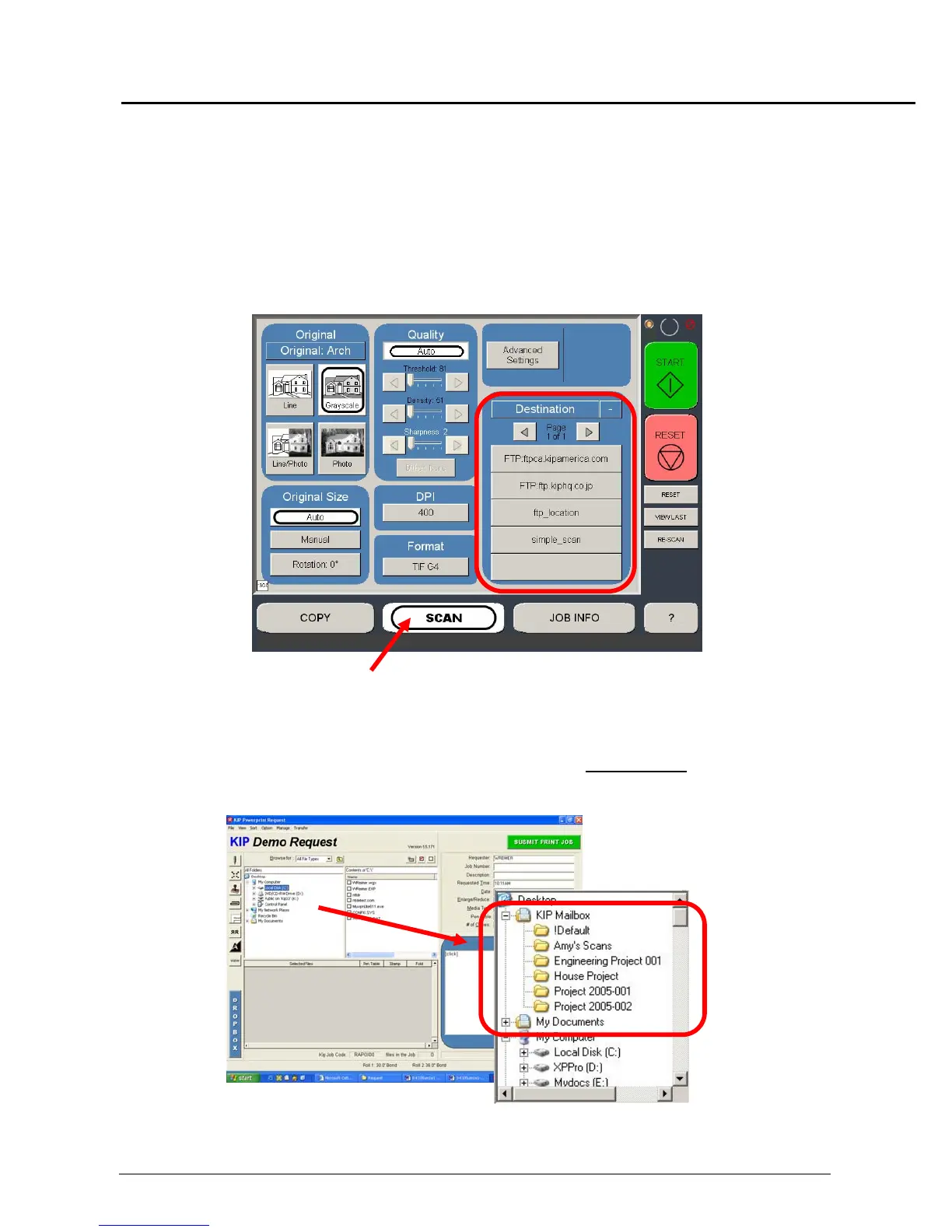
Documents scanned on the KIP 5000 can be retrieved with the KIP Request software.
These are documents scanned into mailboxes on the IPS.
The mailboxes can be created and selected in the KIP 5000 Scan Mode. Please see the
Scan Section for greater detail on the use.
KIP 5000 Scan Mode
To retrieve documents that are scanned into a mailbox use Request in the following
manner:
1) Use the Folder selection area to browse to KIP Mail Box
located under
“Desktop” (on the local drive)



 To Next Page