Section 1 Basic Printer Functions
1-25
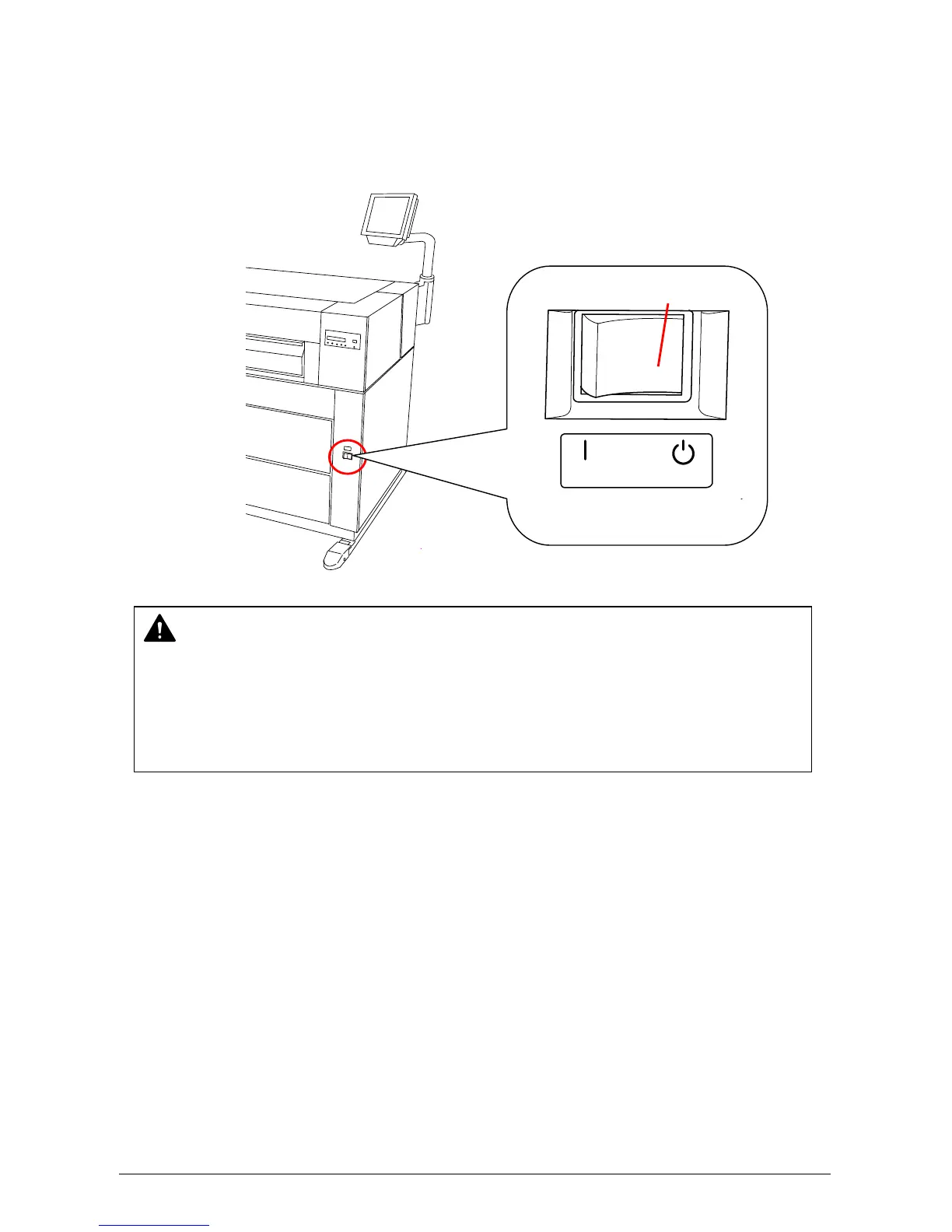
2. 2 Turning off the Printer
1) Press “OFF” on the Power Switch to turn off the printer.
CAUTION
The KIP 5000 and the User Interface (UI) appear to be shut down when you turn off KIP
5000, the IPS inside of the KIP 5000 is still operating for approximately 2 minutes after
Power Switch operation.
Do not unplug the KIP 5000 before the IPS shuts down. Doing so may damage data or the
device.
ON OFF
Press this side.



 To Next Page