Section 1 Basic Printer Functions 1-68
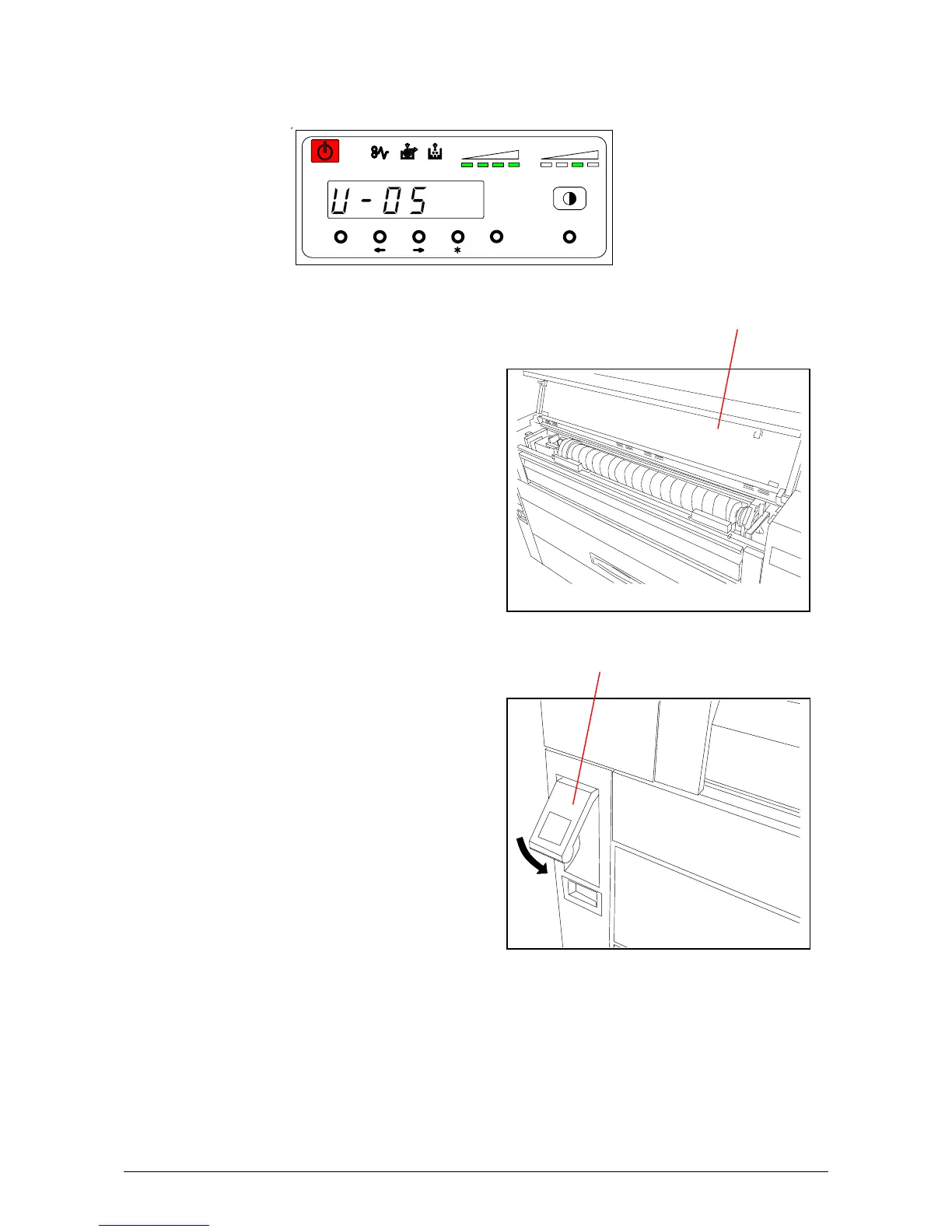
4. 2. 2 Lever / Toner Cover Open (U-05)
When either the Lever or the Toner Cover is open the Sub Display indicates a “U-05”.
Close Toner Cover if it is opened.
Ensure Lever is securely in place
MENU ENTER TEST
TONER REMAIN IMAGE DENSITY
job
Lever
Toner Cover



 To Next Page