Section 1 Basic Printer Functions 1-47
3. 2. 4 User Mode 3: Auto Power-Off Setting Mode
Please Set the Touchscreen - “?”
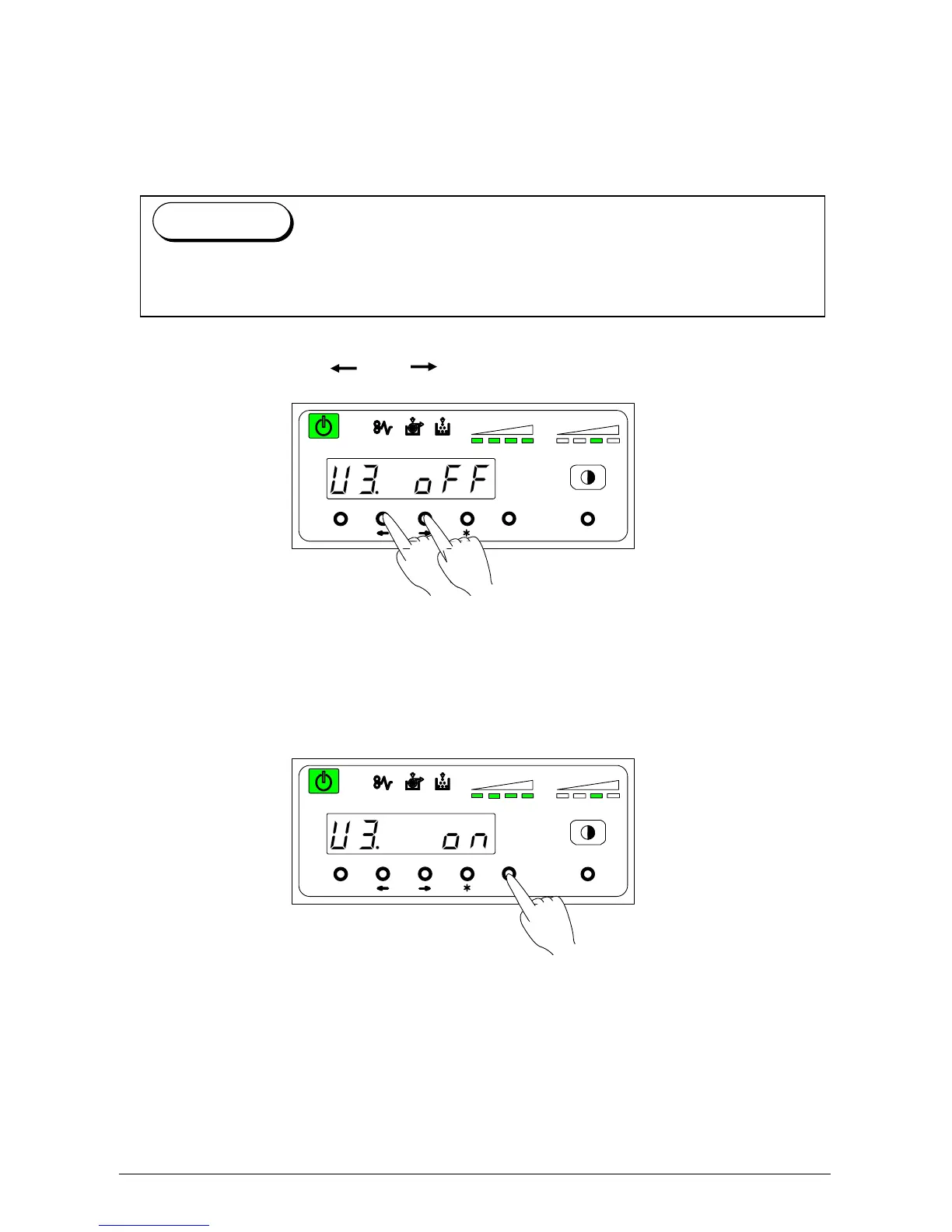
This mode allows you to select Auto Power-Off function.
1) Select “U3.” by pressing [ ] or [ ] key.
U 3. on: Auto Power Off function automatically turns the machine off.
U 3. off: Auto Power Off function does not automatically turn the machine off.
2) Select either “on” or “Off” according to the user preference by pressing [Enter] key.
MENU ENTER TEST
TONER REMAIN IMAGE DENSITY
job
MENU ENTER TEST
TONER REMAIN IMAGE DENSITY
job
The Auto Power-Off Function causes the Power Switch to turn OFF automatically at a time
set in User Mode 2. (To turn the printer on, press the “ON” side of the Power Switch.)
Reference



 To Next Page