Section 6 Request 6-16
2.5.2.3 Clip to Image Size
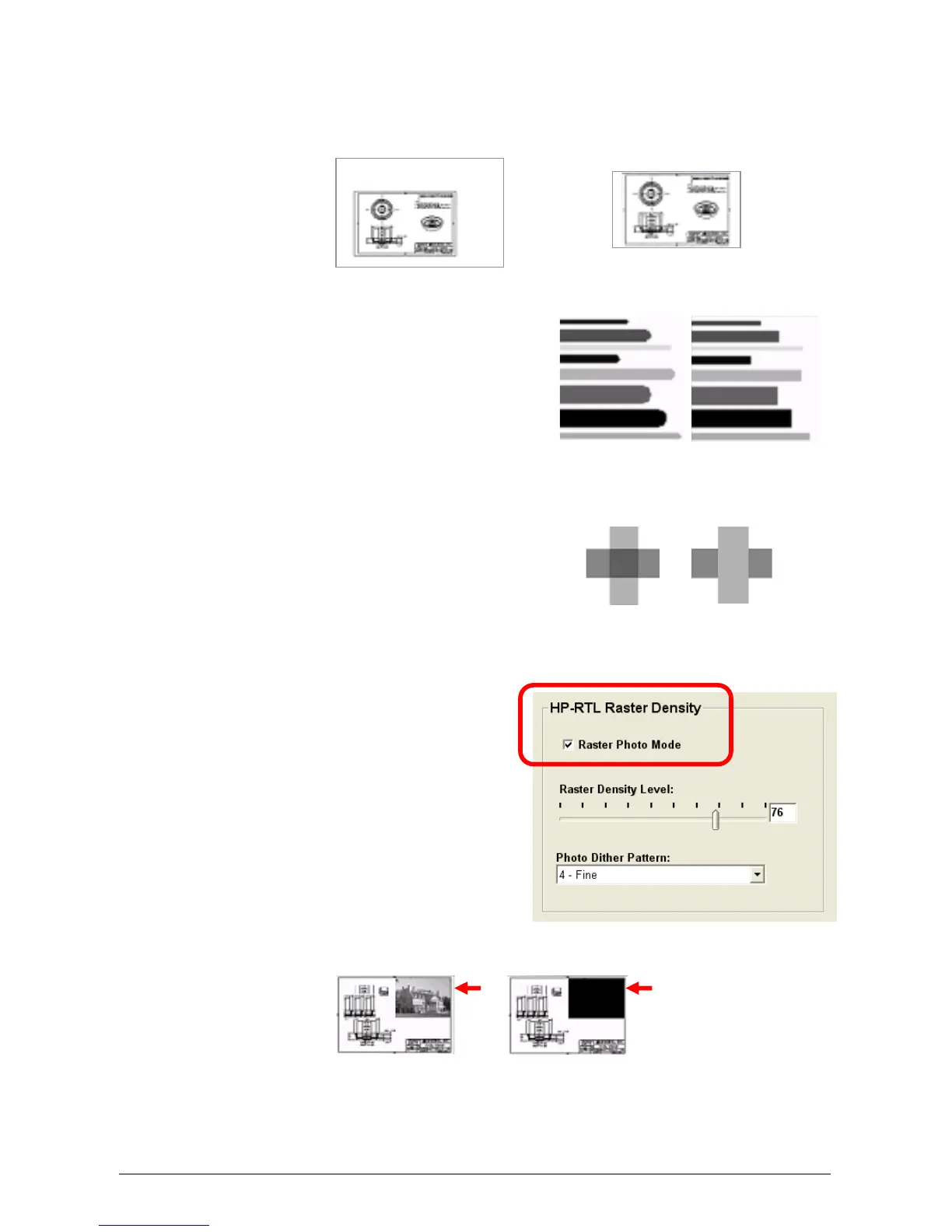
This crops the file data to the start of image data. Apply when the file designer
has saved the entire drawing area as part of the file. If an error “File Too Large
To Print,” occurs, clipping to Image Size is often the solution.
2.5.2.4 Use Round End Capping
This will set end capping on lines in
vector files to round ends instead of
what has been specified in the plot file’s
Line Attribute command.
2.5.2.5 Turn Merge On
This enables the user to merge lines of
different shades. When not applied, the
layers within the plot file determine how
lines merge on each other.
2.5.2.6 Raster Photo Mode
When a raster image has been
embedded within a plot file, Raster Photo
Mode should be used.
Raster Photo Mode can be applied to all
drawings, whether they contain raster
images or not. Some raster images may
need to be printed in 100% solid rather
than the original shading of the image.



 To Next Page