Section 2 Job Info Screen 2-11
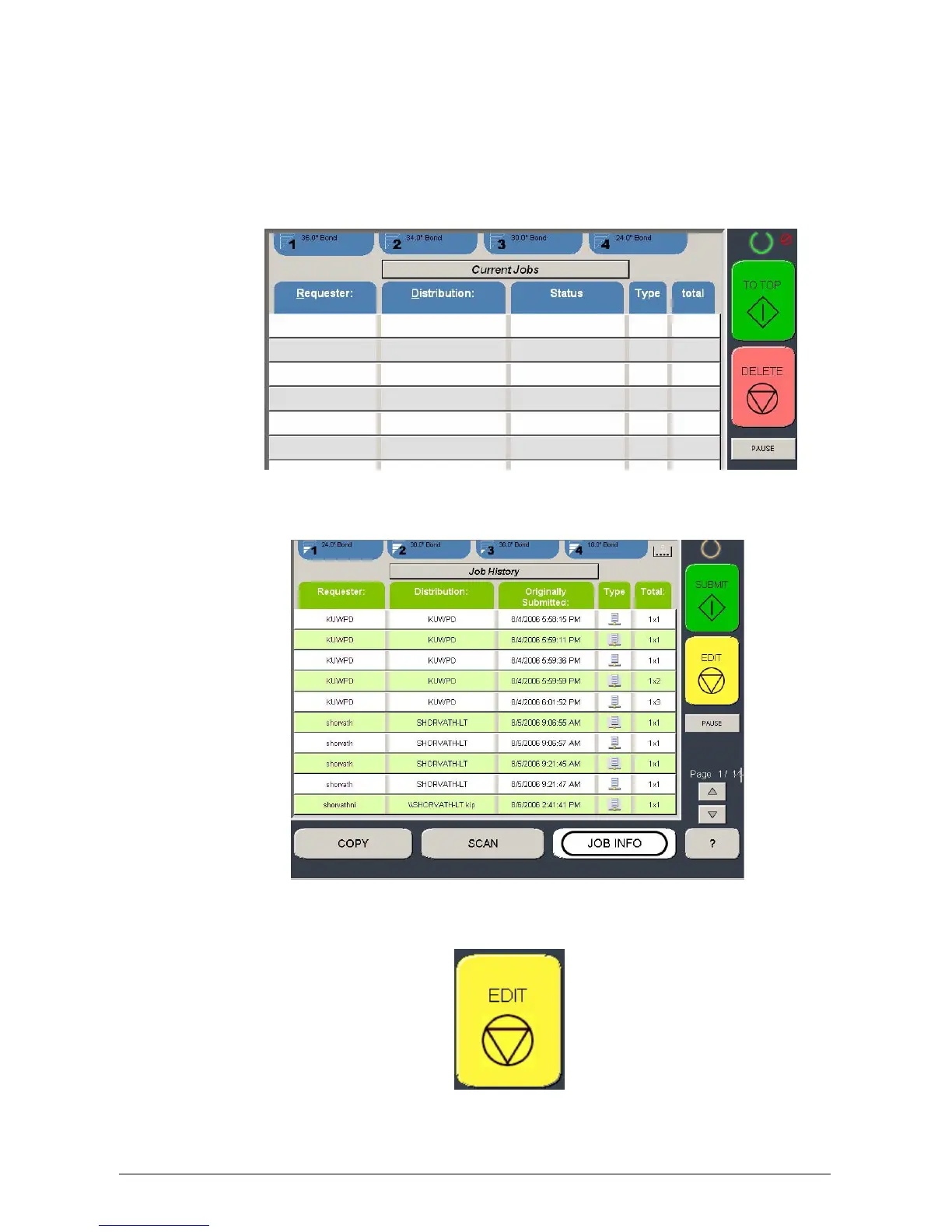
2.14 Job History
KIP Job History can be used to call up and print jobs that were previously printed. By
selecting a job from the Job History list, the job can be changed and resubmitted for
printing.
1. To use the KIP Job History select the Job Info Button and click on the Current
Job button
2. The Job History Information will now be displayed on the screen and select the
job to be edited.
3. Select the Edit Button to access the available options for the current selected job.



 To Next Page