Section 2 Job Info Screen 2-5
2.4 Status
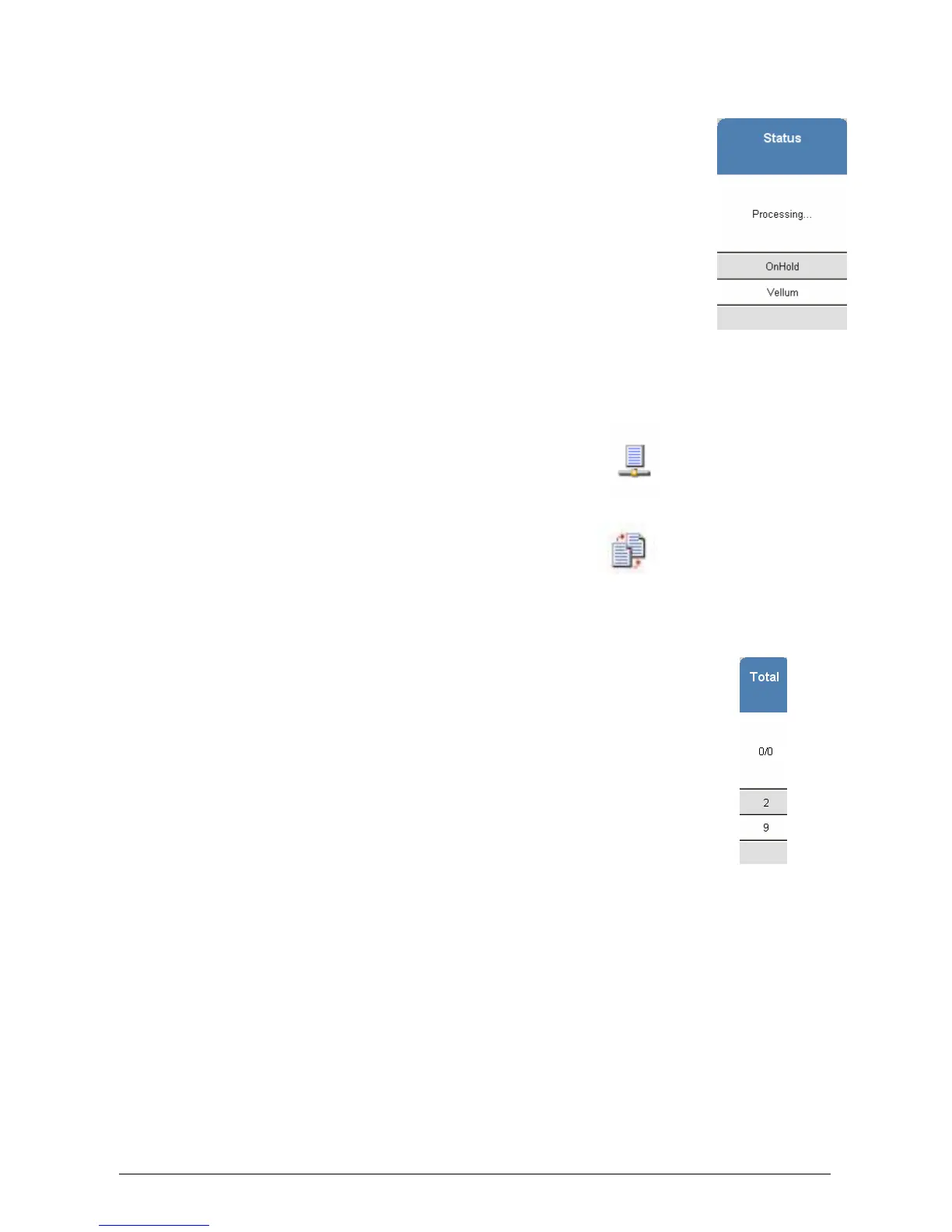
Displays the current “Status” of a job.
Displays one of the following:
a) Processing – job is currently printing
b) On Hold – puts the job in the queue but will not print until
a valid media type is applied
c) Vellum – Media required - Vellum
d) Film – Media required - Film
e) Bond – Media required - bond
2.5 Type
Displays the source of the job, jobs can be sent from the network or come from the copier
functions.
For network jobs, the following symbol is displayed:
For copy job the following symbol is displayed:
2.6 Total
Displays the number of prints, this includes:
a) the quantity in each job
b) the amount remaining , when a job is printing.



 To Next Page