Section 1 Basic Printer Functions 1-71
4. 3. 3 No Manual Paper (P.E.)
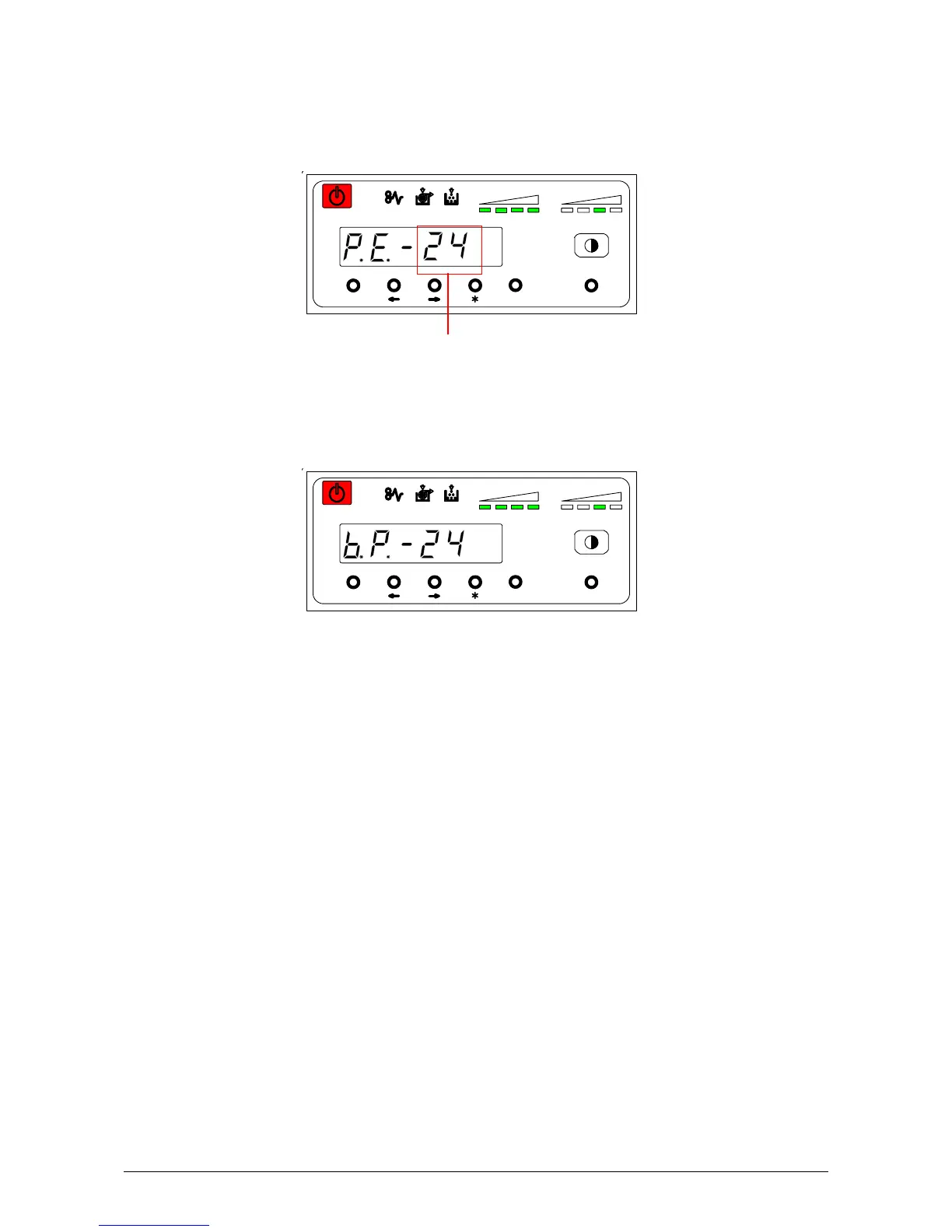
The machine indicates “P.E.” (Paper Empty) on the Sub Display.
Insertion of indicated paper size is required.
When the Manual Paper is inserted, indication is changed from [P.E.] to [b.p.].
MENU ENTER TEST
TONER REMAIN IMAGE DENSITY
job
MENU ENTER TEST
TONER REMAIN IMAGE DENSITY
job
Required Paper Size



 To Next Page