Section 2 Job Info Screen 2-4
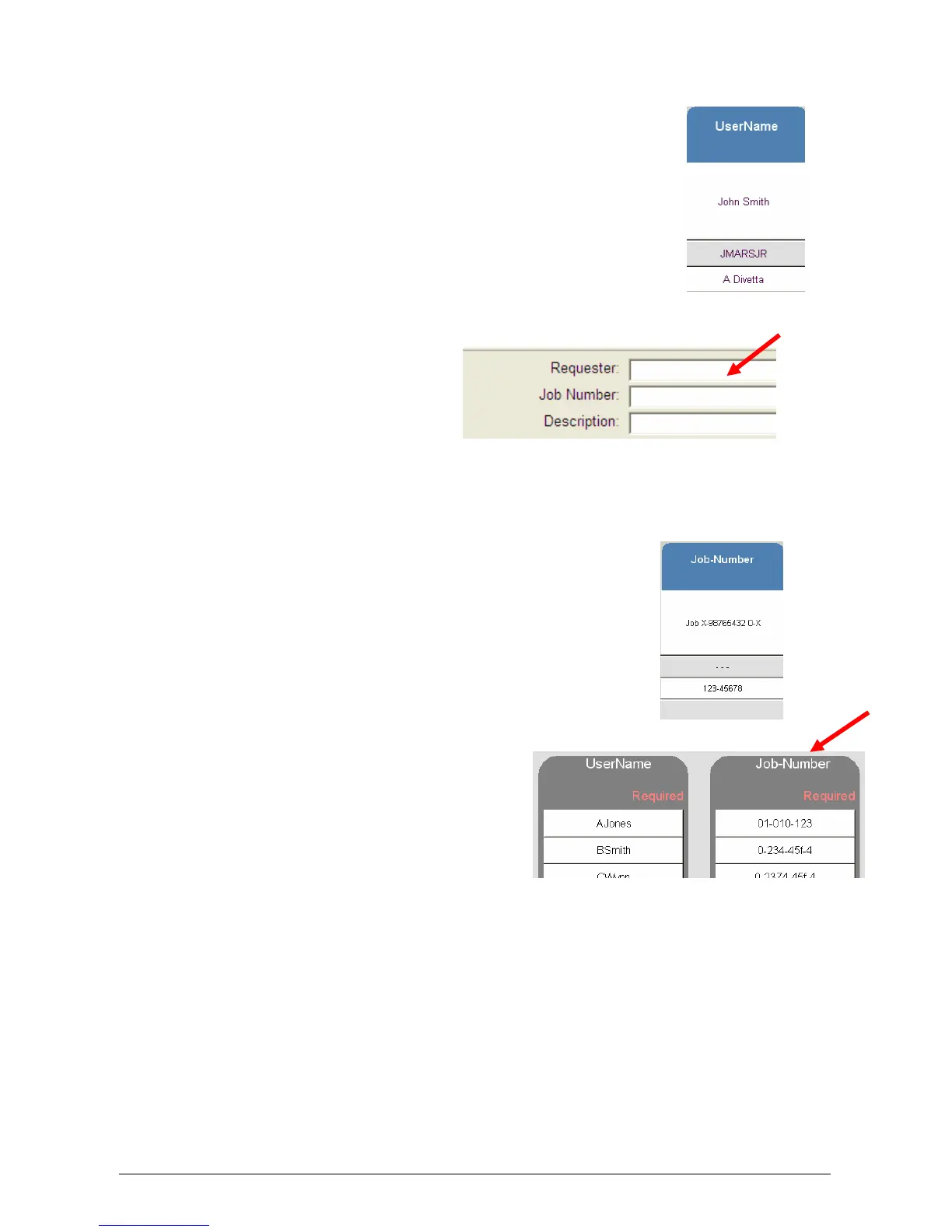
2.2 User Name
Displays the “Name” or the “owner” of the job
This information is obtained from fields within:
a) KIP Request
b) KIP Windows Driver
c) KIP AutoCAD Driver
d) Or from the Accounting Fields on the copier when accounting is
enabled
Please see respective User Guides for detailed information
An example screen from Request:
2.3 Job Number
Displays the “Job Number” or details regarding the job
This information is obtained from fields within:
e) KIP Request
f) KIP Windows Driver
g) KIP AutoCAD Driver
h) Or from the Accounting Fields on the copier / scanner when
accounting is enabled
An example from Copy / Scan Accounting:



 To Next Page