Section 4 Windows Driver 4-7
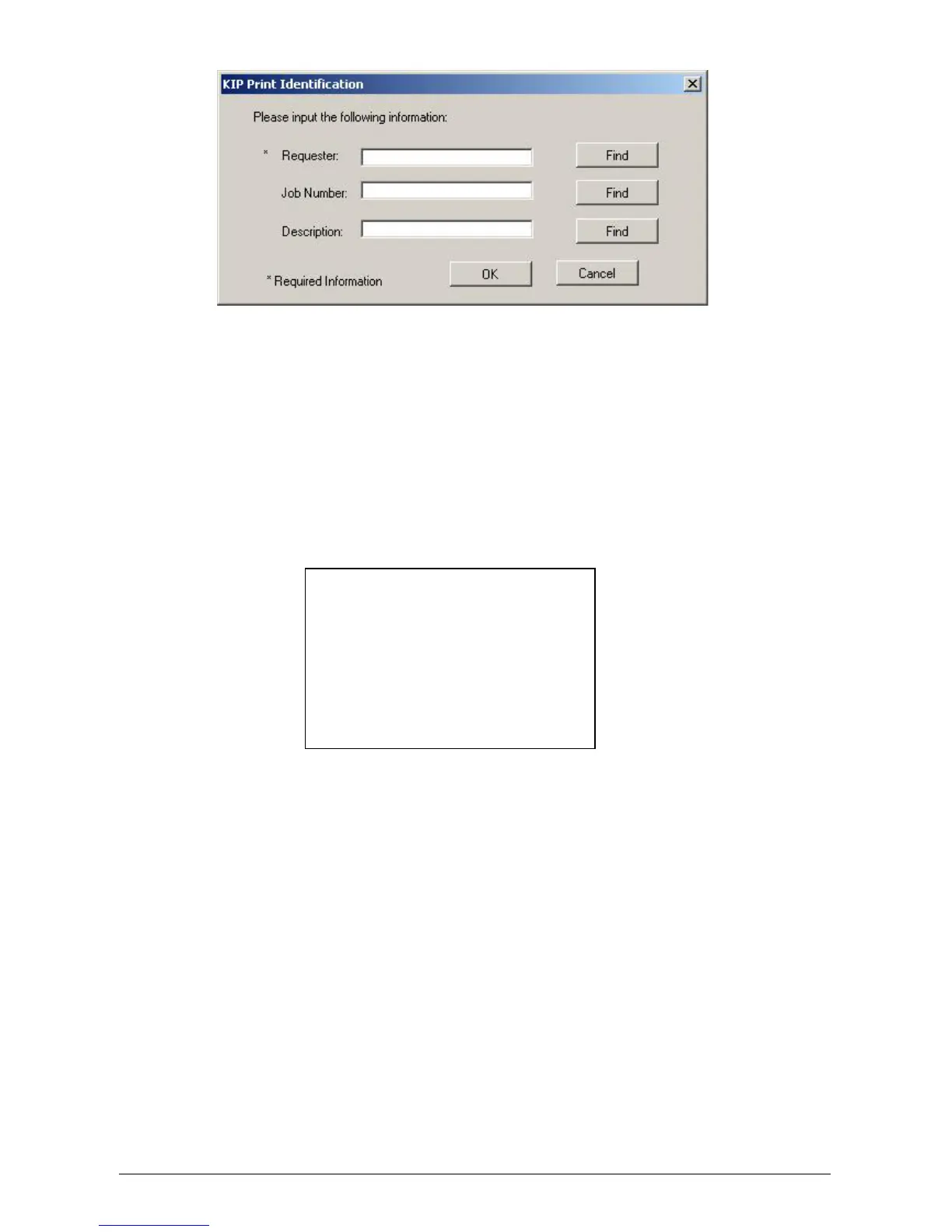
The Requester, Job Number and Description fields under “Printing Preferences” or
“Document Defaults (NT4)” can be set to use operating system environment variables.
Examples: The Requester field can be set to %Username%
The Description field can be set to %Computername%
2.10 Header
To easily recognize printed documents, text can be placed on the top and bottom of the
print. The text header includes all the “Management” information as well as the file name.
2.11 Folder
If an optional folding device is installed onto the printer, select fold to allow the printer to
determine which fold table to apply to the document. The patterns must be set by a certified
service technician in the KIP 5000 IPS.
2.12 Mirrored Output
The image can be mirrored as required by the user. This may be needed on translucent
media or for other specialty applications.
2.13 Reverse Collate
If the document to be printed contains more than one page, collation may be important. To
allow the pages to be reversed printed (last page first), select this function. Please note that
the application must also support multiple page printing.
Text here
Text here



 To Next Page