Section 2 Job Info Screen 2-10
2.13 Change Media Information
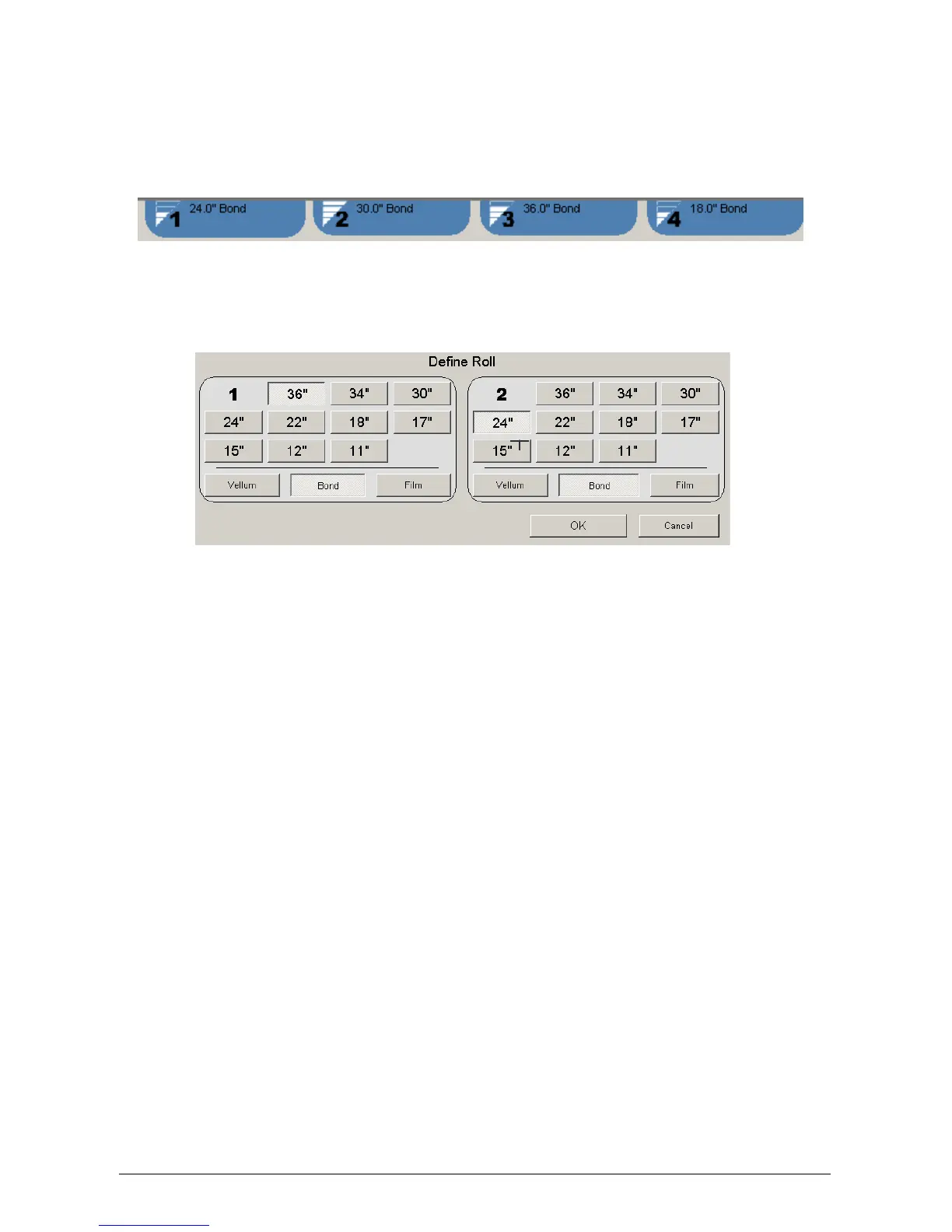
At the top of the Job List Screen is the region that displays the current media loaded in KIP
5000. Please note that only rolls the printer has will be displayed.
a) Touch any area of this region to the set media type and width in all roll decks
b) Select the correct media width and type for each deck as required ( two roll model
screen shown below )
c) Select OK to set
d) The new settings will be noted on the top of the Job Info Screen



 To Next Page