Section 1 Basic Printer Functions 1-13
1. 6 Display during Normal Operation
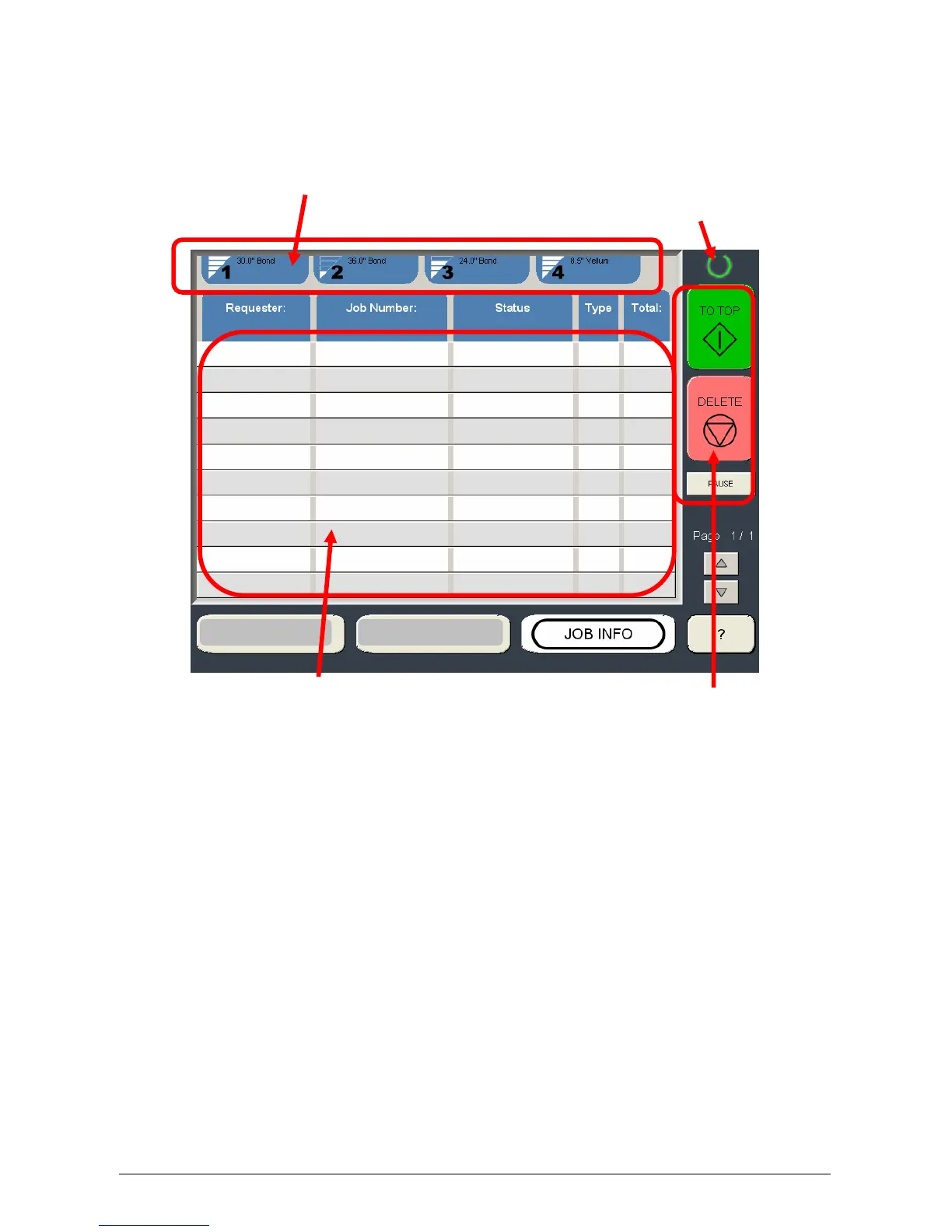
The following default screen appears on the touchscreen if the system is only a network printer.
Please see other chapters for copy, scan and “?” modes.
Roll number, media type and remaining quantity Printer is ready when solid green,
warming when flashing
All jobs displayed here with current status and can be moved or deleted.
As well as the touchscreen, there is a Sub Display Panel that indicates the following information
during normal use of the printer. The key functions of the SUB Display Panel are service functions.
Please perform the user functions on the Touchscreen.



 To Next Page