Section 1 Basic Printer Functions 1-14
(1) Processing a print
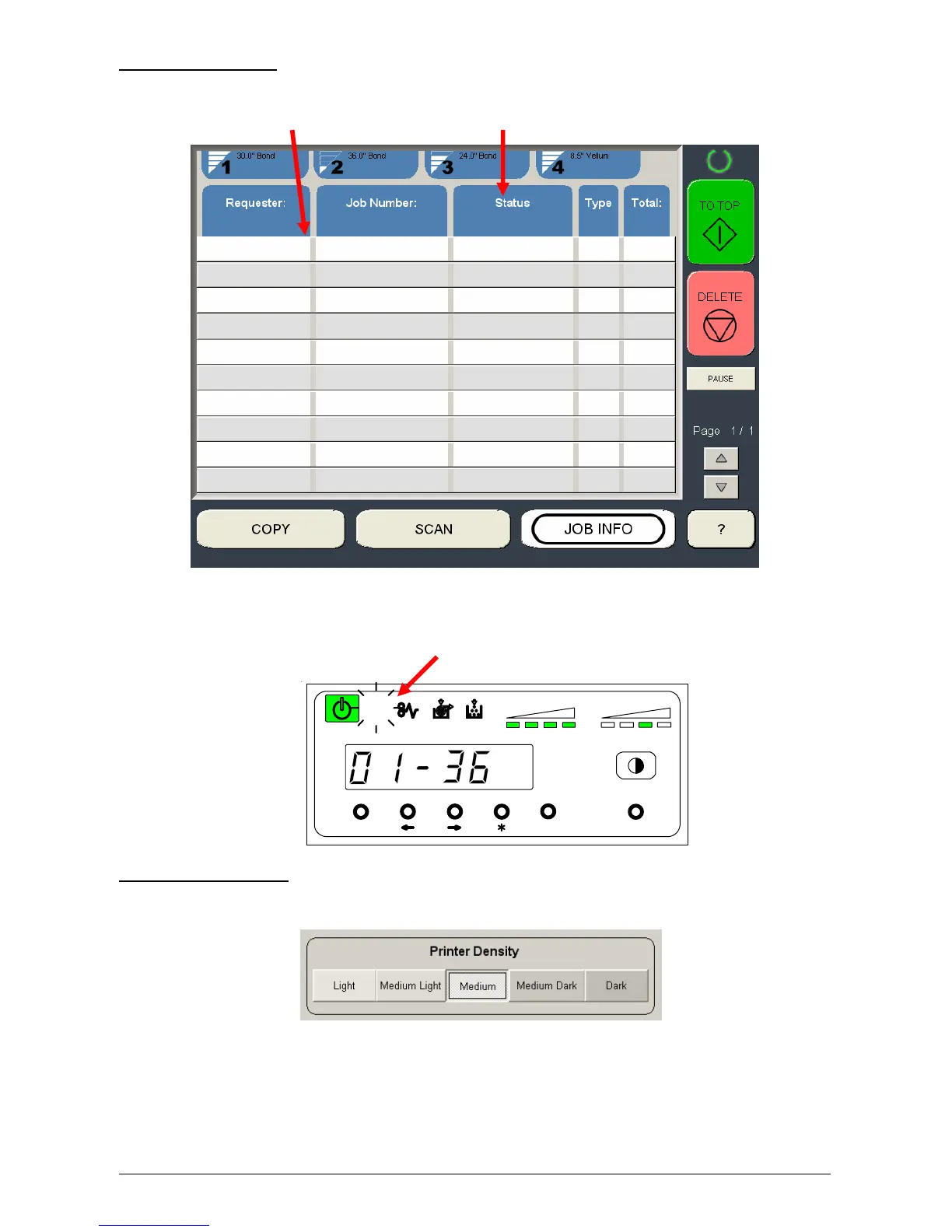
On the Touchscreen all jobs or prints will be listed as well as the status:
List Status
On The Sub Display Panel
The Job Indicator lights when the printer receives a job.
(2) Image Density level
Please also see the Touchscreen “?” screen, Configuration Menu, Page 1 for this setting.
MENU ENTER TEST
TONER REMAIN IMAGE DENSITY
job



 To Next Page