Section 1 Basic Printer Functions
1-59
2) If the leading edge of the media is torn or folded, cut the leading edge of the media.
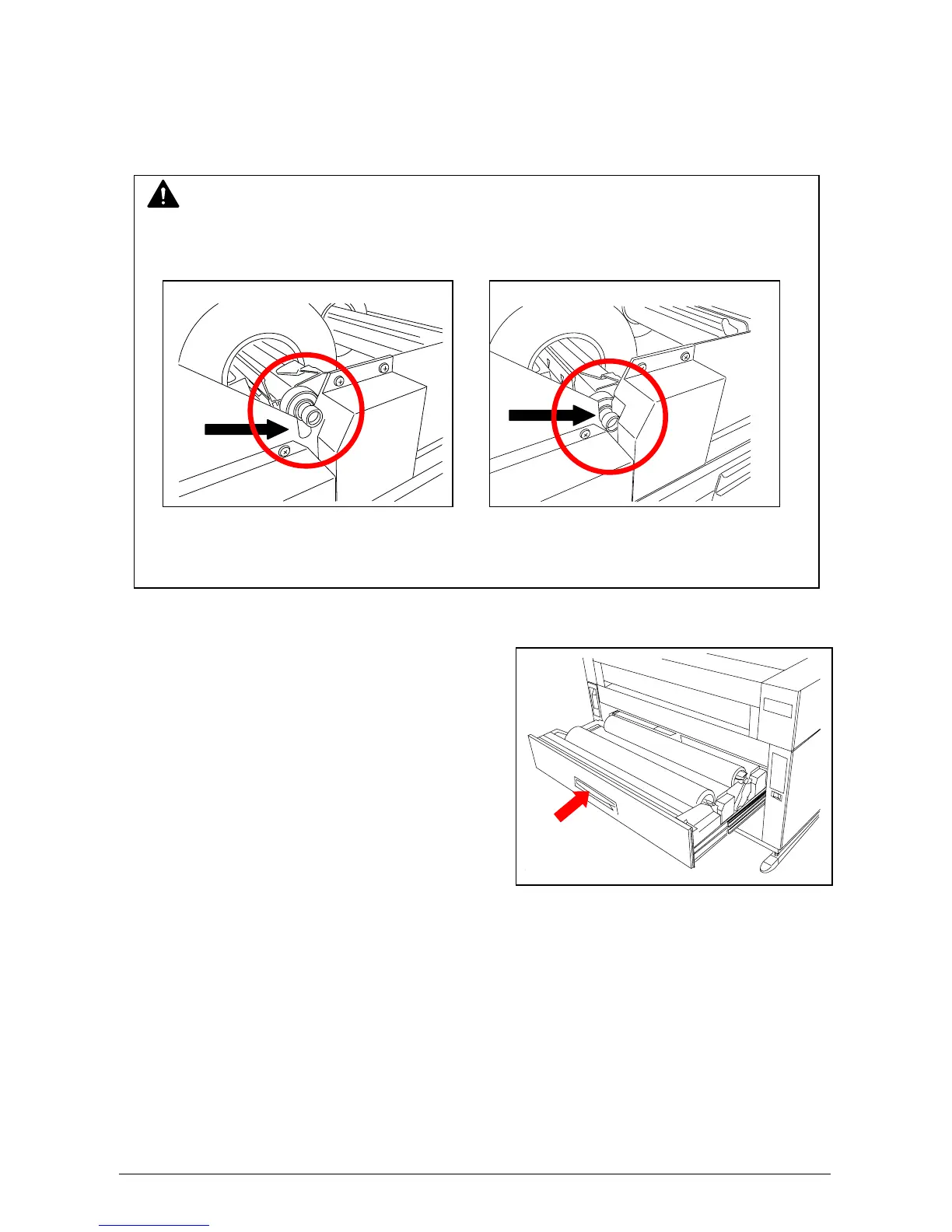
3) Set the roll media correctly.
4) Close the Roll Deck.
NOTE
When you return the Roll Spool to Roll Deck, make sure to fit the collar on right side of the
Roll Spool into proper position as indicated in the following figures.
No Good Good
(The collar of the Roll Spool is out of (The collar is set in the proper position.)
the proper position.)



 To Next Page