Section 6 Request 6-14
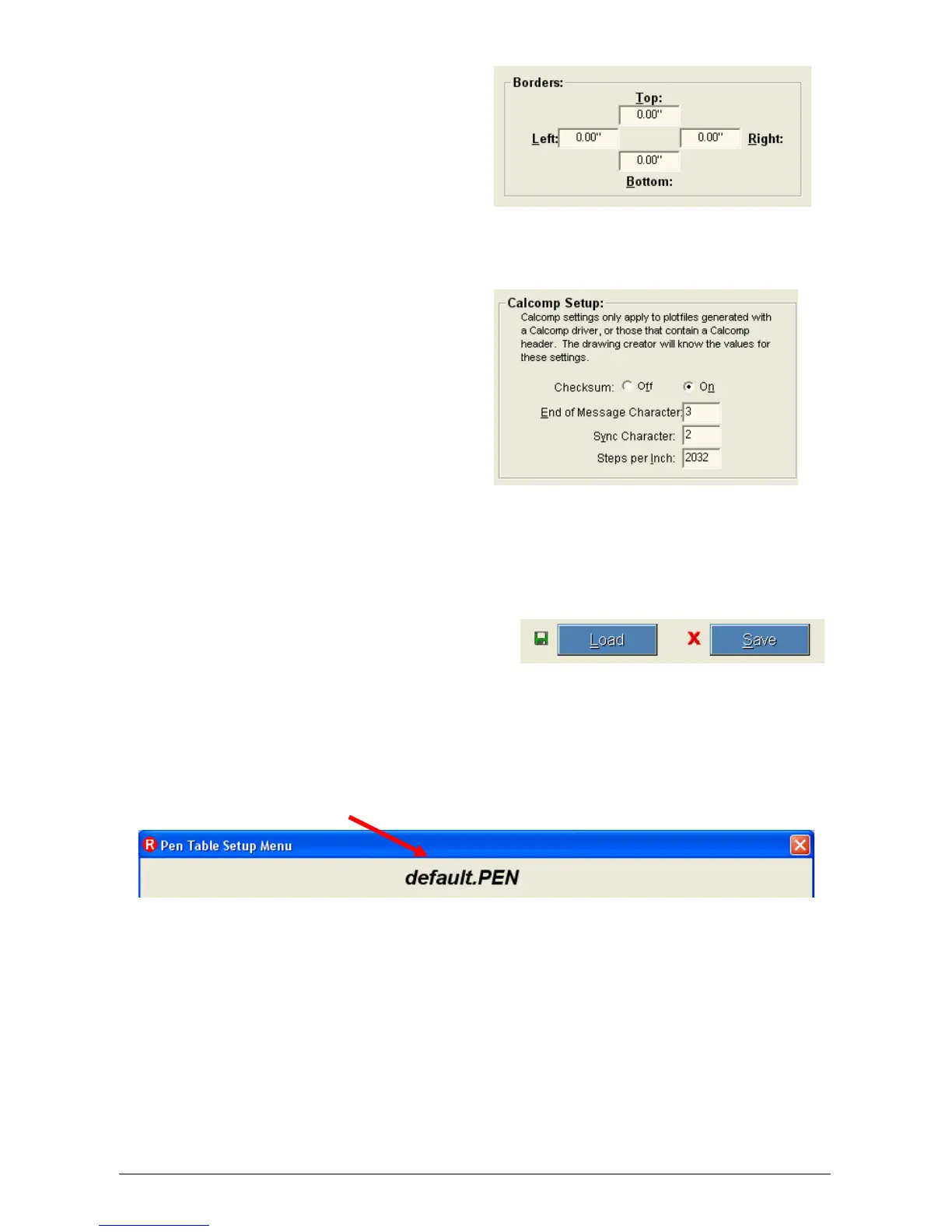
2.5.1.4 Border
This allows a border to be
used in the file. A maximum
border of five inches can be
applied to each edge.
2.5.1.5 Calcomp setup
Only use this when submitting
a Calcomp language file. This
changes Calcomp file settings
so that the printer will interpret
Calcomp files correctly. These
settings include Checksum,
Sync Character, End of
Message Character, and
Steps Per Inch. Calcomp
settings only apply to plot files
with a Calcomp text header.
Most plot files do not contain
Calcomp text headers.
2.5.1.6 Load / Save
Saves changes in a custom
Pen Table or load a table to
see or make changes. Save
the table once the changes
have been made. The current
Pen Table name is displayed
at the top of the Pen Table
Setup Menu.



 To Next Page