Section 4 Windows Driver 4-3
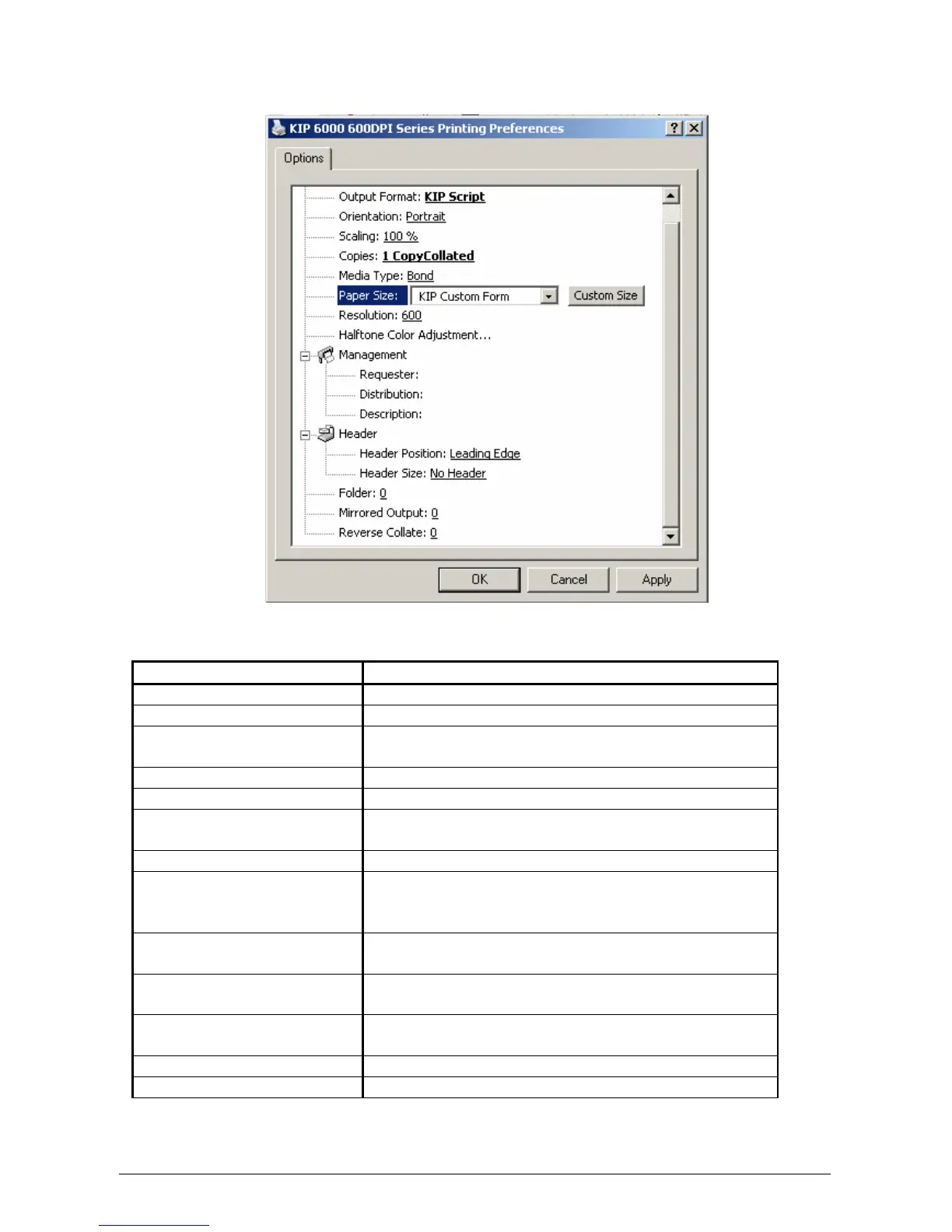
1.2 Option Screen - Overview
Beginning at the top of the layout above, these are the main features on the KUWPD
Name Feature / Function
Output Format Selects the type of “language” for driver output
Orientation Rotation of the page
Scaling Allows scaling of an image to the page size if not
supported in the application.
Copies Selects the total number of prints
Media Type Selects the output media type
Paper Size Selects the page size from standard sizes or
create a custom page size.
Resolution Select the resolution to match the printer DPI
Halftone Color Adjustment Allows dither pattern change from various colors
from the within an application to the printed
document.
Management Allows accounting to be used from windows
applications.
Header Places a text header on the print for quick
document identification
Folder Allows the document to be folded (with optional
folder)
Mirrored Output Mirrors the image on the print
Reverse Collate In a multi page document, reverse the print order



 To Next Page