Section 4 Windows Driver 4-18
f) Depending on your operating system, locate the appropriate folder that contains the
plotter.inf for your system platform.
KUWPD / WINNT4 = Microsoft Windows NT 4 Workstation / Server
KUWPD / WIN2000 = Microsoft Windows 2000 Workstation / Server
KUWPD / WINXP = Microsoft Windows XP, x64, Microsoft Windows 2003 Server
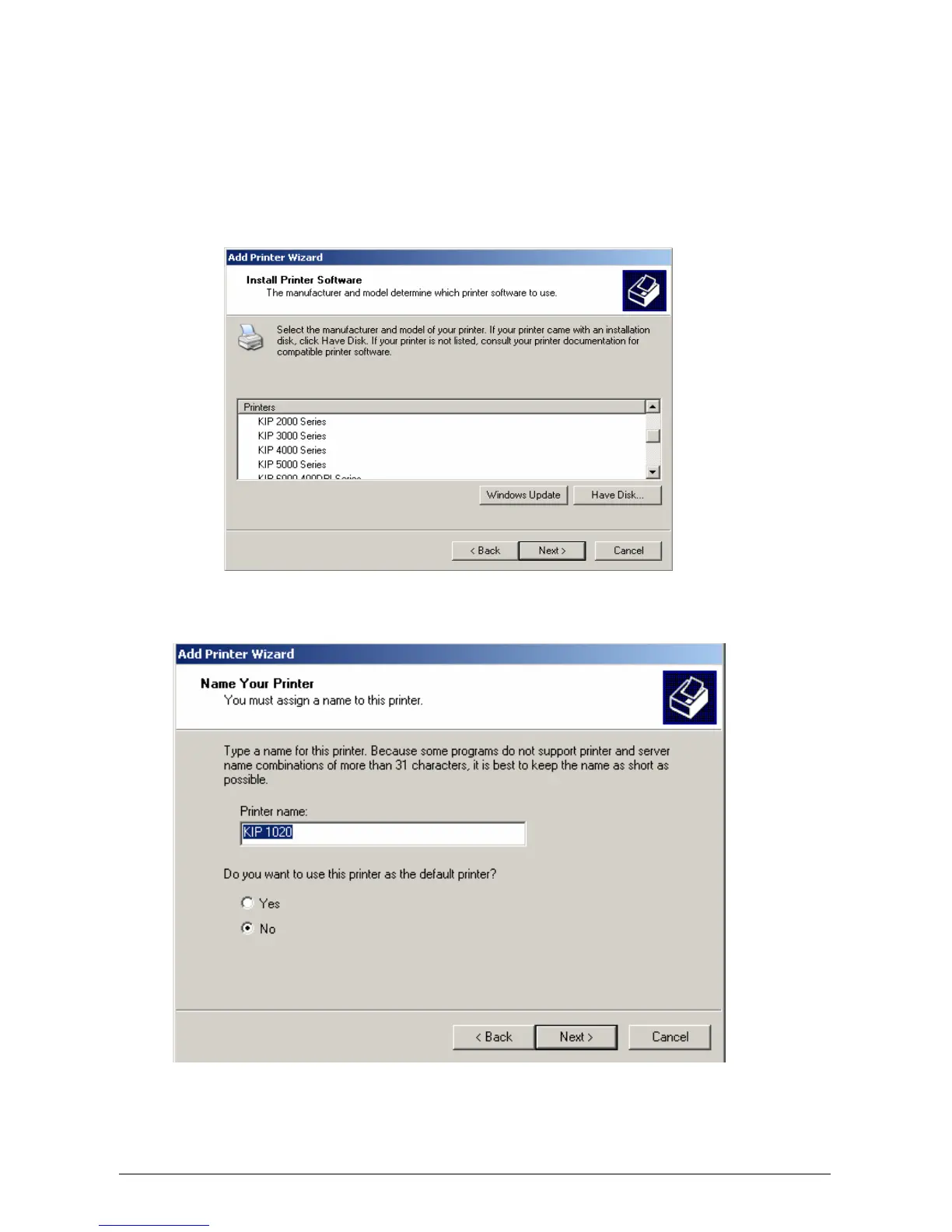
g) Select the appropriate KIP Printer from the list displayed and click Next.
h) Provide a Printer Name when prompted. Select Next.



 To Next Page