Section 5 AutoCAD Driver
5-16
5.4 Raster Image Control
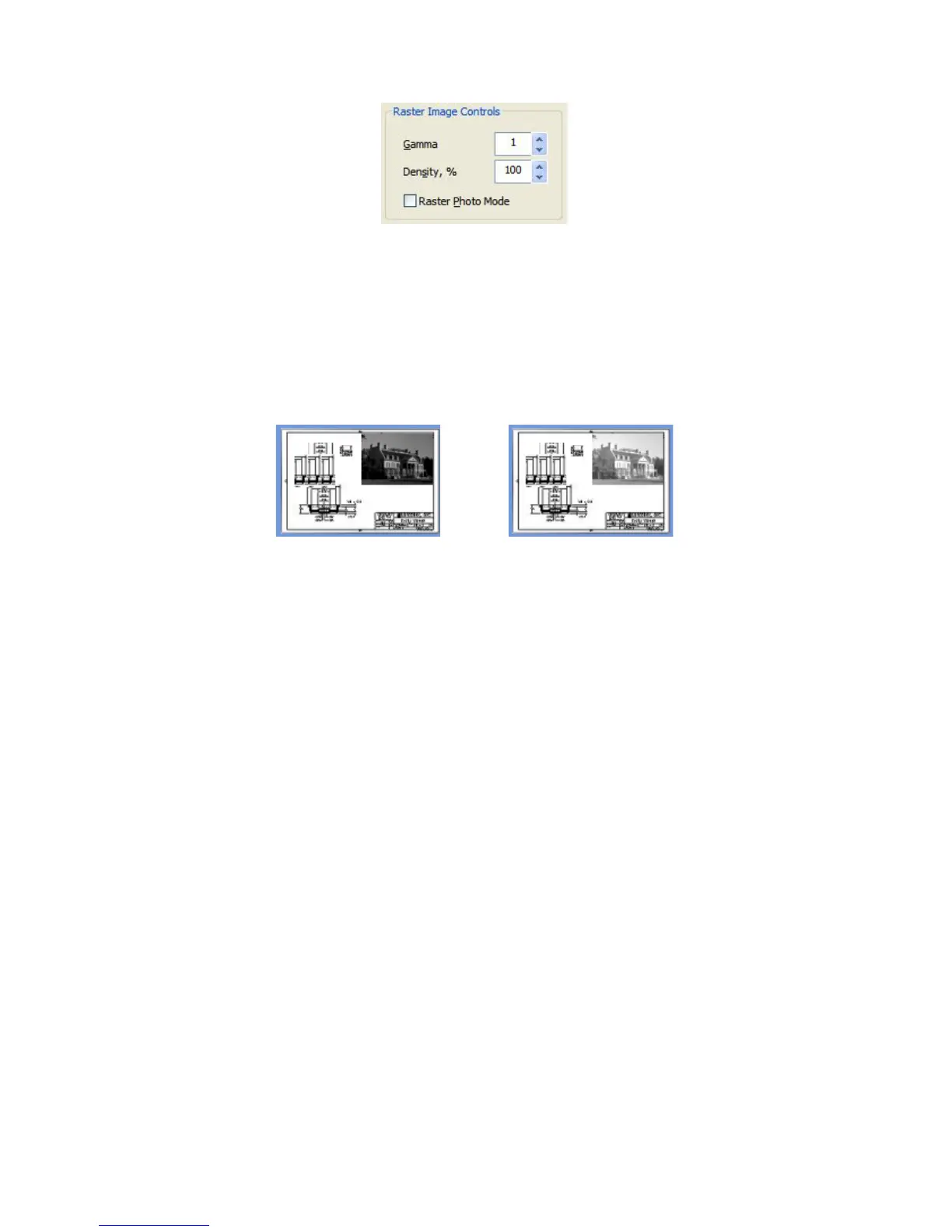
5.4.1 Gamma
This value sets the gamma level of embedded raster images on the print file.
Gamma is the overall contrast of the image.
5.4.2 Density
This value sets the density of the image without affecting lines or shades in a
print (the vector data). This can be used to enhance photos or other raster
images placed within a drawing. A higher value will have a greater density.
5.4.3 Raster Photo Mode
This button is used to print the shading effects of a raster image. Some raster
images are meant to be 100% solid (no tones such as a line). Others are
pictures or drawings where shades are required. Select Photo Mode to print
the raster image as shades rather than 100% solid. Embedded Excel or
Word documents should have this un-selected for optimum output.



 To Next Page