Section 6 Request 6-29
2.8.4.4 Recall History Jobs
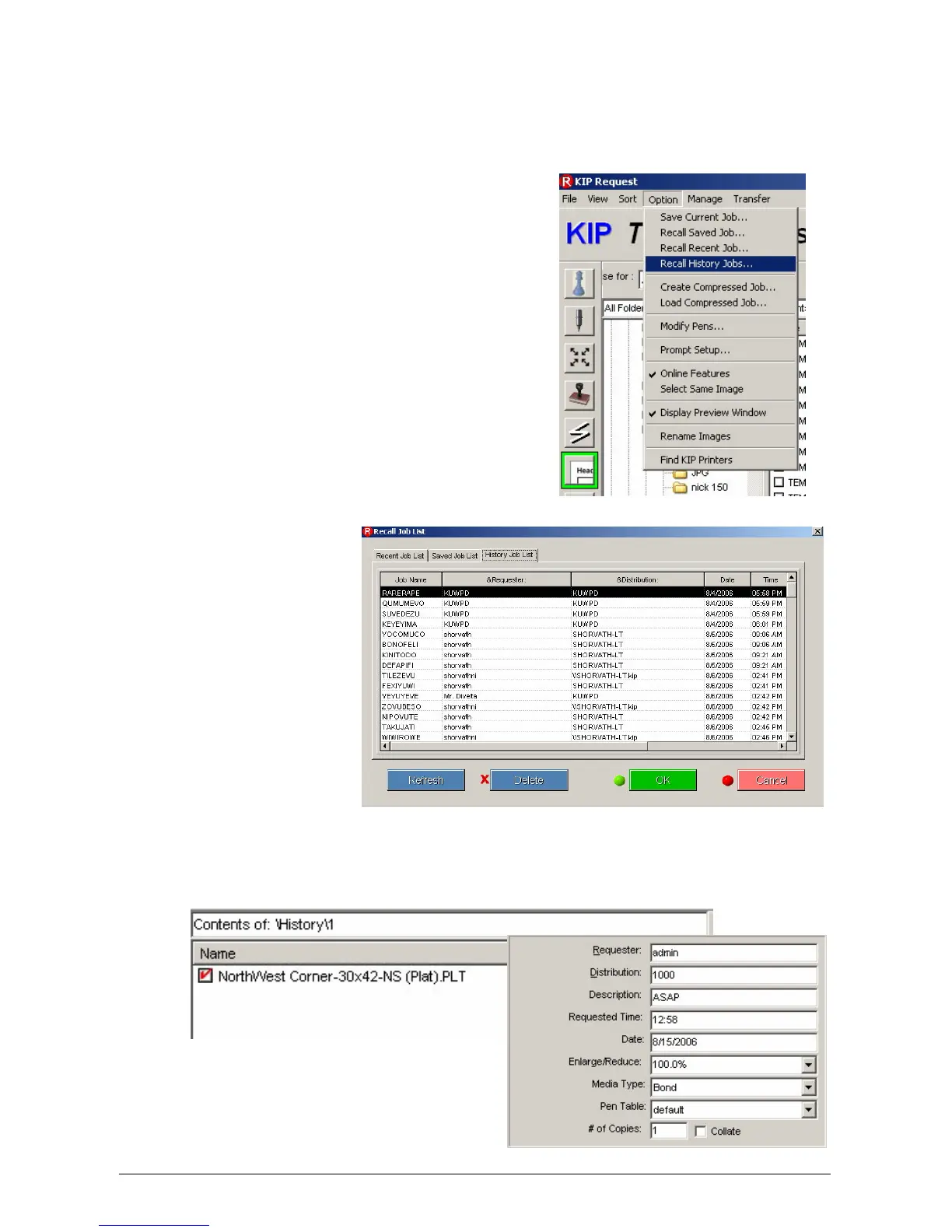
Job History can be used to call up and print jobs that were previously printed. By
selecting a job from the Job History list, the job can be changed and resubmitted for
printing.
1. With Request open go to Option and select “Recall
History Jobs”
2. The following window
will open up
3. From this list of jobs that are saved in the History list choose the desired job to reprint. The
chosen job will be loaded into the selected job area and all prior settings will also be loaded.



 To Next Page