Section 6 Request 6-49
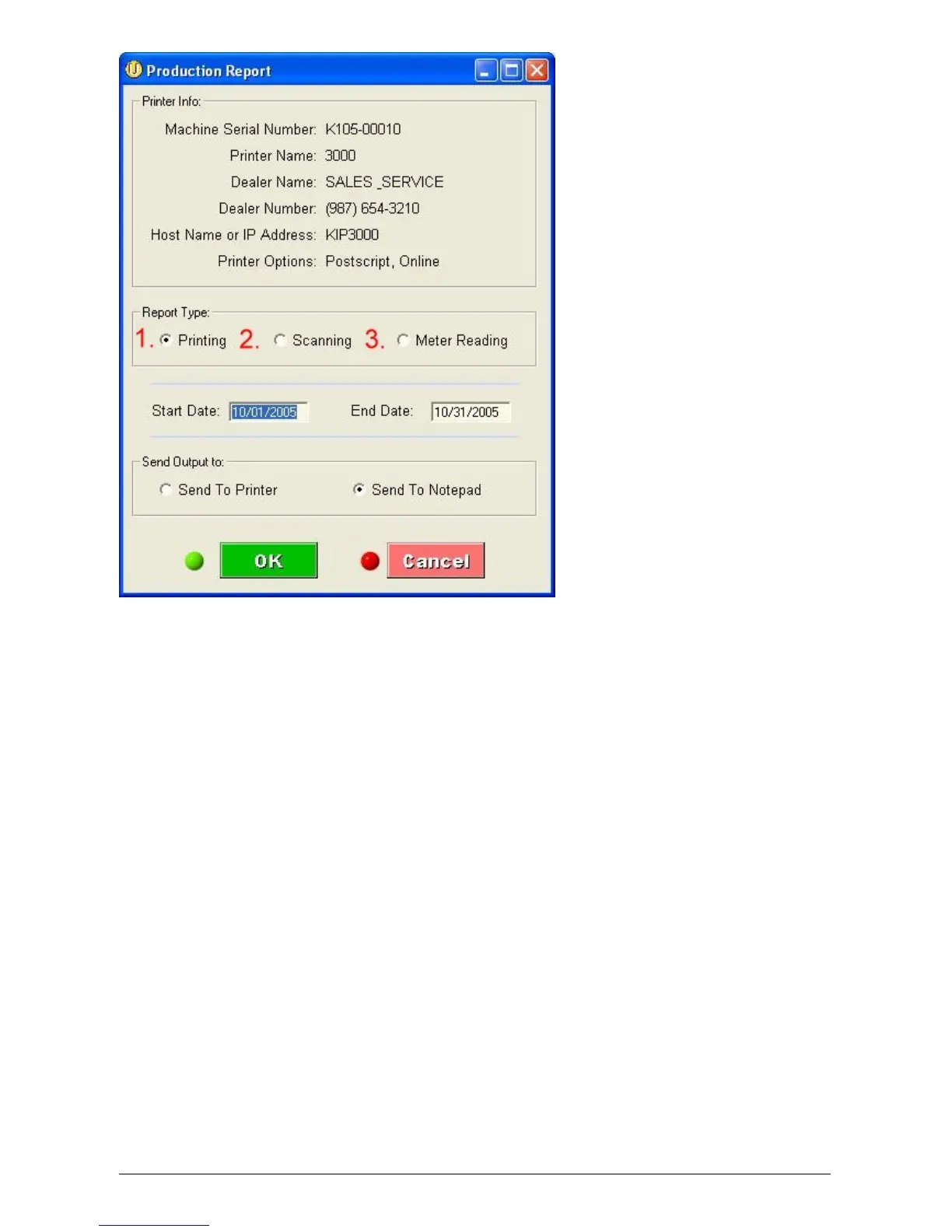
1. Printing
This report will include both prints and copies that have been sent to the 5000 print engine. The
report will include Date, Time, Requester, Media, # of originals, # of Copies and Sq. Feet. The
information for Requester and Job Number shown below are gathered from all KIP printing
applications. The user can select the Start Date and the End Date of the report along with where to
print the report. The report can be sent directly to the default printer attached to the PC generating
the report or to the Notepad to be saved to a file.



 To Next Page