Section 1 Basic Printer Functions
1-40
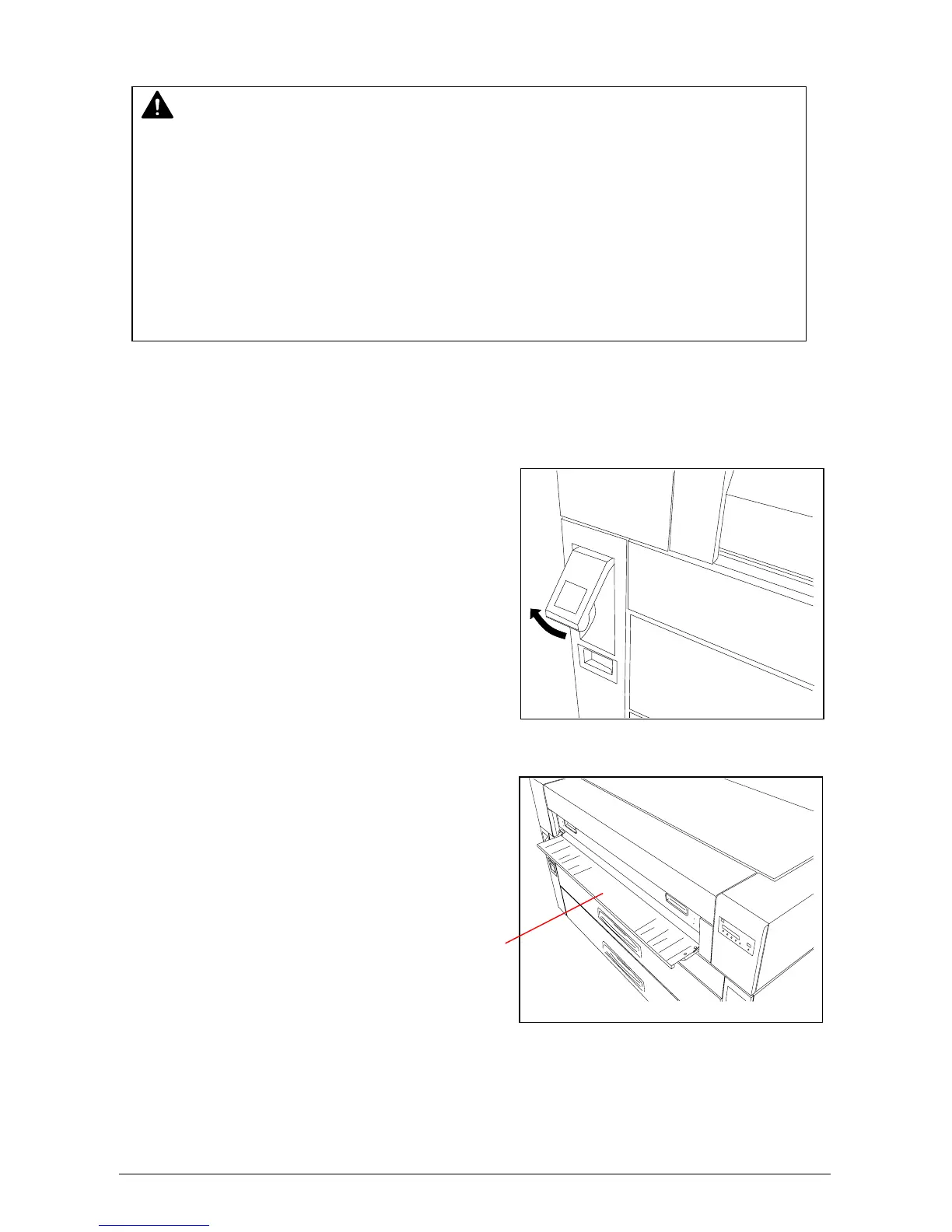
There is a Dehumidify Heater Switch inside of the machine.
1) Lift up the Lever of the Internal Feeder Unit.
2) Open the Manual Table.
NOTE
(1) There are several dehumidifying settings that can be set by a certified service
technician. These settings establish the dehumidifier functions. For any setting to
function properly, the printer must be plugged in and the switch noted below must be in
the “ON” position.
Call your certified service technician if you would like to change the setting.
Note: the user can not change the setting.
(2) To achieve the best image quality, we recommend that you remove manufacture
packaging jsut before installing it into the printer. If media is unpacked long before
installation, poor image quality may occur.
Manual Table



 To Next Page