Section 1 Basic Printer Functions
1-64
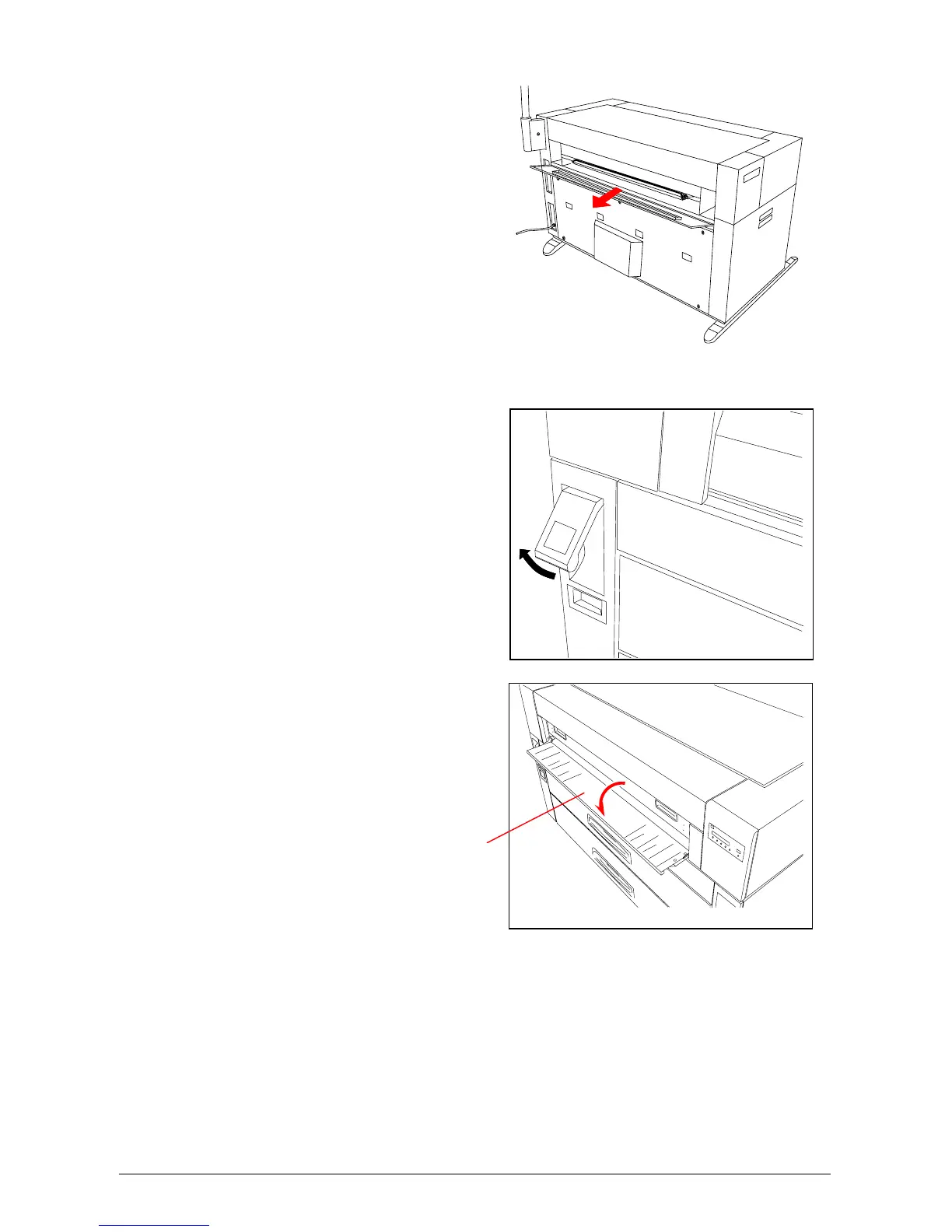
2) If it is possible to access the
mis-fed paper, gently remove it.
Be careful not to tear the mis-
fed paper.
3) If it is not possible to access the mis-fed paper
from the rear side, lift up the Lever of the Internal
Feeder Unit.
4) Open the Manual Table.
Manual Table



 To Next Page