Section 2 Job Info Screen 2-7
2.8 Change Media Type in Print Job
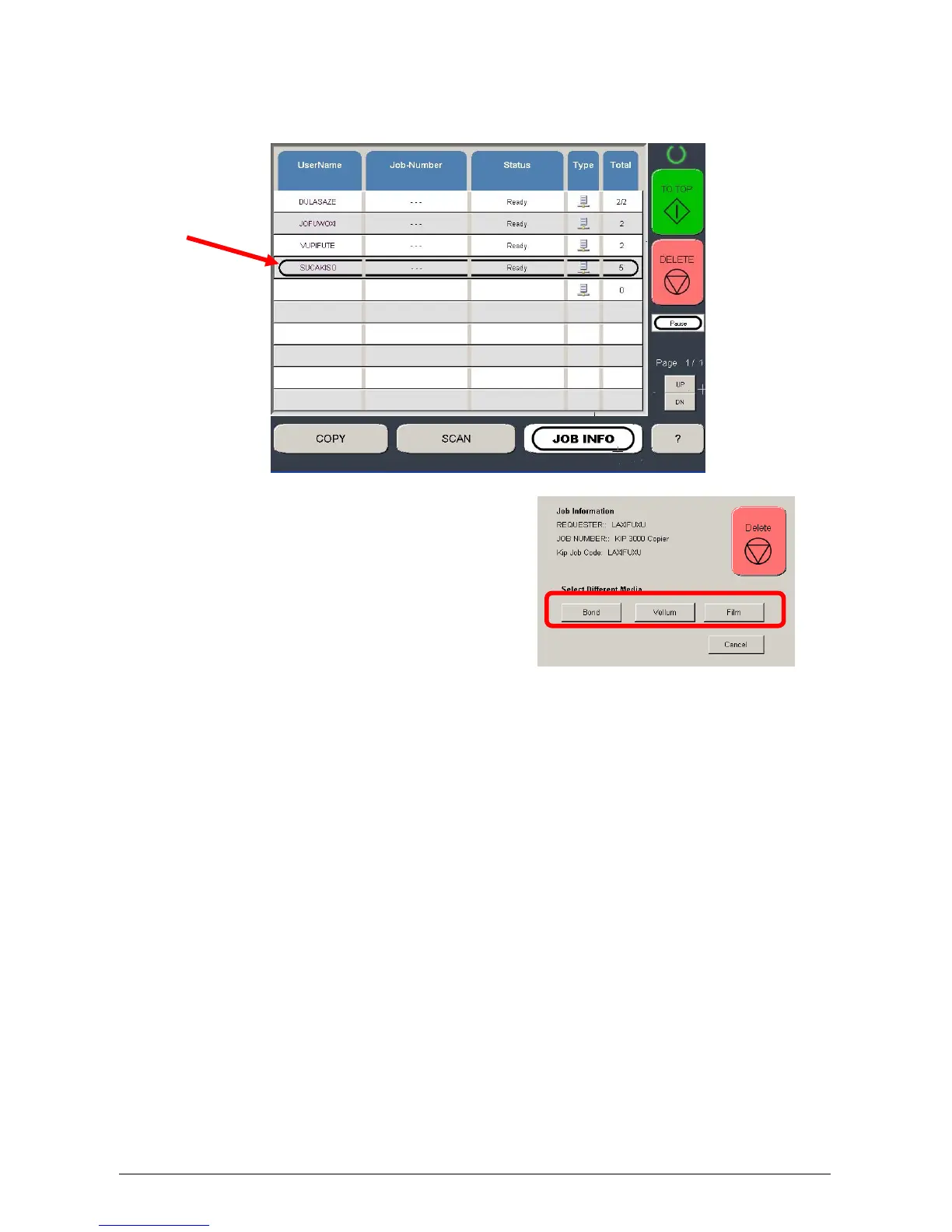
To change the media type in a job that may be in the job list:
a) Select the job
b) Job Information screen will appear.
c) Press the Bond, Vellum
or Film button to set the
new media type for this
job.



 To Next Page