10.7.5 Programming a PFL Button
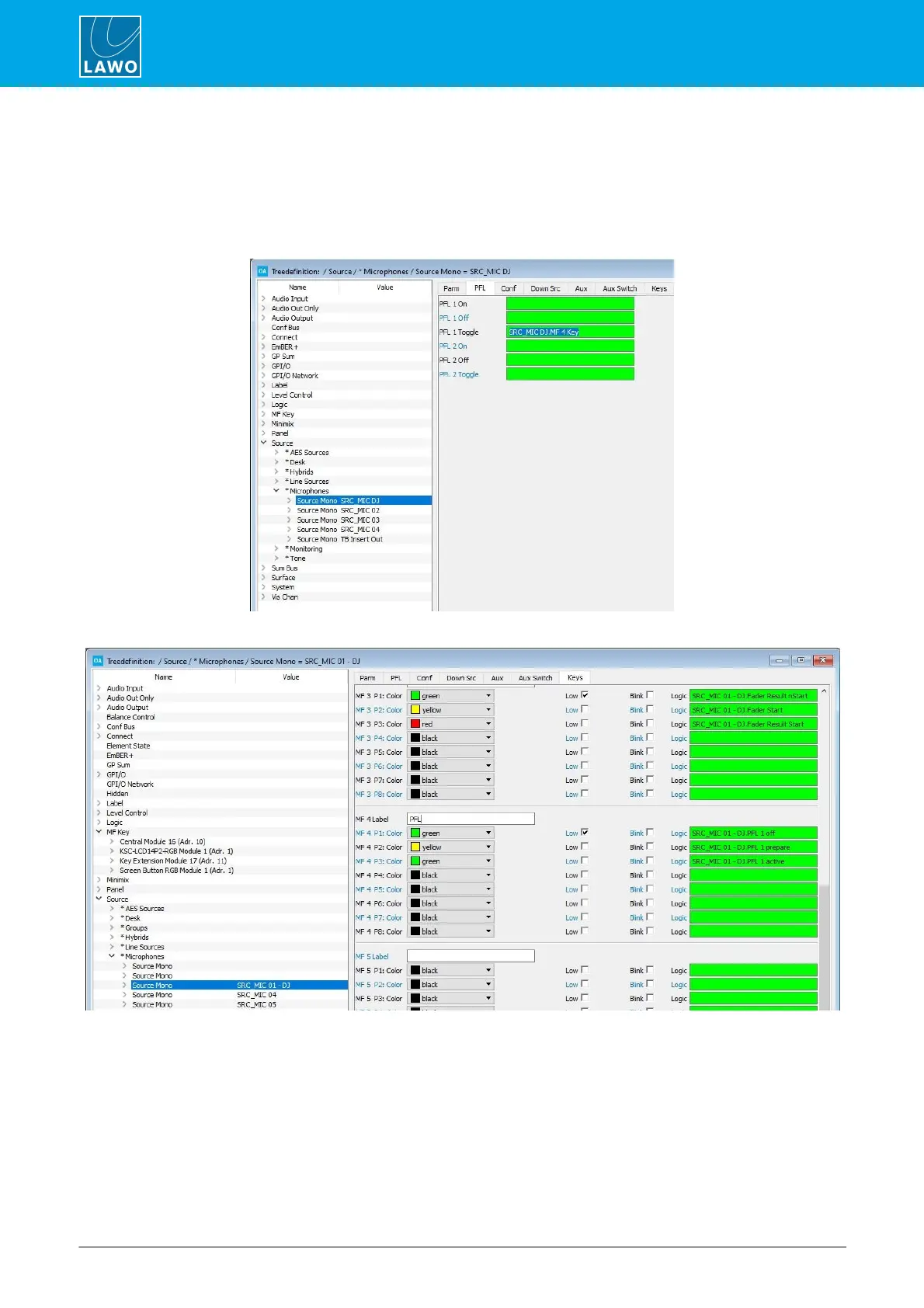
The example below shows how to use the PFL 1 Toggle function to program a PFL (or AFL) button. There are
three parts to the configuration:
1. Name the MF Key - this happens automatically when you name the source.
2. Assign the MF Key to the PFL 1 Toggle source parameter (from the PFL menu tab):
3. Assign the PFL control signals to the MF Key lamp states (from the Keys menu tab):
Our example uses PFL 1 off, PFL 1 prepare and PFL 1 active. This creates an MF Key which will turn PFL on
or off when pressed, and illuminate in different colors to indicate the PFL state.



 To Next Page