Power Core User ManualVersion: 6.6.0/344/539
7. System Setup
7.6 Activating the Licenses
The Power Core main license plus any add-ons must be installed onto the USB memory stick supplied with the
system and connected to the front panel DONGLE port. The licenses are activated and managed by the
CodeMeter Runtime licensing system from WIBU systems. The license codes can be found on the delivery note
shipped with the system.
You can upgrade or downgrade the DSP resources available to your system by installing a new main license or
add-on(s).
7.6.1 About the Dongle
All dongles are specially-configured USB memory sticks which can be purchased from either Lawo or WIBU
systems. The dongles supplied for hardware and software products ship with different file systems, so it is
important not to mix up the dongle types. If you have purchased a dongle for a Lawo software application such
as VisTool, then this will have a metal "LAWO logo" tag attached as shown below. Multiple software products
can be licensed from a single dongle. The dongle supplied for Power Core is stand-alone (with no metal tag).
USB Dongle (for Lawo software)
7.6.2 Preparing for Activation
To activate a license, you will need:
·
A PC with an internet connection (and USB port if using a dongle). If your PC does not have an
internet connection, then the offline activation method can be used.
·
The WIBU systems USB memory stick (if using a dongle).
·
The license code. This can be found on the delivery note shipped with the system. It takes the form of a
25-digit ticket number such as the one shown below.
License Code Example
Once activated, it is strongly recommended that you backup your licenses (using the CodeMeter WebAdmin
portal). This will allow you to restore a license if the original is lost or damaged.
7.6.3 Installing CodeMeter Runtime
To activate a license, your PC must be installed with CodeMeter Runtime (from WIBU systems). The correct
version is installed automatically with the setup software for your product.
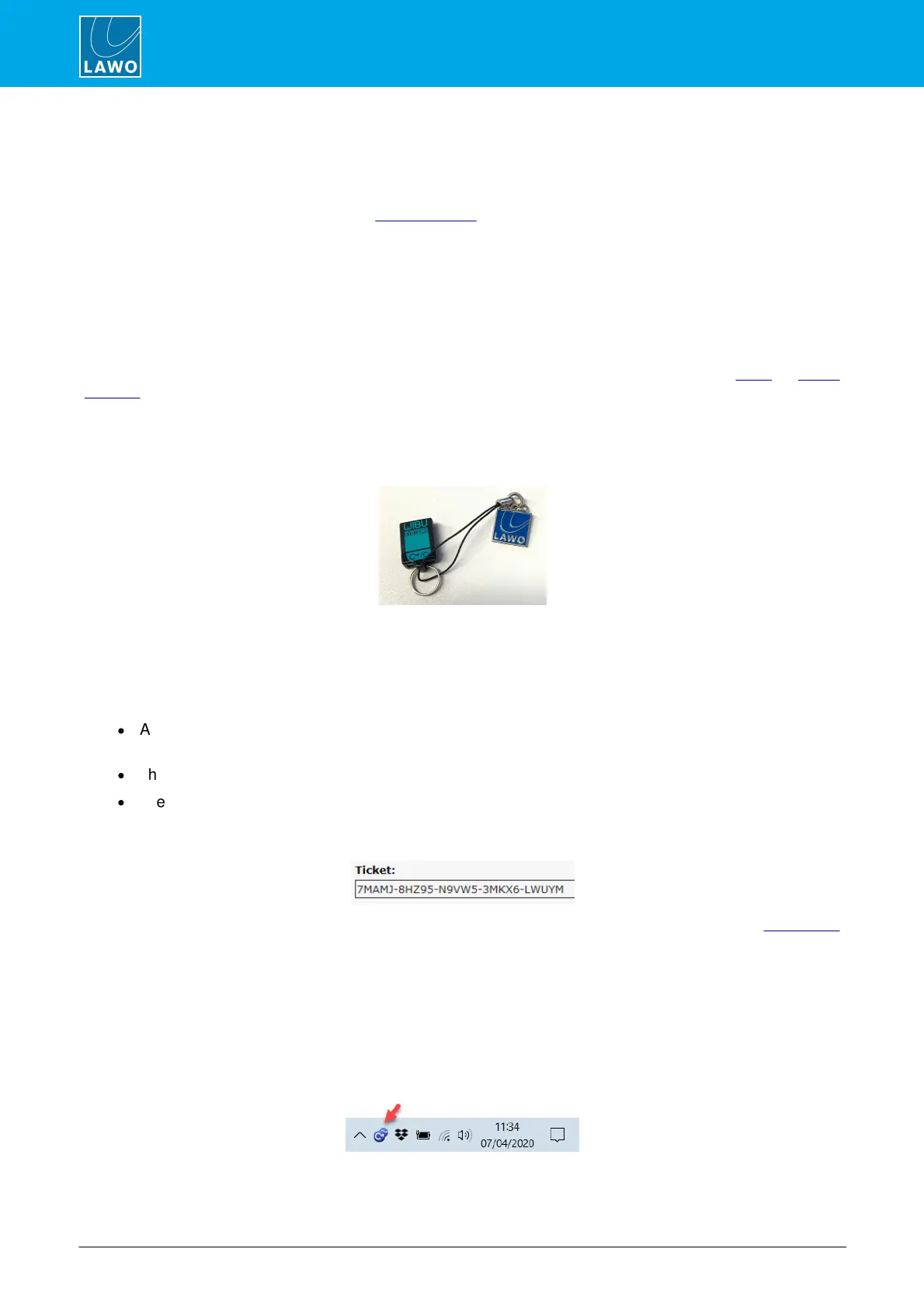
You can check the installation by looking in the Windows taskbar where you should see the following icon.
This shows that a Cm container (for local license storage) has been installed.



 To Next Page