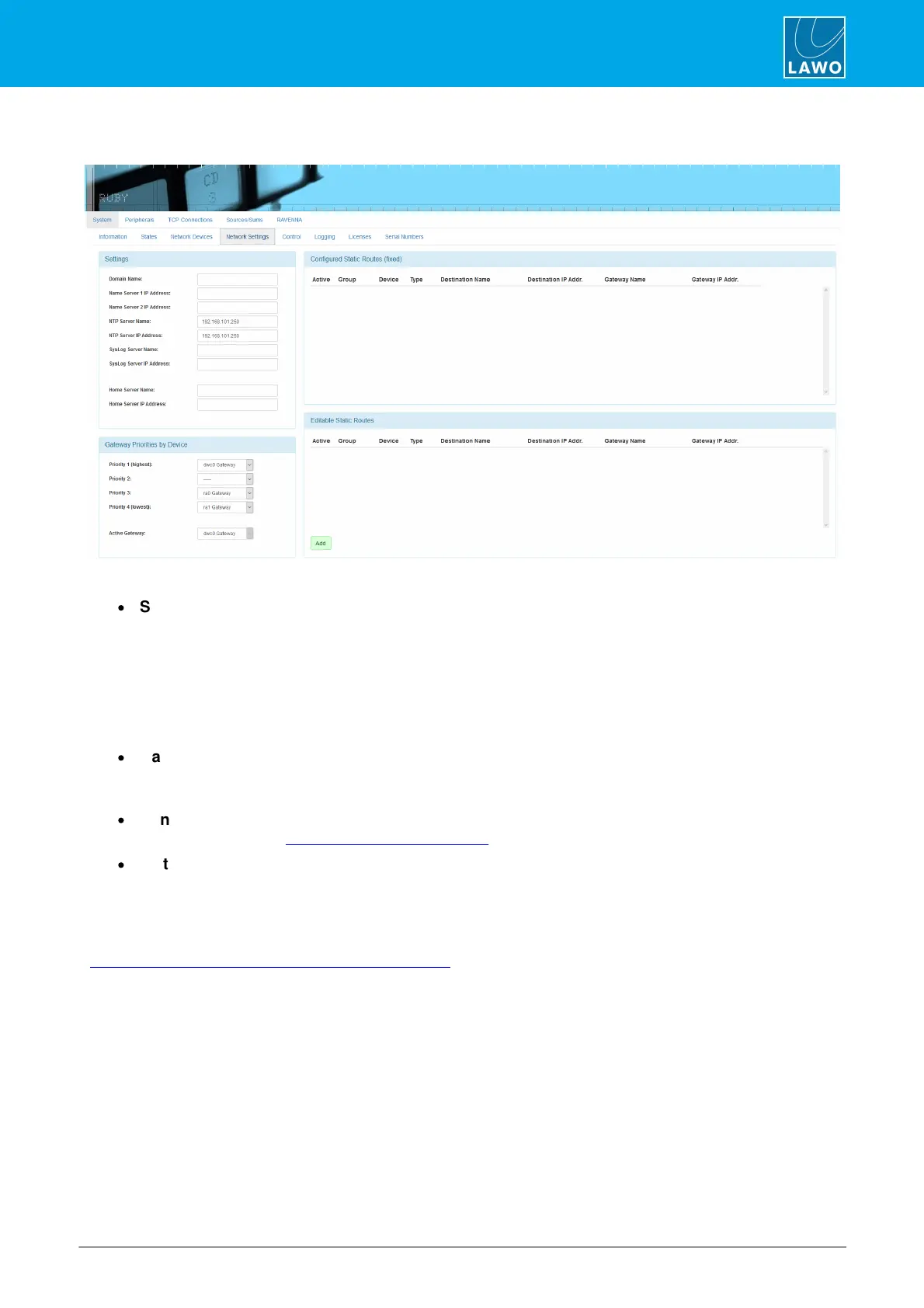
22.3.4 Network Settings Tab
As the name implies, this screen permits access to Power Core's control network settings.
·
Settings. Using the fields in this box, you can enter the Domain Name of your network and DNS Name
Server IP Addresses. In addition, you can configure settings for a NTP, SysLog and Home server.
o Your NTP server can be configured either by entering its name in the Server Name box, or its IP
Address in the Address box. If you type “ntp.internal” in the Server Name box, the IP Address will be
automatically filled.
o Your Syslog and Home server can be configured in a similar manner. Type “syslog.internal” or
“home.internal” into the Server Name box to complete the IP address automatically.
·
Gateway Priorities By Device. These options allow you to determine which of Power Core’s front-
panel Ethernet ports will be used as the control port should the primary link be interrupted. Priority 1 is
generally assigned to the “dwc0” port; use the remaining Priority fields to prioritize fallback ports.
·
Configured Static Routes (fixed). This area shows any static routes which have been configured for
your network (via the Logic -> Static Network Route element).
·
Editable Static Routes. Here you can add an editable static route by clicking Add and completing the
dialog box.
If a Home server is defined, then the following information is made available (via MQTT heartbeat):
system_type; project_name; project_version; serial_number; ember_target; timestamp; and timestamp_utc. The
ember_target is always Provider 1. Therefore, it is mandatory to configure the Ember+ Local Provider (in
"System -> Definition -> Parameter = Control Settings" and anything else used by Home) to Provider 1.



 To Next Page