9. Audio IO
This option is available for all plug-in IO cards.
If enabled, the IO card is ignored by the system alarm (monitored via the Web UI or alarm bus).
This can be useful if a card is missing.
Configuring the Loopbacks
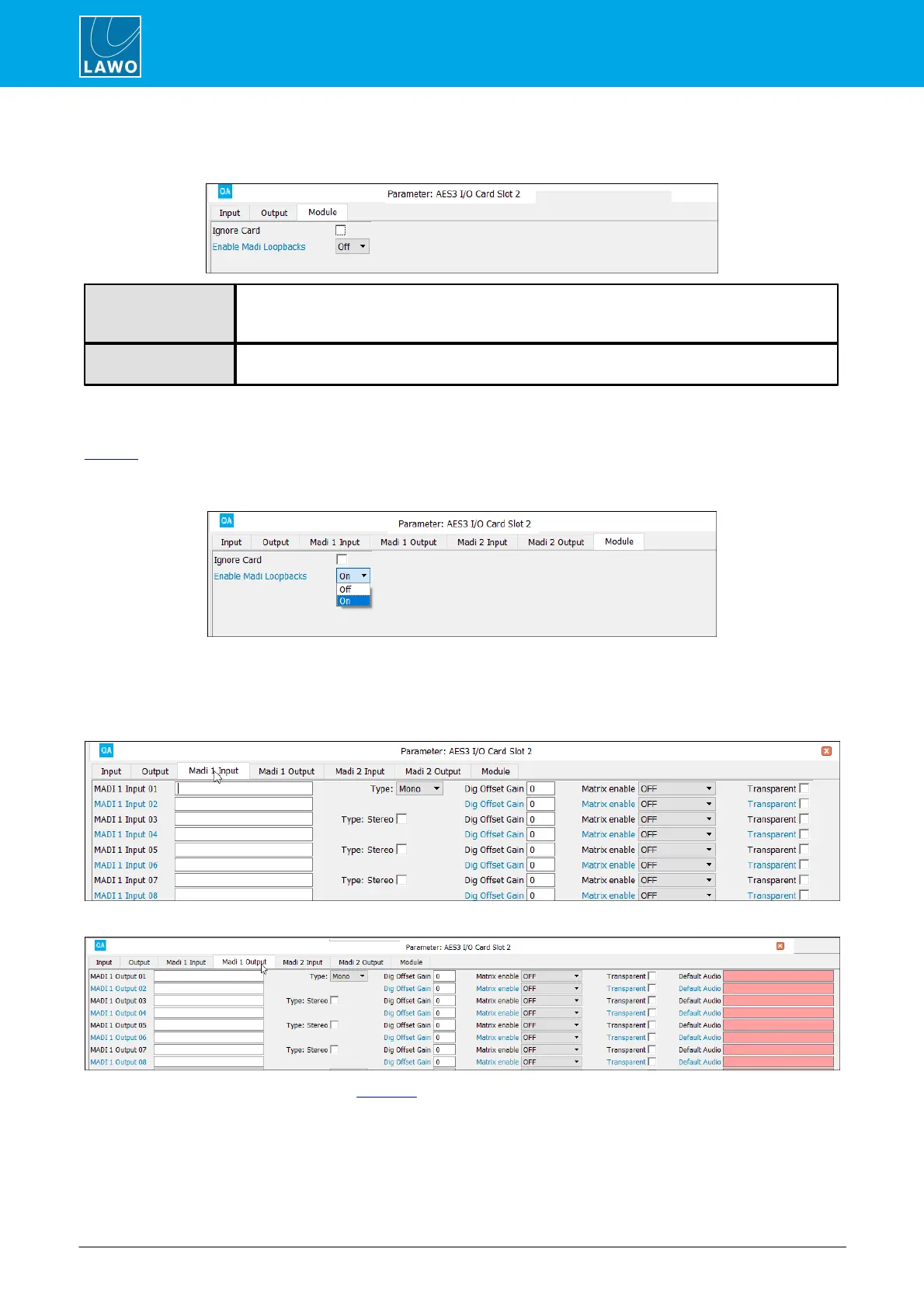
The "Enable MADI Loopbacks" option appears for 8-channel IO cards once the Loopbacks add-on license is
enabled. It allows you to add 128 audio loopbacks for each IO card, and can be enabled on multiple cards if
you wish. The option is available for physical IO cards only, and not the General I/O dummy card.
1. Start by turning on the "Enable MADI Loopbacks" option:
The loopbacks are presented as MADI input and MADI output signals, where each input is fed back from the
corresponding output.
2. Use the "MADI Input" and "MADI Output" tabs to configure the loopback parameters.
Loopback Function (Input Parameters)
Loopback Function (Output Parameters)
The parameters are the same as for a MADI IO card. The audio source for each loopback is defined by the
Default Audio field (in the "MADI Output" tab).



 To Next Page