Power Core User Manual Version: 6.6.0/3 73/539
9. Audio IO
MADI Settings
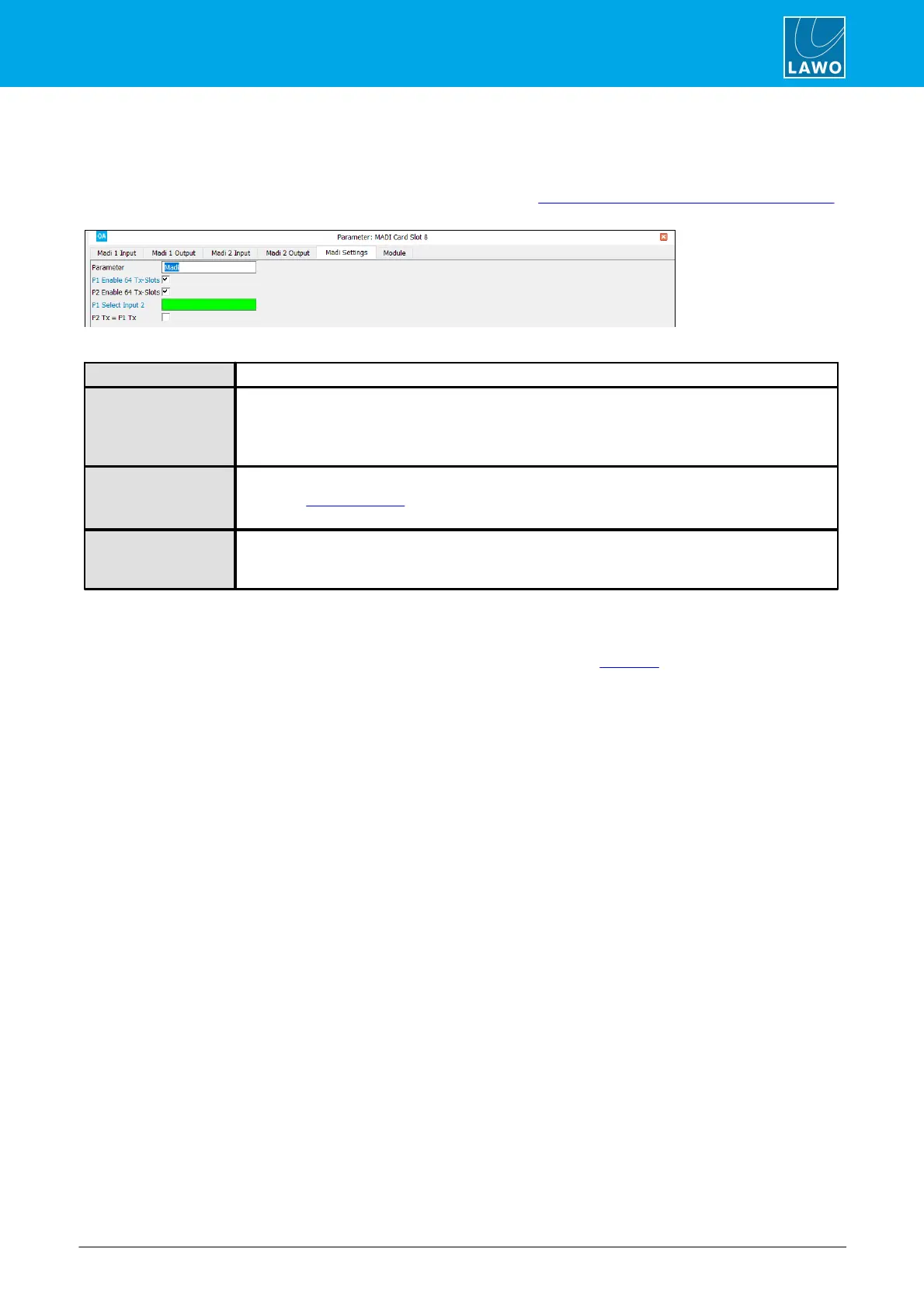
On Power Core, the following parameters configure the MADI ports on plug-in IO cards.
The same settings for other MADI ports can be accessed via the "System -> Definition -> Parameter = MADI"
branch of the 'Tree Definition'.
Madi – reference name for the element.
When this checkbox is selected, the MADI port transmits 64 slots as opposed to 56.
Note that the receiver automatically detects whether 56 or 64 slots are supplied. If the port is
configured to transmit 64 slots and only 56 are received, then the last 8 slots are muted.
The option can be selected for each individual MADI port.
Click to assign a control signal to switch the MADI port from P1 to P2.
Note that if Sync from MADI is enabled, then this will also switch the MADI sync source.
The option can be selected for each odd/even pair of MADI ports.
When this checkbox is selected, MADI port P2 transmits the same data as port P1. The option can
be used to configure redundant MADI outputs.
The option exists for each odd/even pair of MADI ports.
DANTE IO
The DANTE parameters are identical to those available for a MADI port. See MADI IO.



 To Next Page