Power Core User ManualVersion: 6.6.0/3348/539
20. Configuring Custom Logical Behaviour
20.3 ASSIGN
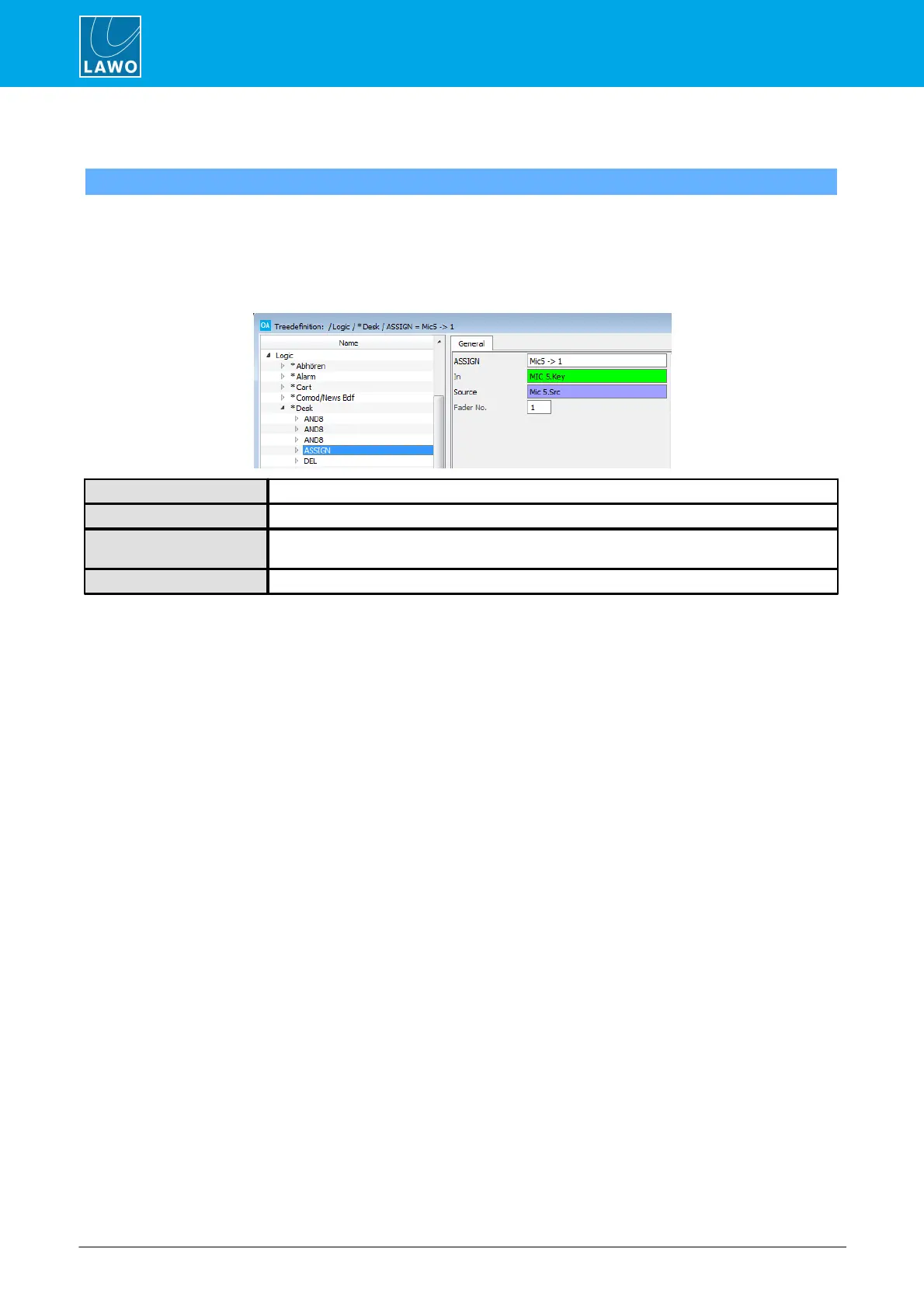
An ASSIGN element can be used to assign a source to a fader strip under the control of a logical signal such
as an MF Key. By programing several ASSIGN elements which use the same In control signal, you can assign
several fader strips from a single button press, or create a Clear button which would remove sources from fader
strips.
General Parameters
Reference name for the element.
Assigns the input control signal to action the fader strip assignment.
This is the source which will be assigned to the fader strip. To assign silence leave this entry
blank.
This is the fader number where the source will be assigned when the Input condition is true.



 To Next Page