7. System Setup
7.3.3 Installing the ON-Air Designer
The latest version of the onair-designer.exe installer is available from the Downloads area at www.lawo.com
(after Login).
1. Copy the installer onto your PC.
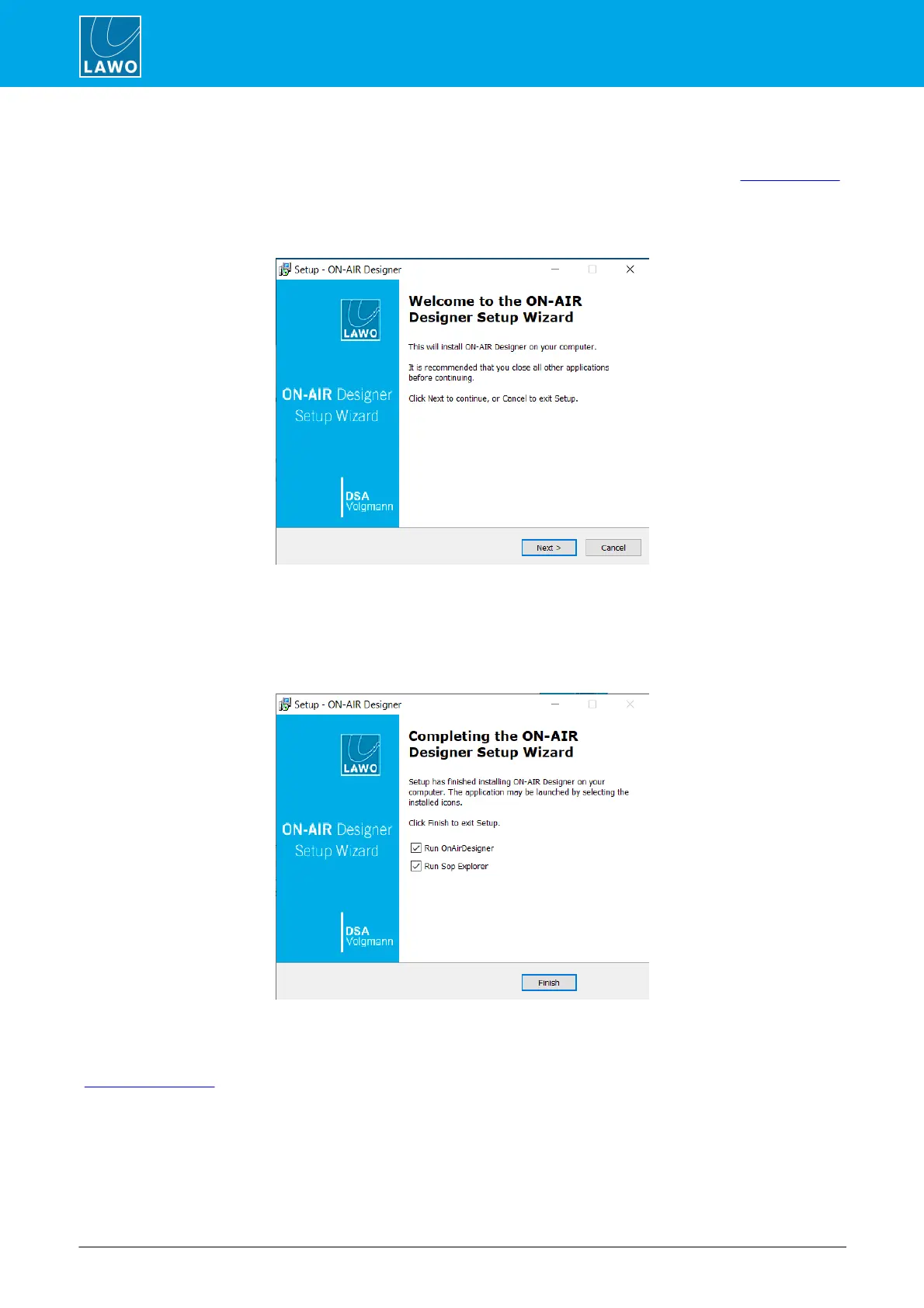
2. Double click on the installer icon to start the ‘ON-AIR Designer Setup Wizard’:
3. Follow the Wizard's instructions accepting the default options provided.
4. When you reach the 'Summary' window, check the options and click Install - the software is installed
onto your computer; this may take a few minutes.
By default, files are installed in the location: ‘C:\Program Files\OnAirDesigner’.
5. When the installation is complete, the following window will appear:
It is recommended to leave the default "Run" options selected and click on Finish. You can now use SoP
Explorer to check the firmware revisions of the system, and ON-AIR Designer to transfer a configuration.
If you have any problems with the software installation, please contact your local Lawo representative or email
support@lawo.com.



 To Next Page