Power Core User Manual Version: 6.6.0/3 481/539
23. The Firmware Update Tool (SoP Explorer)
23.7 Toolbar
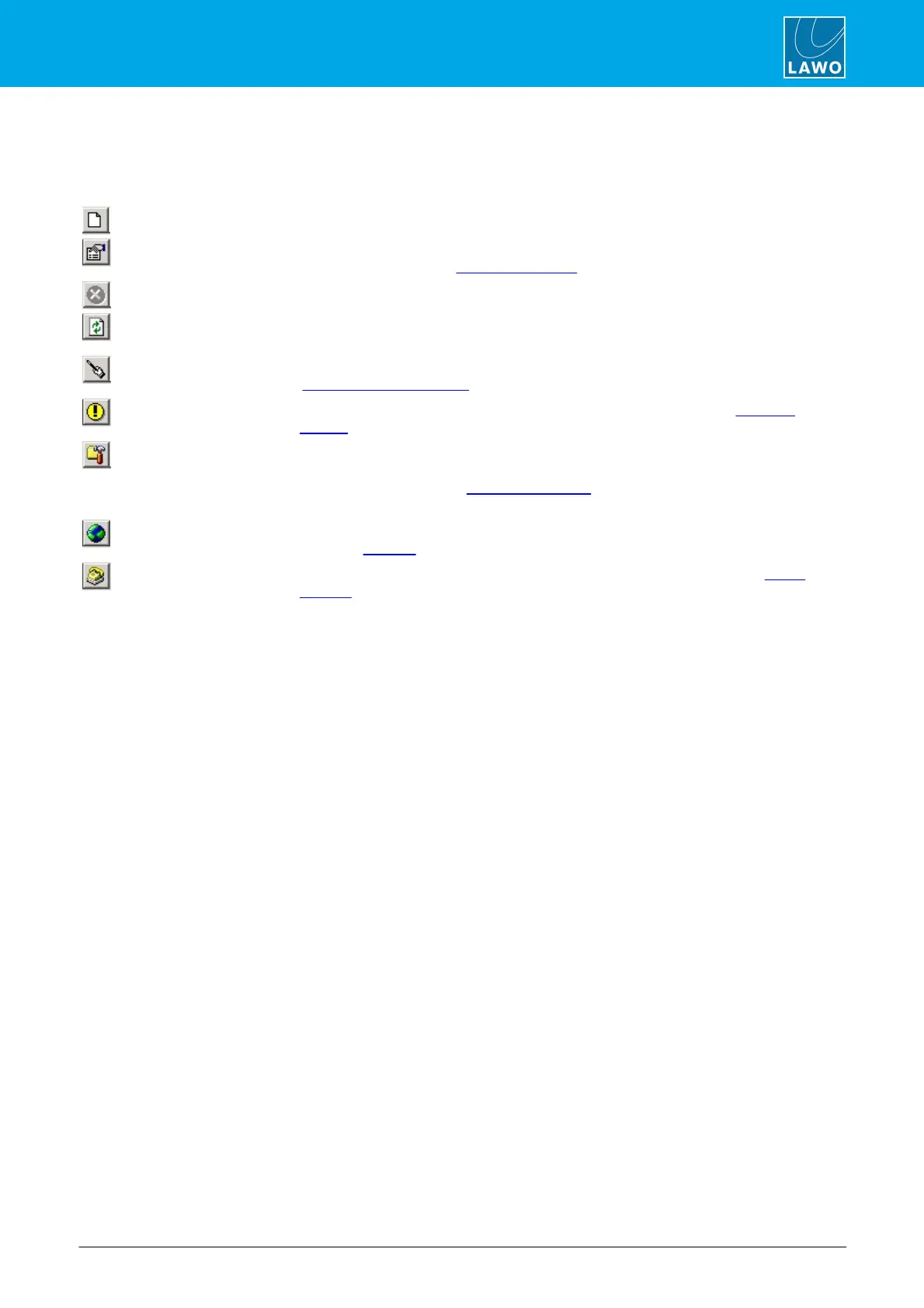
The Toolbar provides quick access to a number of functions. If you cannot see it, then check the options under
the View menu.
adds a new unit to the SoP Explorer configuration.
select a unit name from the systems list (e.g. SOP Test) and then select this
icon to view or edit the system properties.
click on this icon to cancel operations, for example to cancel a software update.
click on this icon to refresh the status of all units, for example after performing
an update.
select a unit name from the systems list and click on this icon to start the
'Software Update Wizard'.
update selected
software module
select a software module and then click on this icon to open the 'Selected
Update' window.
select a unit name from the systems list. Then click on this icon to start the ON-
AIR Designe and automatically load the configuration file for the system (the file
path is as defined in the Properties window). This is a quick way of accessing
the configuration transfer tools.
select a unit name from the systems list and click on this icon to automatically
open the Web UI.
select a unit name from the systems list and click this icon to open a Telnet
session for the unit.



 To Next Page