Power Core User Manual Version: 6.6.0/3 201/539
13. Intercom
13.4.6 Creating a New Configuration
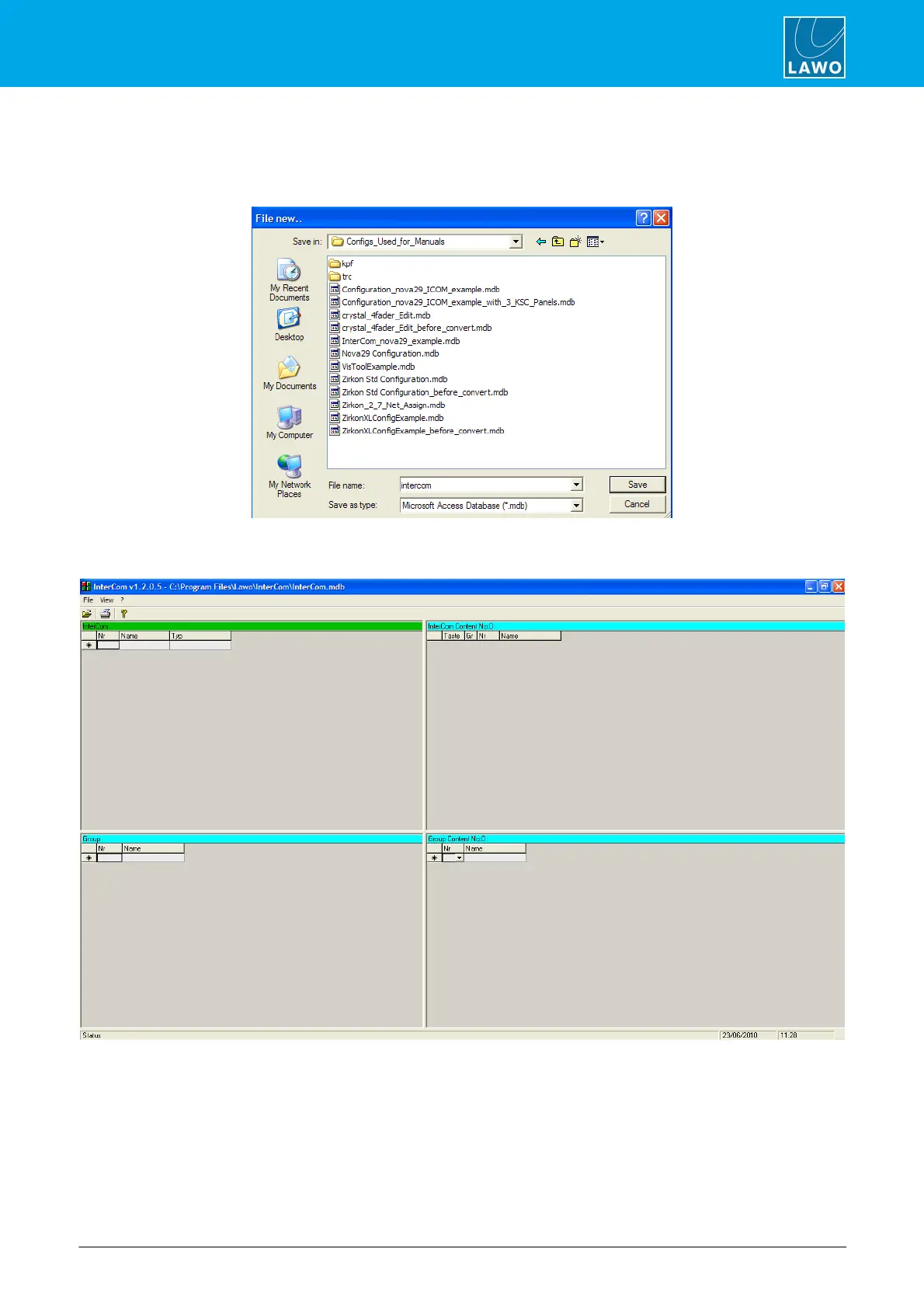
1. Select File -> New from the main menus to create a new configuration.
You are asked to choose a location for the InterCom database file:
2. Enter a file name and select Save.
The database is saved and a blank operating window appears:



 To Next Page