Power Core User Manual Version: 6.6.0/3 71/539
9. Audio IO
AES3 IO
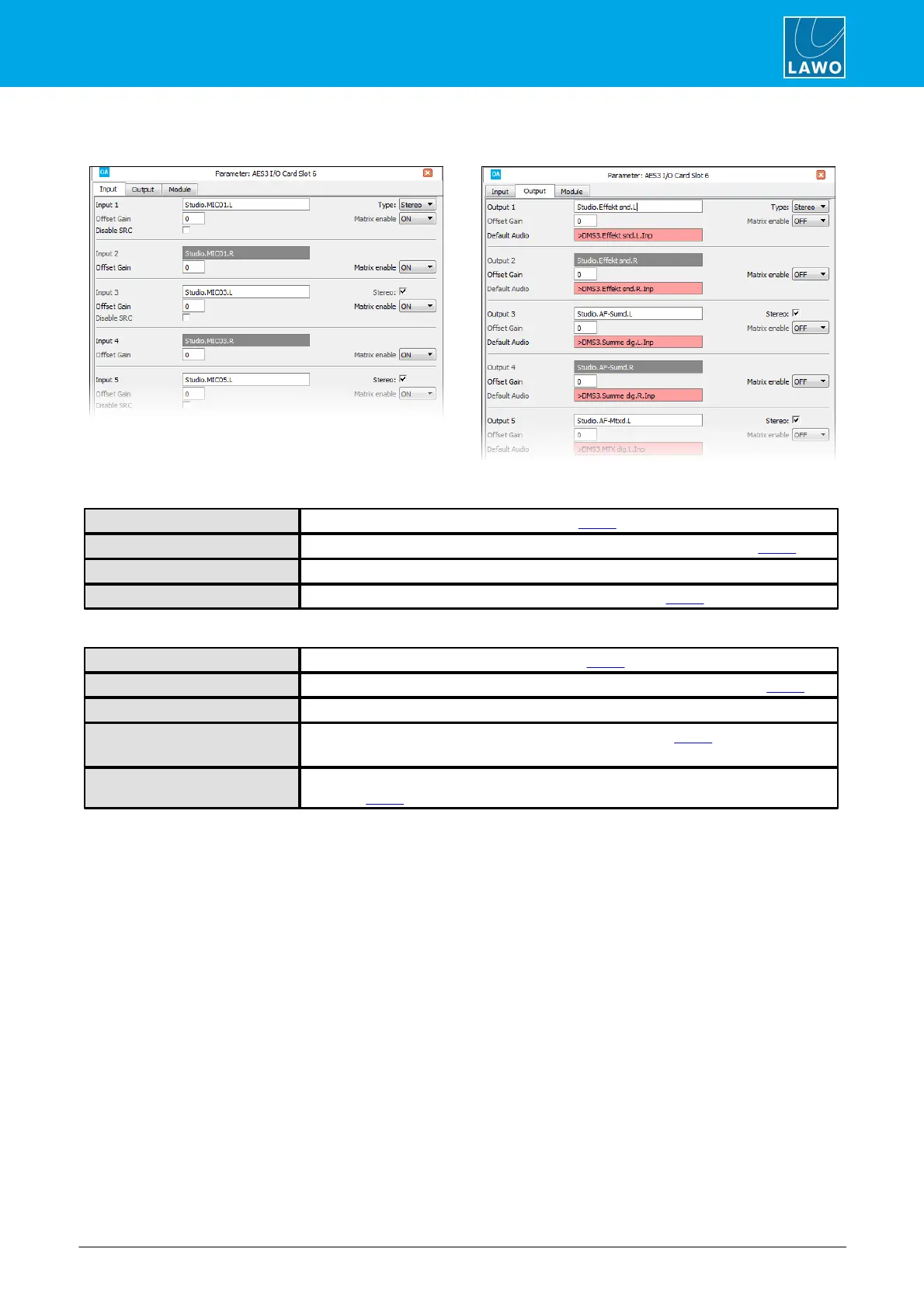
Use this field to name the input (as described earlier).
Use the Type and Stereo fields to set the format of the input (as described earlier).
Here you can enter a fixed digital offset gain for the input.
This option enables matrix control of the input (as described earlier).
Use this field to name the output (as described earlier).
Use the Type and Stereo fields to set the format of the output (as described earlier).
Here you can enter a fixed digital offset gain for the output.
This option enables matrix control of the output (as described earlier).
If the option is enabled, you cannot use the Default Audio function.
Double-click in the Default Audio box to assign a default audio source for the output (as
described earlier).



 To Next Page