Power Core User ManualVersion: 6.6.0/3484/539
24. Maintenance
24.1 Restarting the System
When Power Core boots-up it can perform either a warm or cold start.
24.1.1 Warm Start
Every time the system shuts down it stores the current state of all settings so that they can be loaded on boot-up
(known as a warm start).
A warm start is used whenever you power cycle the device to ensure that the device returns to its last known
state if power is cut and then re-applied.
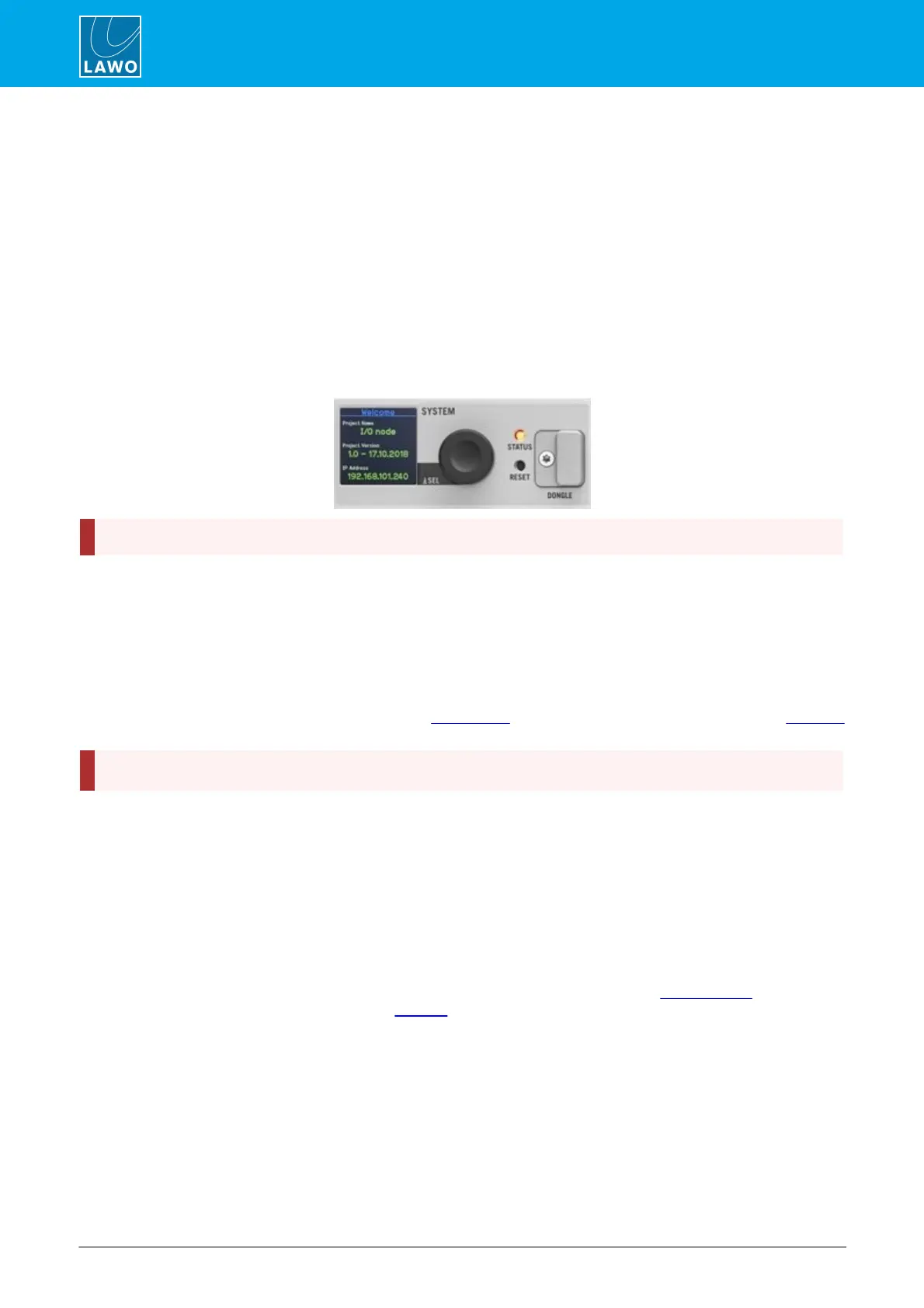
You can also force a warm start by pressing the RESET button on the front panel. The button is recessed to
prevent accidental operation.
Front View
A warm start will reboot the device. Do NOT perform a warm start while live on air!
Note that the last known PTP Master/Slave mode may not be reinstated if Power Core is set to operate as PTP
Slave only.
24.1.2 Cold Start
Alternatively, the system can boot using a cold start. A cold start ignores the warm start data, and resets all
internal logic states and audio parameters to the default values stored in the configuration.
For most systems a cold start can be triggered by transferring a new configuration onto the device or updating
its firmware. The exception is the Nova29 which must be cold started by opening a telnet session.
A cold start will reboot the device. Do NOT perform a cold start while live on air!
24.1.3 Default Mode
The default mode can be used to load an empty configuration from Power Core's SD card. This can be useful if
a loop in the configuration is stopping the system from booting, and you need to exit the loop.
To activate default mode:
1. Press and hold the encoder on the front panel and, while holding, press the RESET button.
2. Once the Lawo logo appears, you can release the encoder.
The device will now boot in default mode. Once boot-up is complete, you can use SoP Explorer to reload all
system firmware and the ON-AIR Designer to transfer a different configuration.



 To Next Page