Power Core User Manual Version: 6.6.0/3 367/539
20. Configuring Custom Logical Behaviour
The Main Menus
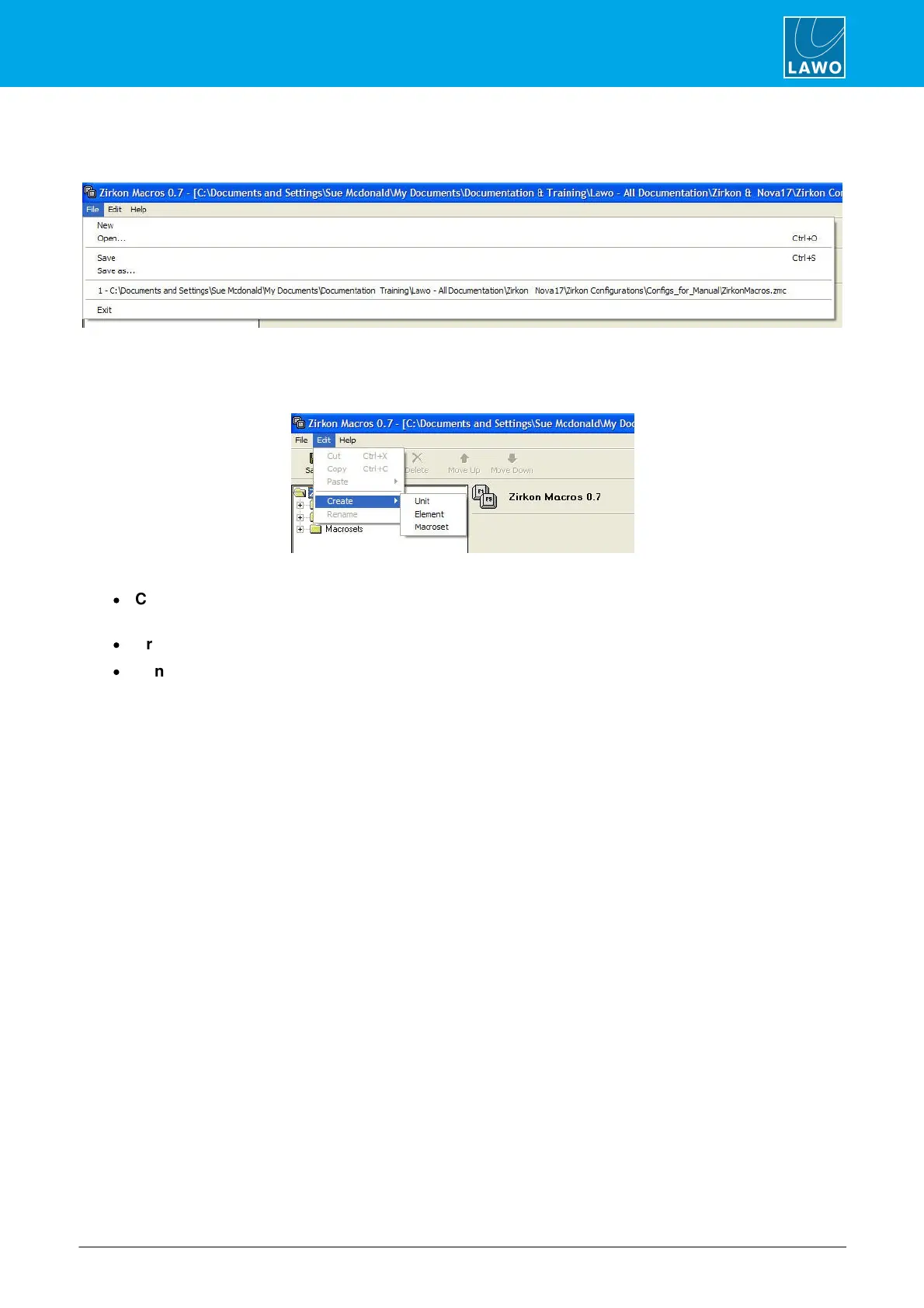
File
Use the File menu options to create a New macro file, Open an existing configuration, Save a configuration or
Exit (Quit) the Macro Editor software.
Edit
Use the Edit menu to access the following functions:
·
Cut, Copy and Paste - you can copy and paste units, elements and/or macro sets to help speed up
your programing.
·
Create – adds a Unit, Element or Macroset to the configuration.
·
Rename – renames your current selection.
Help
The Help menu provides information on the current release version of the Macro Editor software.



 To Next Page