Power Core User Manual Version: 6.6.0/3 89/539
9. Audio IO
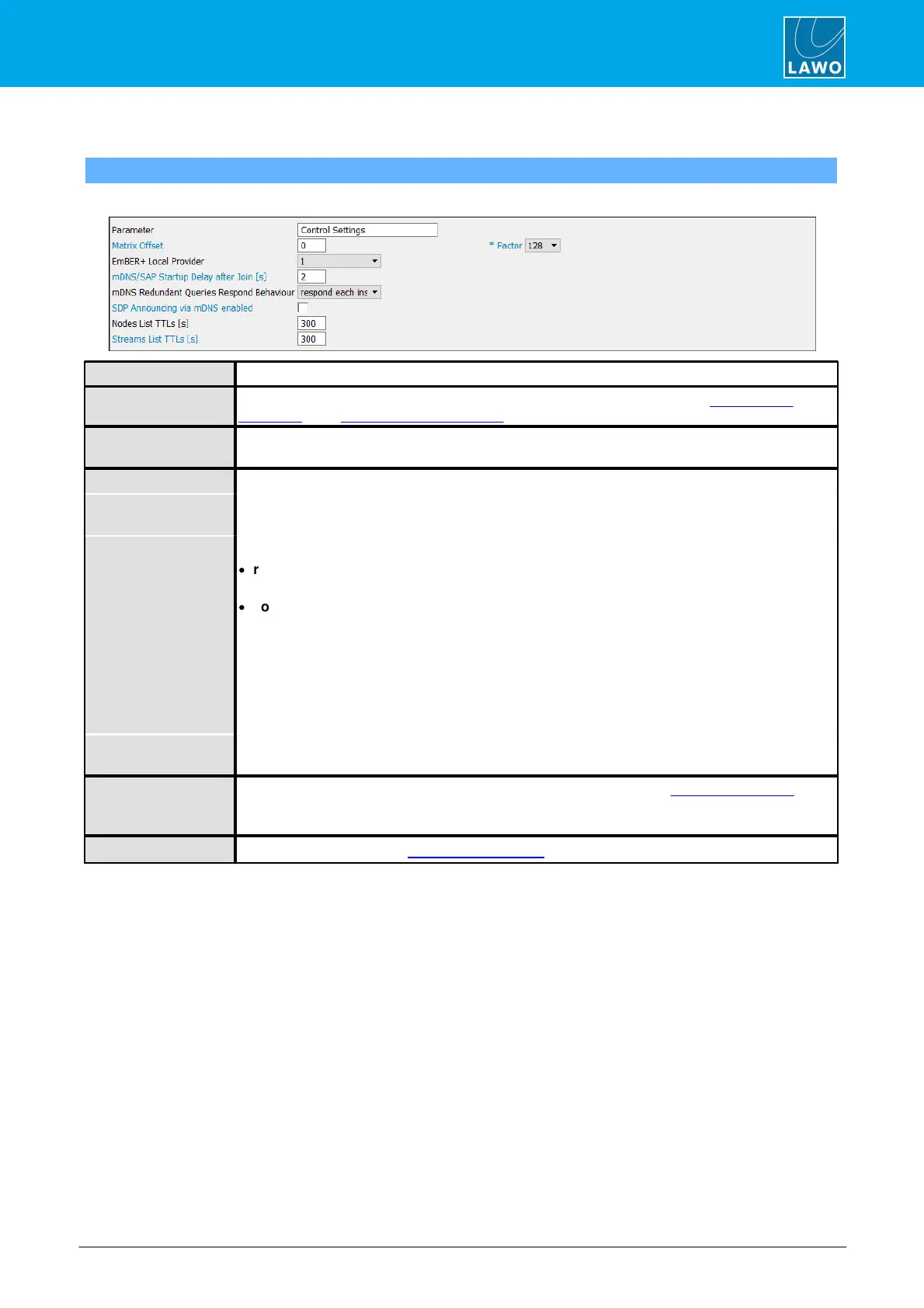
Control Settings
"System -> Definition -> Parameter = Control Settings"
These parameters define the control settings applicable to RAVENNA.
Control Settings - reference name for the element.
Applies a global offset to any matrix-enabled inputs and outputs defined in the "Audio Input ->
RAVENNA" and "Audio Output -> RAVENNA" branches of the 'Tree Definition'.
This field can be used to publish all available RAVENNA parameters to an Ember+ provider - enter
the provider number from 1 to 5, or select None to disable publishing via Ember+.
The next three options affect what happens when streams are announced to the network.
mDNS/SAP Startup
Delay After Join
Delays mDNS/SAP announcements (in seconds).
mDNS Redundant
Queries Respond
Behaviour
Defines how Power Core responds to mDNS queries. There are two possibilities:
·
respond each instantly (default) - every query is answered immediately. If there are many
enquirers and many streams, this can lead to a large flood of announcements.
·
collect and respond once (optimized operation) - after receiving a query, Power Core waits 10
seconds before a response is sent. If queries are received within this period, the timer is reset (to
10 seconds). The responses are sent either once the timer has expired or after 45 seconds
(whichever is the soonest). In this way, several enquiries are answered collectively and a flood of
announcements is avoided. There are separate timers for general queries and per stream.
Please note: Collect and respond is recommended for SDP announments in mDNS. To use it,
make sure that all Power Cores in your network are using version 6.6_PL-002 (ON-AIR Designer
6.6.0.20) or higher.
SDP Announcing via
mDNS enabled
Enable this option to include the SDP in mDNS announcements.
This value is applied if the "Update: Data + TTL" option is enabled in the RAVENNA -> Nodes tab of
the Power Core Web UI.
The default value is 300 (seconds). Possible values are 60 to 3600.
As above, but applies to the RAVENNA -> Streams tab.



 To Next Page