Power Core User ManualVersion: 6.6.0/36/539
3. Product Overview
3. Product Overview
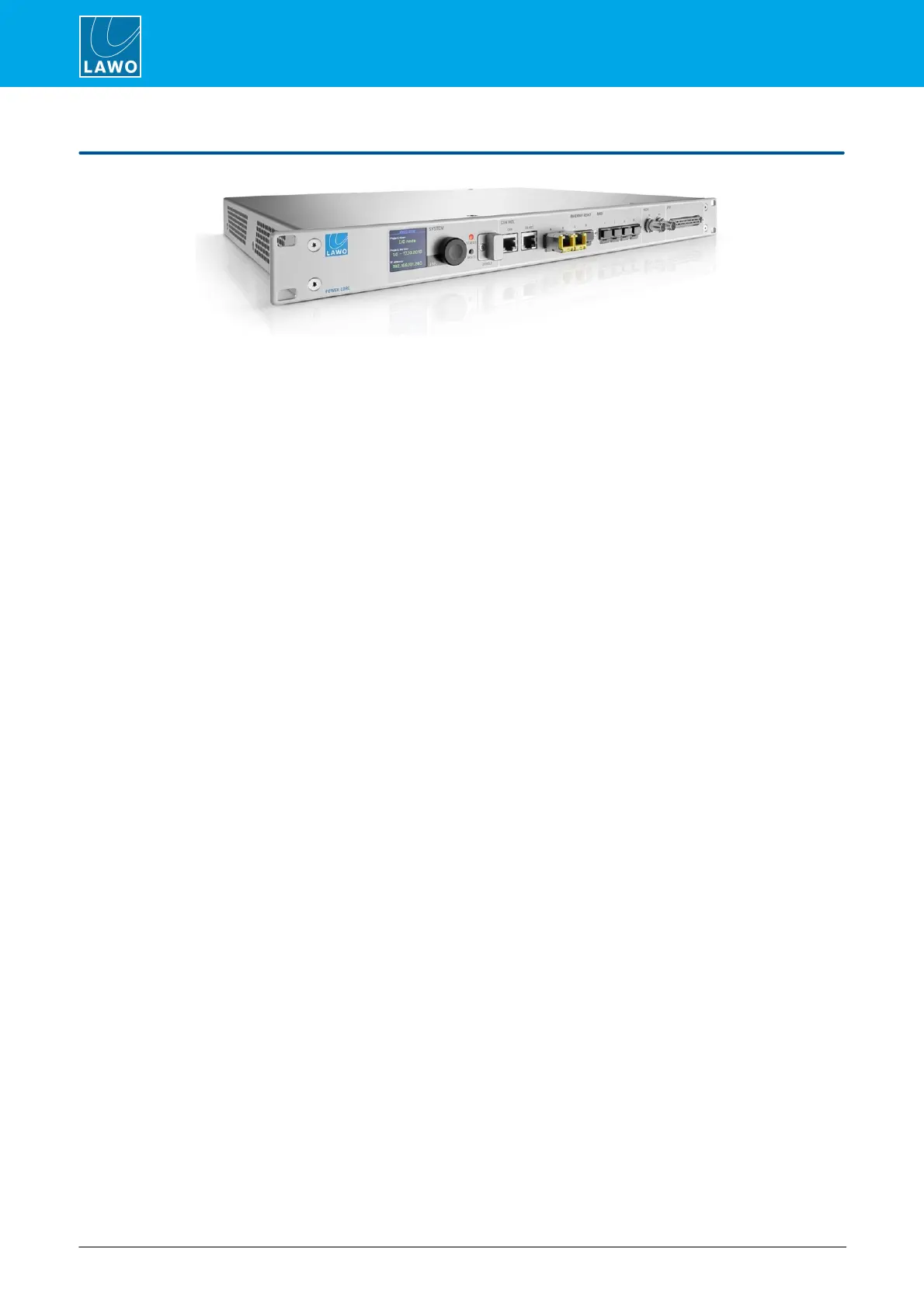
Power Core is a 1RU, 19-inch DSP Core, IO interface and routing matrix. It can be installed as a stand-alone
processing engine / matrix, or as the integrated DSP / IO Core for a Lawo control surface.
Audio Interfacing
As standard, there are two RAVENNA/AES67 streaming ports, four optical MADI ports and eight GPIOs for
contact closures. Optionally, up to eight plug-in IO cards can be fitted to the rear expansion slots to add Mic/Line
In, Line Out, Studio IO, AES3 IO, MADI or DANTE IO.
Signal Processing
All units include DSP to create sources and summing buses with signal processing: EQ, Dynamics, Delay,
Limiting, De-essing and Automix, available for some signal paths. The total number of resources is determined by
the licensed feature set. Thus, you can purchase a suitable package for your application.
Licensed Feature Sets
Power Core must be purchased with a license to "unlock" the system resources. Several main license packages
are available. Where applicable, a main package can be expanded by purchasing one or more add-ons. The
main license plus any add-ons must be installed onto a USB memory stick connected to the DONGLE port.
The Configuration
All programmable functions are defined by the system configuration. This is stored on the device's control
system and read during boot-up. The configuration can be edited using the ON-AIR Designer software, and a
new version uploaded via the control network. The configuration possibilities are extensive and include the
definition of audio inputs and outputs; sources and buses; signal processing; and MF Key functions.
Power
The device provides dual power feeds: AC and DC. If both inputs are connected, then AC provides the main and
DC the redundant power supply. To use the DC input, you will need an external 12V DC power supply; this can
be ordered separately.
Remote Control
If Power Core is connected to a control surface (via the CAN bus), then all resources can be controlled from the
console. In addition, Power Core supports a range of remote control options (via TCP/IP) including VisTool MK2
and Ember+.
During installation and setup, a HTML interface known as the "Web UI" can be used to set the IP address, check
system statuses and manage the RAVENNA/AES67 streaming connections. Some of this information is also
visible on the front panel display.



 To Next Page