Power Core User ManualVersion: 6.6.0/3190/539
13. Intercom
13.3.5 Defining the MF Keys
Next, name the control signals you wish to use as talkback buttons for each communications station.
You may use any type of control signal. This includes console MF Keys, MF Keys on an external key panel,
VisTool screen buttons or external control signals.
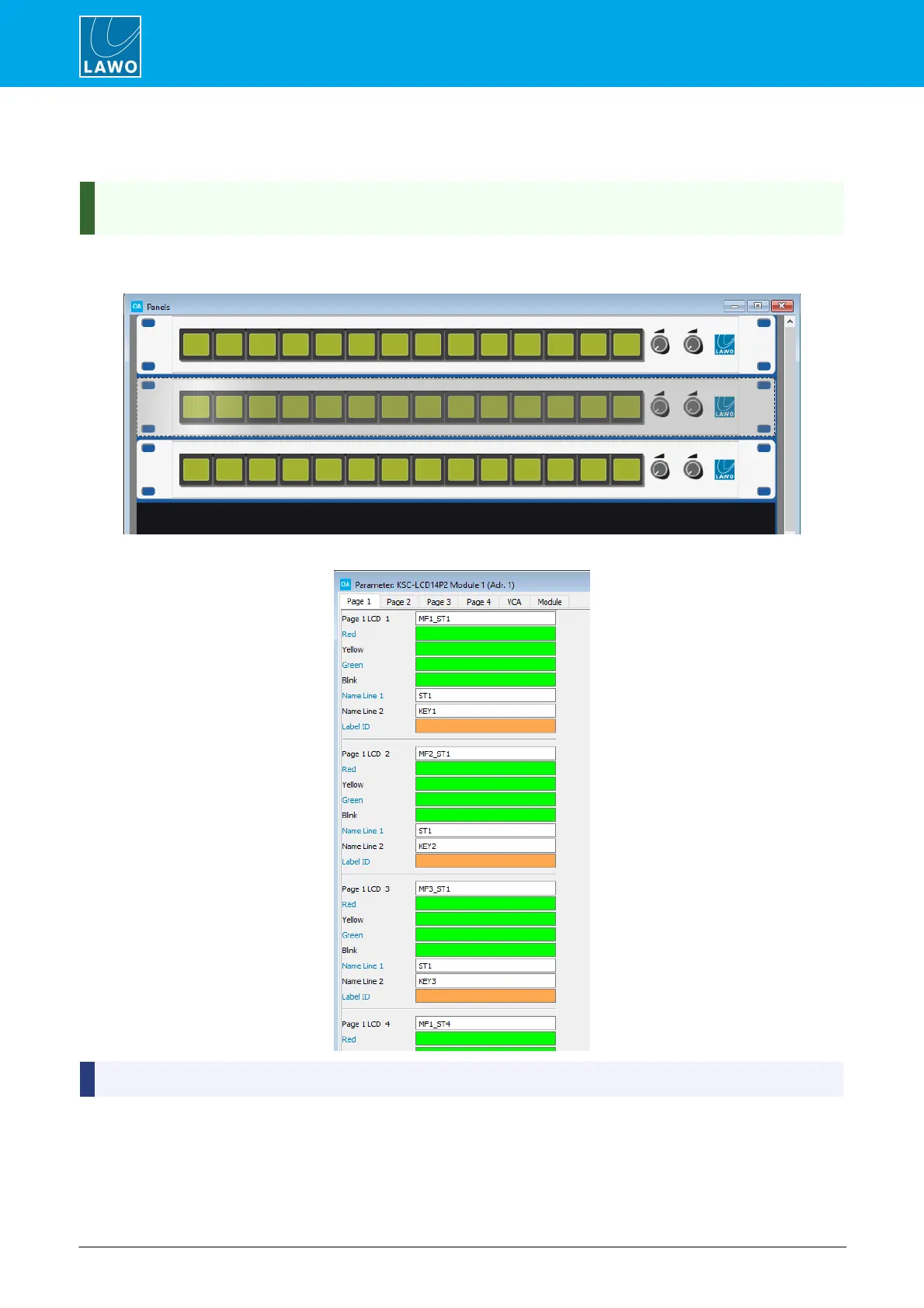
In our example, we have a KSC-LCD14P2 panel for each of the 3 studios.
1. Add the key panels to the Frames -> Panels configuration:
2. Double-click to open the key panel parameters, and name each MF Key:
Name Line 1 and 2 are only supported by key panels with self-labeling buttons.



 To Next Page