Power Core User Manual Version: 6.6.0/3 97/539
10. Audio Mix Engine
10.1.3 Source Parameters
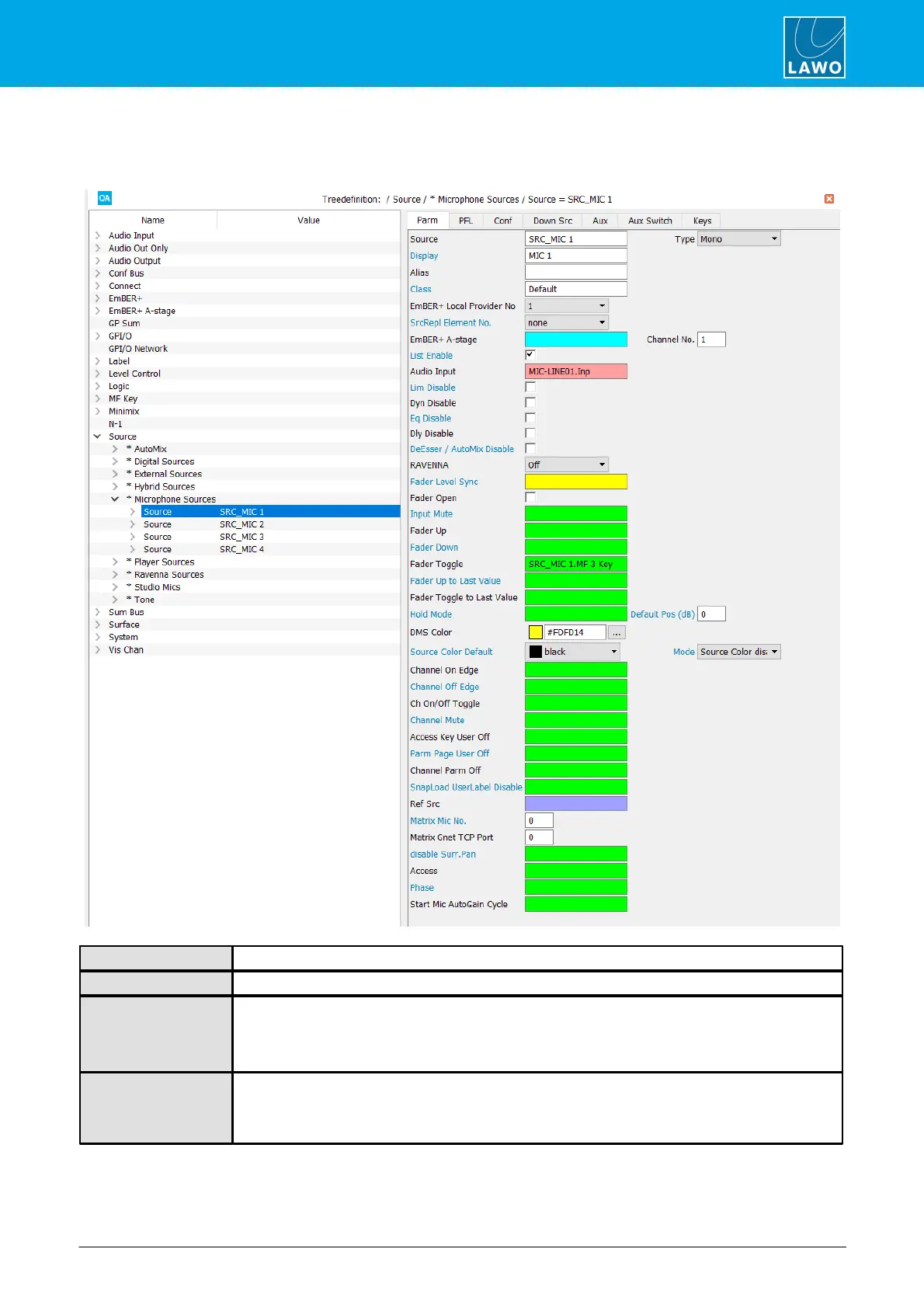
Select the source you wish to edit in the 'Tree Definition' and open the Parm tab to access its main parameters:
Reference name for the source element.
This field defines the type of source.
Display name for the source. This is the name which appears in the fader label display when the
source is assigned to the control surface. Enter 6 characters or less so that the name can appear in
full on the control surface displays.
It is strongly recommended that you use unique Display names wherever possible!
This name can be used to distinguish between sources which have the same ‘Display’ name. For
example, if you have two sources named CD, you will need to enter different Alias names in order to
save and load snapshots. If an Alias name is not entered then snapshot data is referenced to the
‘Display’ name.



 To Next Page