Power Core User Manual Version: 6.6.0/3 243/539
14. Control Surface Configuration
14.11 Controlling Central Module Functions
The following elements in the 'Tree Definition' allow you to trigger the Central Module Function Buttons from
logical control signals. For example, if you wish to integrate the surface control with VisTool. The same
parameters are repeated four times in a Power Core Max system (to allow a different configuration for each
surface).
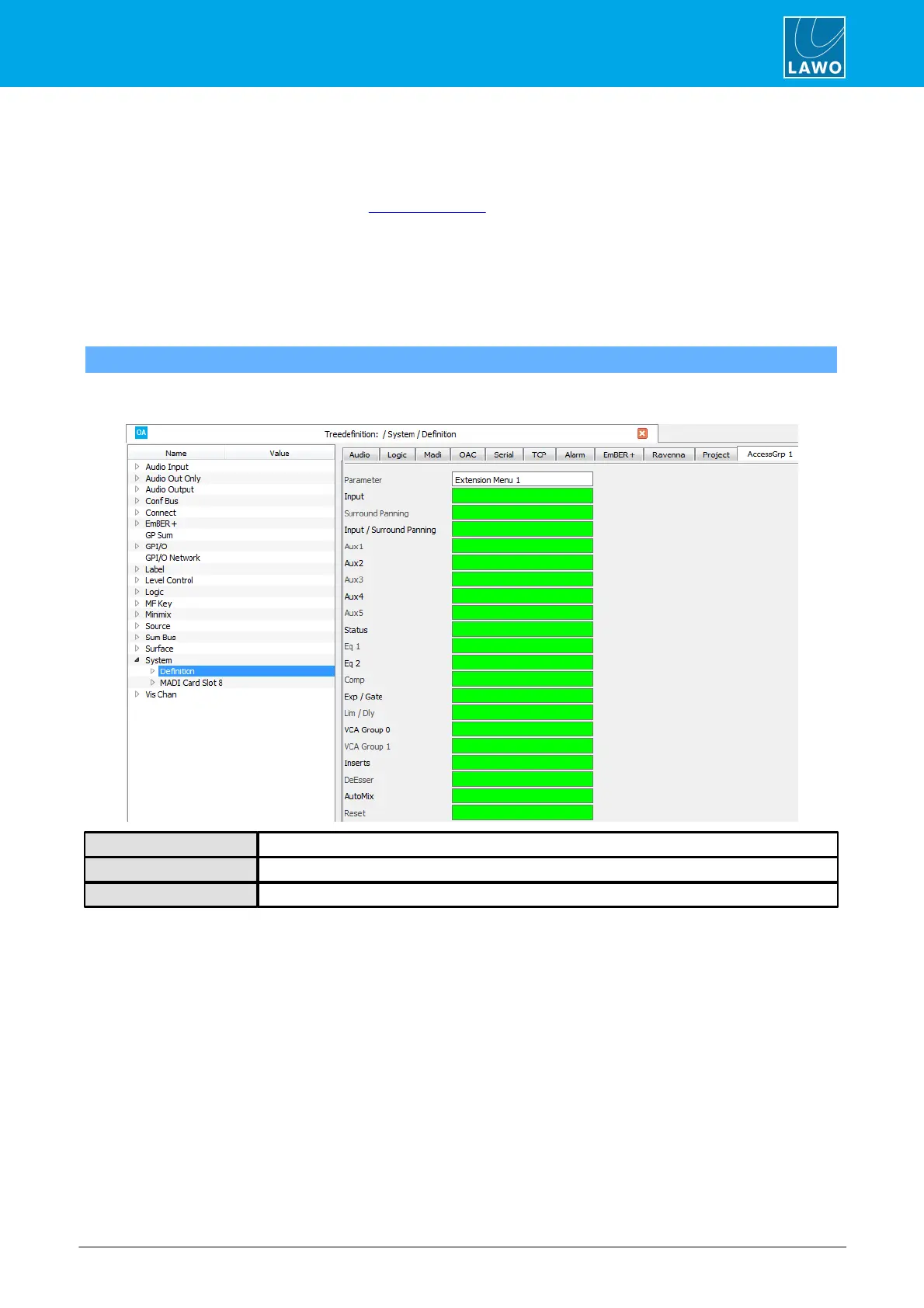
Start by selecting "System -> Definition" in 'Tree Definition' and the AccessGrp tab. Scroll down to access the
parameters.
14.11.1 Key Extension Panel
"System -> Definition -> Parameter = Extension Menu"
This branch of the 'Tree Definition' provides external control of the page buttons on a Key Extension panel
(optional on sapphire and ruby).
Extension Menu – reference name for the element.
Assign an input control signal to select a page: Input, Surround Panning, etc.
Assign an input control signal to reset (cancel) the Key Extension page.
An "Out" control signal for each menu appears in the 'Tree Selection'. They can be used to signal when a menu
is active.



 To Next Page