7. System Setup
7.6.4 Activating a License Online
To use this method, your PC must have an internet connection. If installing onto a dongle, then this should be
connected to the PC's USB port.
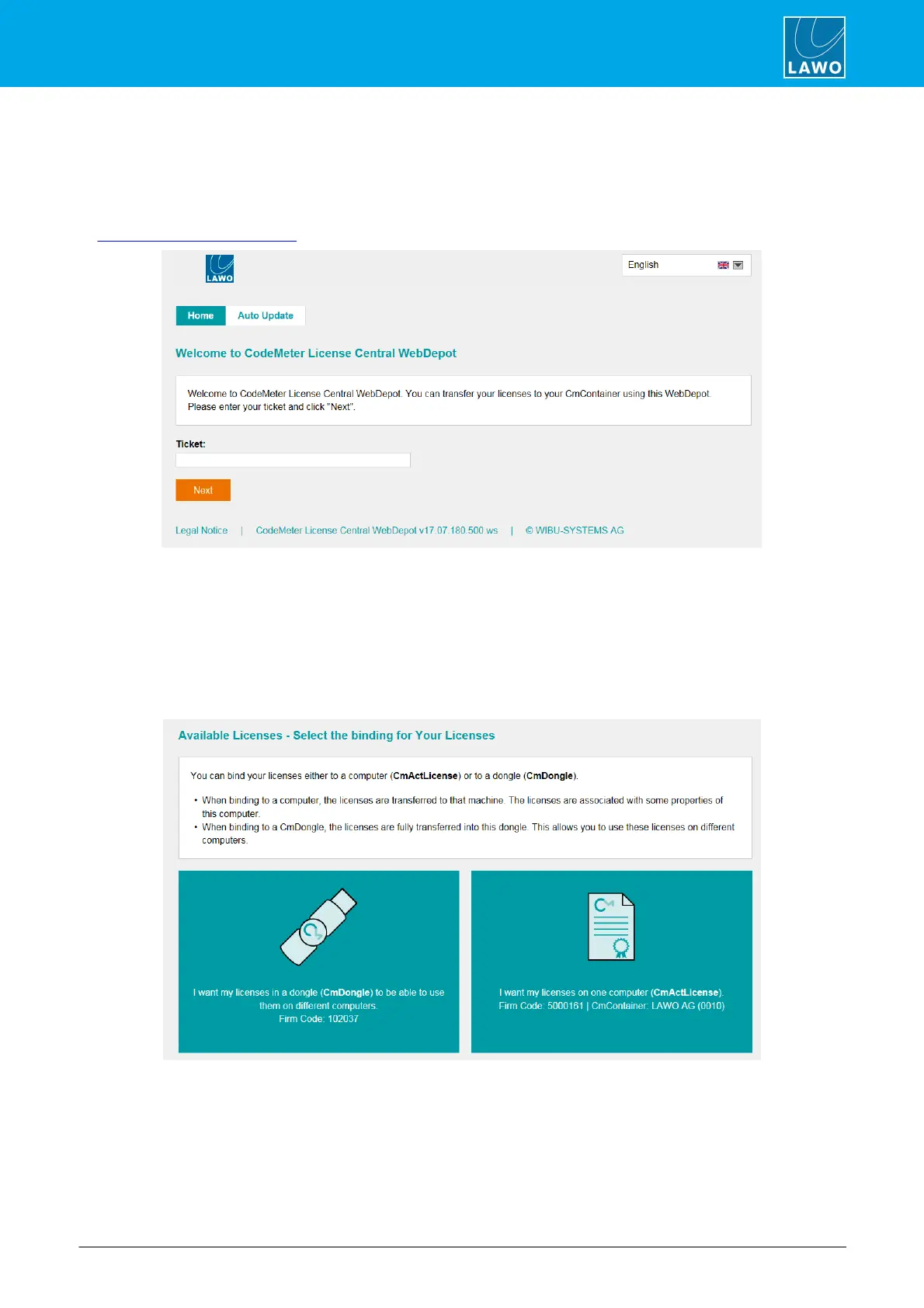
1. Open the Lawo licensing web page by copying the following URL into your web browser:
https://licenseportal.lawo.com
If necessary you can choose a different language using the drop-down menu at the top right of the page.
2. Copy your license ticket number - this is the 25-digit number code - into the Ticket field and select
Next.
3. The WebDepot searches for and displays your licenses - select Activate Licenses to continue.
4. At the next page, select the storage method for your license - note that this cannot be altered later.
Choose either CmDongle (to create a USB dongle) or CmActLicense (to bind the license to the local
computer).



 To Next Page