Power Core User ManualVersion: 6.6.0/356/539
8. Configuring Power Core
8.3 Opening an Existing Configuration
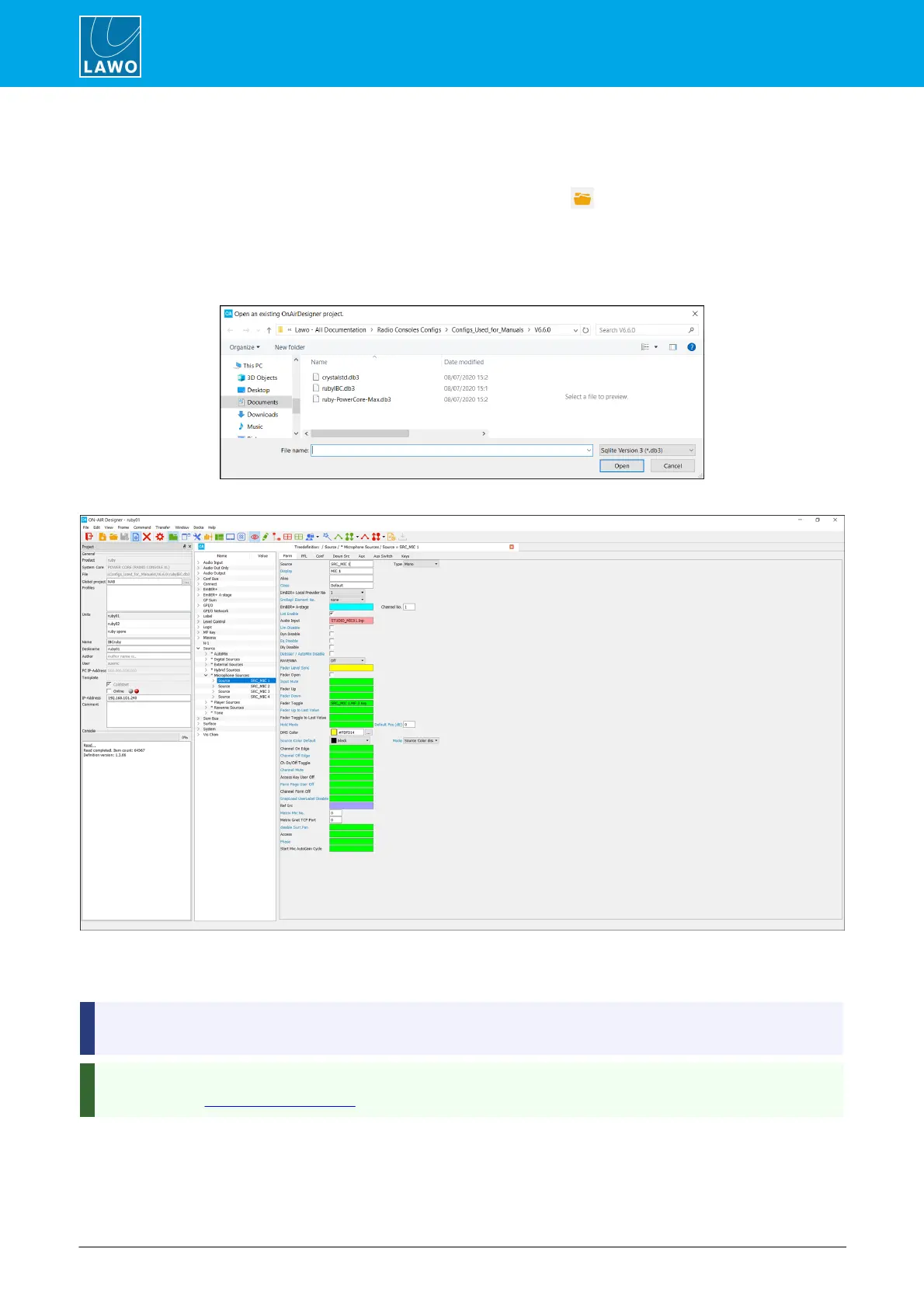
To open an existing project stored on your computer:
1. Select File -> Open from the top menu bar, or click on the Toolbar icon, or use the keyboard
shortcut (CTRL + O).
2. Select your project file and click on Open.
If you cannot see the file, check the Files of type option at the bottom of the dialog box; you may need to
change this to see the correct file type (.db3 or .mdb).
The project opens, with the same workspace layout and docking options as at the last file save.
If the configuration was created using a different definition version, then you may be asked if you wish to convert
the project. Note that it may take a few seconds to open the project. During this time the status is shown in the
"progress" bar (below Console in the 'Project' window).
If you see an error stating that the project is already open then navigate to the project folder (using Windows
Explorer) and delete any "projectname.txt" files. Then try opening the project again.
On Power Core and Nova17, a copy of the project file is stored on the DSP Core. To download it to your
computer, use Load Project from unit.



 To Next Page