6-2
RLC-4 V1.79 Copyright © 1998 Link Communications Inc. 9/18/98
030: Send a CW Message
This command allows you to send a CW message. It will be sent to the ports that are in the audio
routing variable at the time this command is executed (for more info, see Appendix A). The
message will be sent at the speed and frequency that has been set up for the specific port with
commands 042 and 043.
<030> cc..cc
Parameters:
- 030 is the default command name.
CC is the CW data, two digits per character
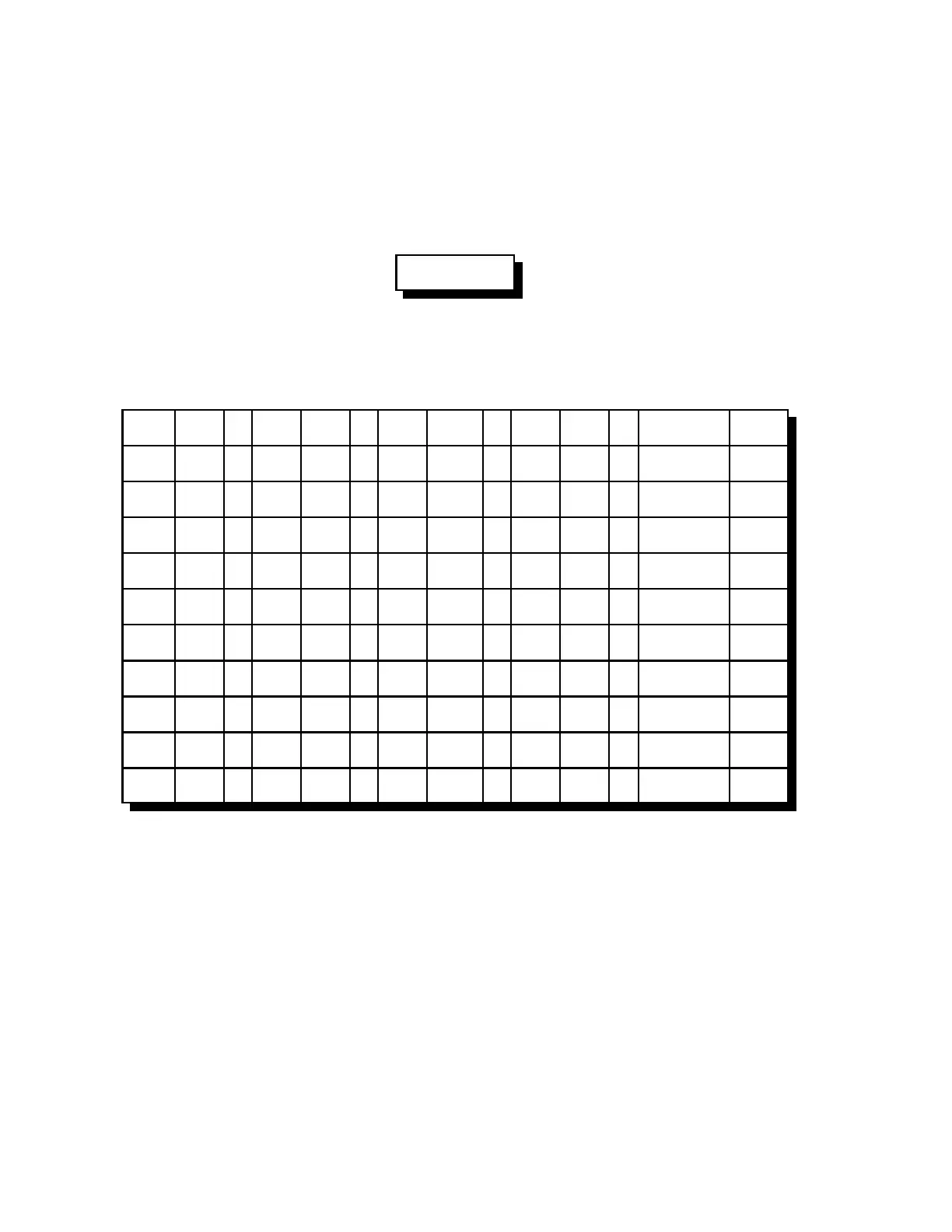
CW XX . CW XX . CW XX . CW XX . CW XX
0 00 . A 10 . K 20 . U 30 . SPACE 40
1 01 . B 11 . L 21 . V 31 . PAUSE 41
2 02 . C 12 . M 22 . W 32 .
3 03 . D 13 . N 23 . X 33 .
4 04 . E 14 . O 24 . Y 34 .
5 05 . F 15 . P 25 . Z 35 .
6 06 . G 16 . Q 26 . / 36 .
7 07 . H 17 . R 27 . 0 37 .
8 08 . I 18 . S 28 . ? 38 .
9 09 . J 19 . T 29 . AR 39 .
Note:
This table is duplicated in Appendix C for ease of reference.
Example:
030 01 02 03 ; sends “123" in CW



 To Next Page