© 2011 LPKF AG HB V2.0/Dez-11 79
■ Produce a milling track
1. Preparative activities are described in detail on page 67.
➨ The PCB material is fixed on the working table.
Fig. 52:
Machining view
select tool
2. Select a milling tool.
ProtoMat S43: Open the collet chuck and place a milling tool into the tool
holder.
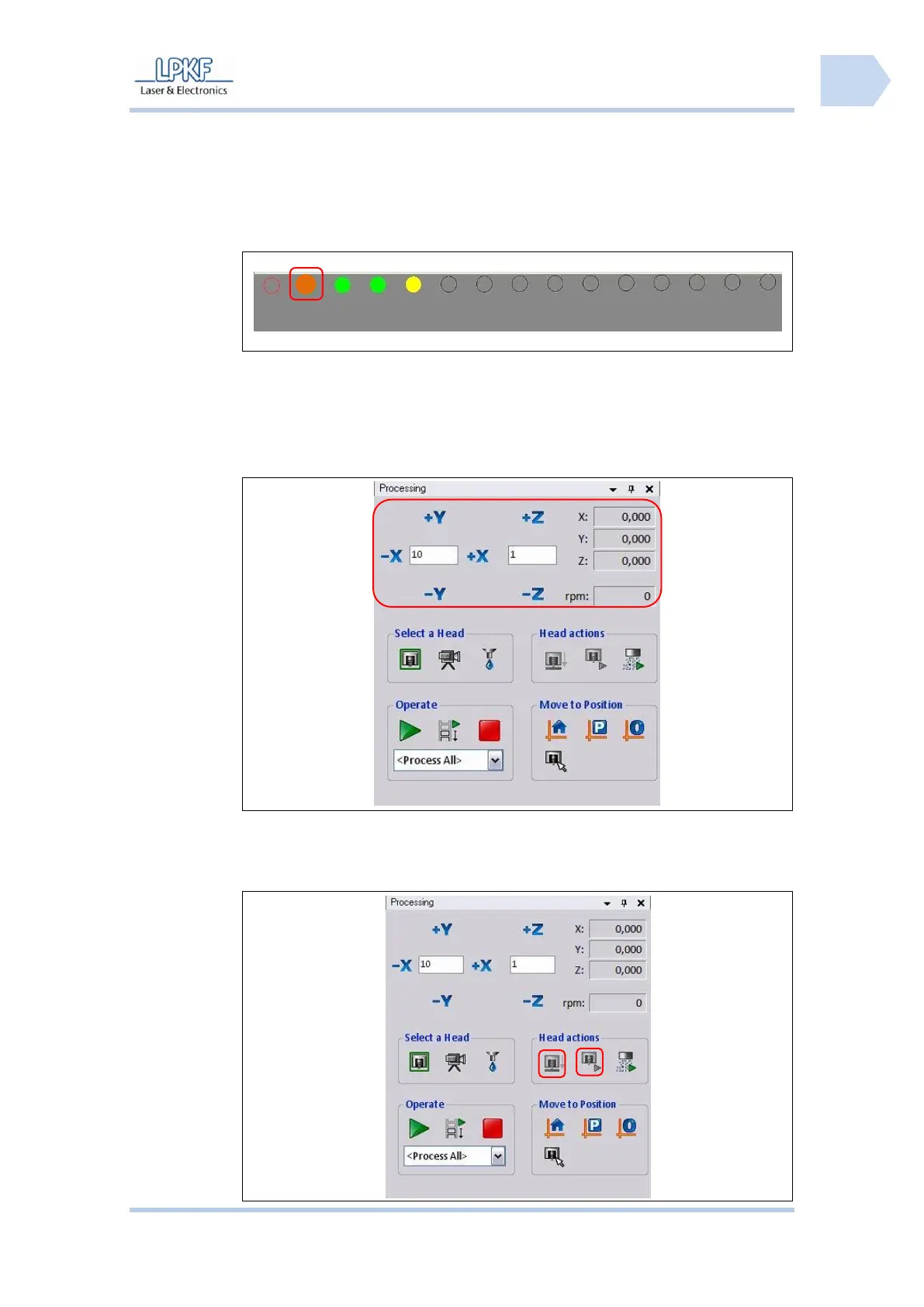
3. Move the mill/drill head to start position:
4. Click [+X], [-X], [+Y] or [-Y] until the start position is reached.
The exact position is displayed in the output field \X:\ and \Y:\.
Fig. 54:
Milling/drilling
head control



 To Next Page