LB 9507 Chapter 2: Design of the Lumat
2-15
Operating - software
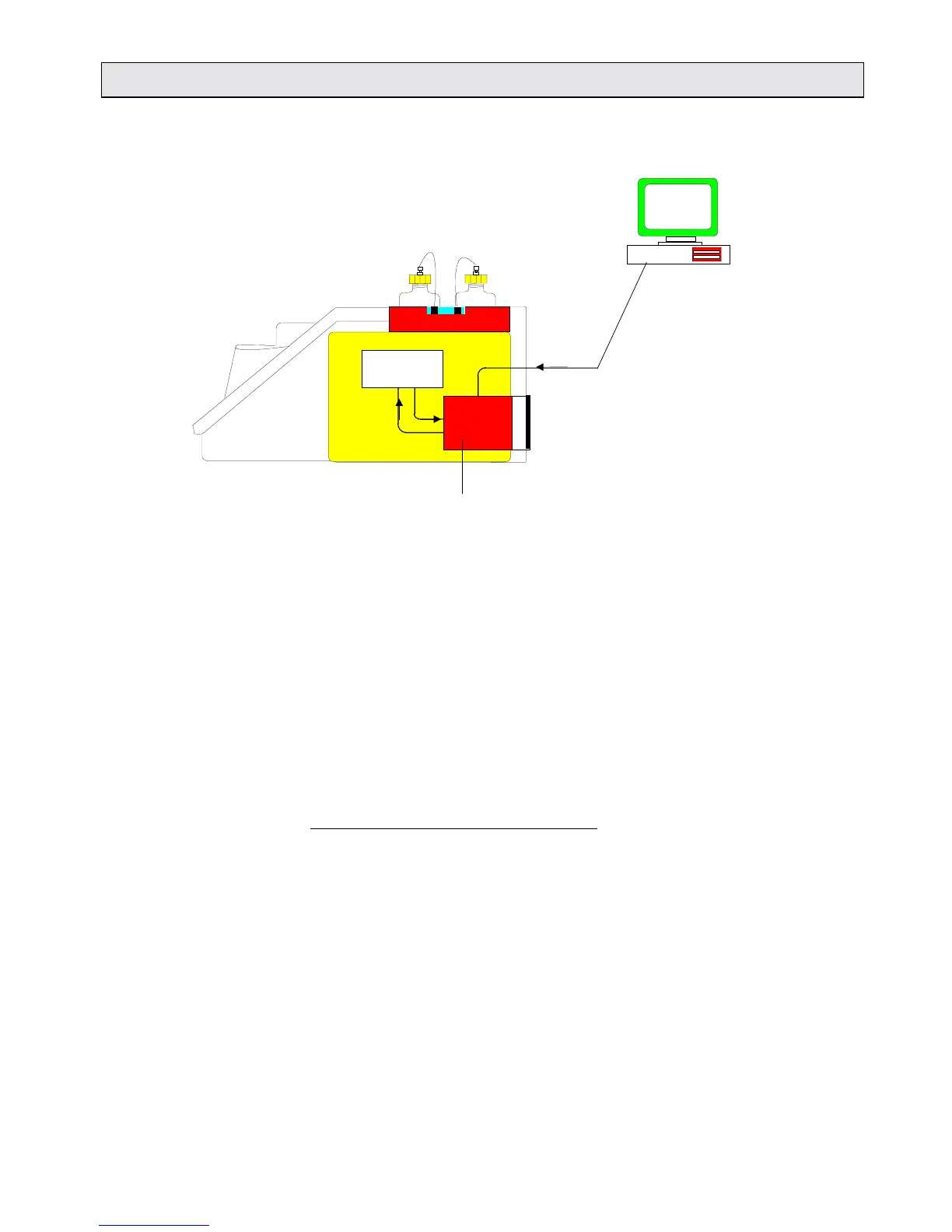
Fig. 2-13: Data transfer: internal memory - PC
Loading operating software
The instrument’s RS232 interface enables you to load the
operating software from a PC to Lumat.
From the terminal program, loading the operating software via a
serial cable is a matter of a few mouse-clicks.
This transfer procedure should be carried out when you receive
an update or upgrade on diskette or by email.
Procedure for loading the operating software
Use a PC to load the operating software from the diskette or email
to Lumat. The existing software on the memory will be overwritten
and all measurement protocols on the memory will be deleted,
that new protocols can be stored.
❑ Switch Lumat on.
❑ Connect Lumat (host I/O board) and the PC using a serial
cable.
❑ Prepare the instrument for receiving data by entering the
service function “S4”.



 To Next Page