Chapter 4: Structure and Operartion of Software LB 9507
4-8
4.2.5 <INSTRUMENT PARAMETER> Menu
Enter and verify the instrument parameters, e.g. the volume of the
injectors used or the calibration factors (see section 3.8). Fig. 4-6
shows you how to select this menu.
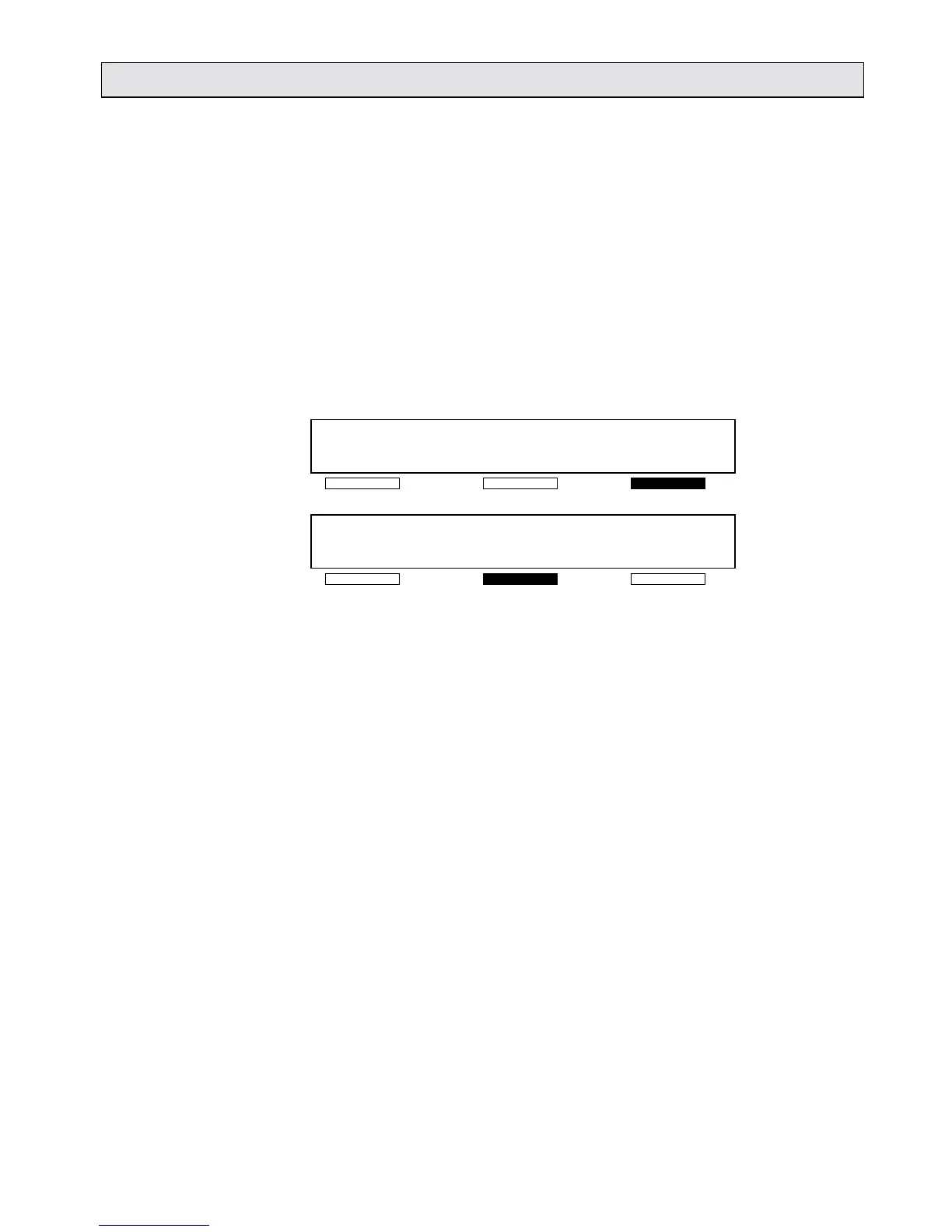
4.2.6 <TURN ONCE> function
When you select this function, the measurement chamber rotates
through 180°. This allows you to move a sample tube into the
measurement position or out of the measurement position while
not actually measuring (useful when cleaning).
READY
MEASURE PROTOCOL -OTHERS-
<DATE> <TIME>
OPER. FUNCT. TURN ONCE -OTHERS-
Fig. 4-7: Selecting the <TURN ONCE> function
4.2.7 Service functions
The program contains the following service functions; these are
only accessible to Berthold Technologies’ customer service
engineers.
<INJECT. TEST> Injector test.
<PM TEST> Tests the photomultiplier.
<ROTOR TEST> Tests the measurement chamber rotor.
<MONITOR> Loads new operating software.



 To Next Page