Chapter 4: Structure and Operartion of Software LB 9507
4-4
4.2.2 <PROTOCOL> Menu
In the <PROTOCOL> menu you select the protocol types for the
desired measurement mode and enter the parameters for the
measurement. The following protocol types can be selected after
you have selected the option <CREATE> in this menu:
READY
MEASURE PROTOCOL -OTHERS-
PROTOCOL
MASTER CURVE CREATE CHANGE
06: PROTOCOL NAME
<enter>
06: PROTOCOL TYPE
RAW DATA CUTOFF -OTHERS-
06: PROTOCOL TYPE
QUANT TUP/FTI -OTHERS-
06: PROTOCOL TYPE
DL-ASSAY REPEATED -OTHERS-
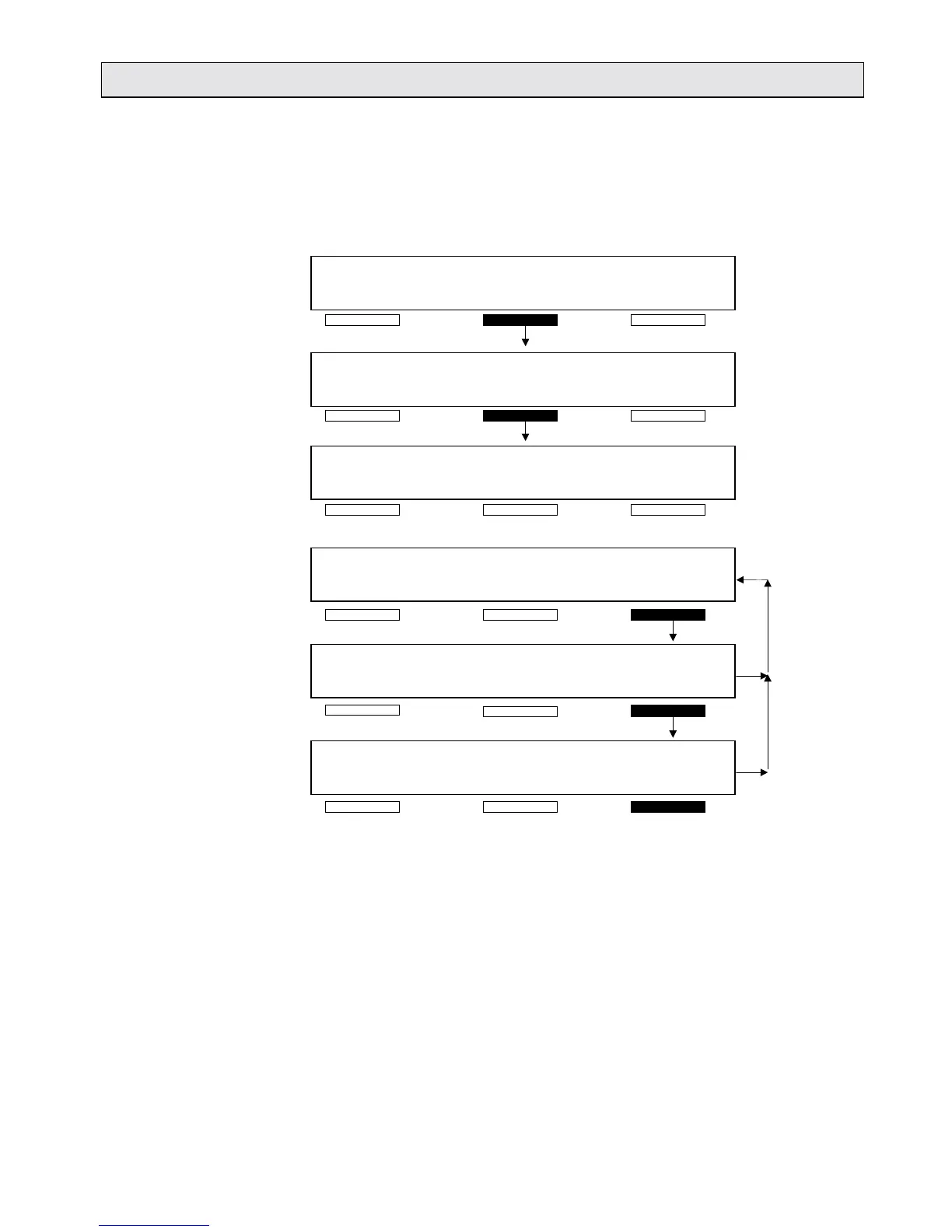
Fig. 4-4: Selection of protocol types
<RAW DATA> Protocol for raw data measurements.
<CUTOFF> Protocol for qualitative measurements. Using negative and
positive standards, RLU-ranges are defined which are marked in
the printout of results.
<QUANT.> Protocol for LIA measurements with or without master curve. To
run an LIA measurement with master curve you only have to enter
a short protocol here. Select <MASTER CURVE> and enter the
data for the Master Curve in this menu. A master curve can only
be attached to an existing LIA protocol without its standard series.



 To Next Page